19. WORKING MODES – General Information
The scale features the following working modes: Weighing, Parts counting,
+/- control, Percent weighing %, Peak Hold, Totalizing, Animal weighing.
19.1. Running Working Mode
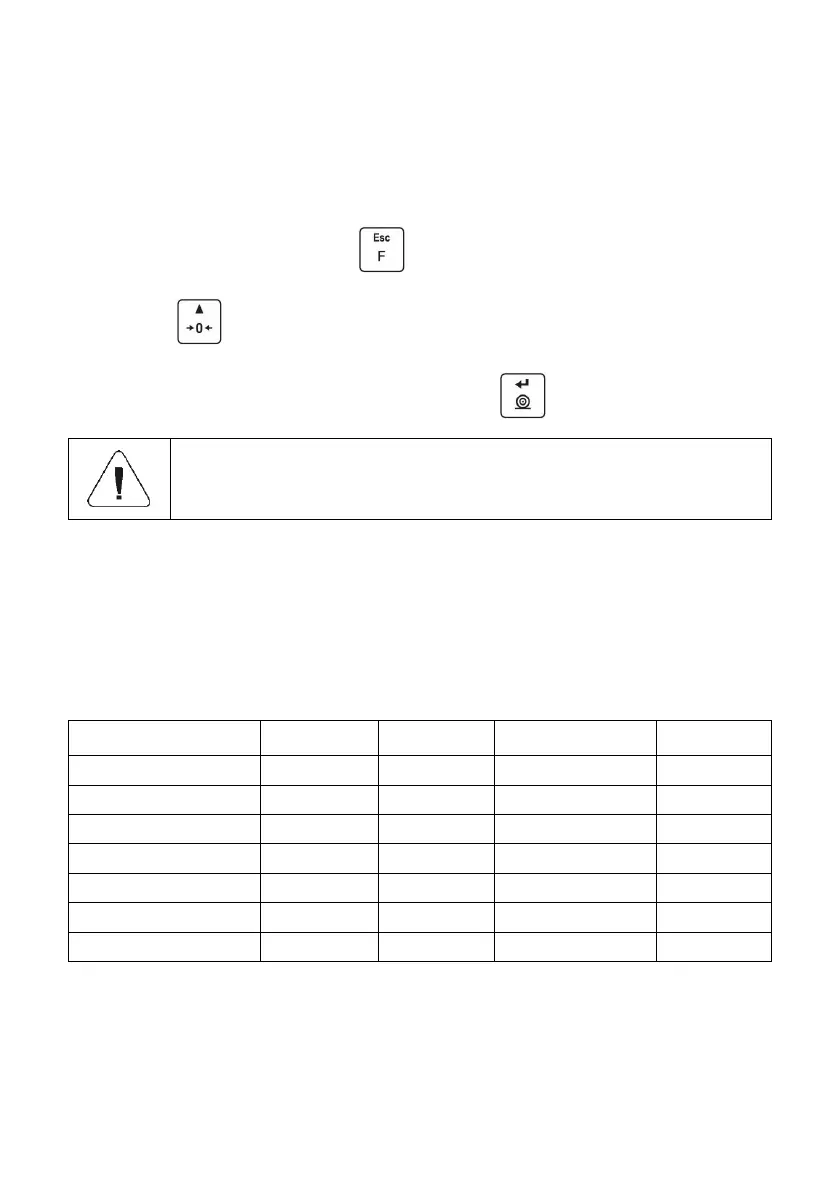
Go to home screen, press key, name of the first available working
mode is displayed.
Press key, names of available working modes are displayed
successively one by one.
Enter selected working mode, to do it press key.
The weighing device program has been designed to make
the scale run, upon restart, with the latest operated working
mode on.
19.2. Working Modes Local Settings
Each working mode features specific (local) functions which enable adapting
device operation to individual needs. The functions are to be found in local
settings. To go to local settings of each working mode enter <P3.Func>
submenu. Some special functions are available for all working modes, refer
to the table below:
The table presents special function number and name for each of the working
modes. Remaining specific functions referring directly to a given working mode
are described further down this user manual.



 To Next Page