14.2. USB A Port
USB port of type A is intended for:
Connecting a USB flash drive in order to enable:
- operator's parameters export/import,
- weighing reports export,
- Alibi reports export.
Connecting scale to PCL printer.
Connecting EPSON TM-T20 printer (featuring USB port).
The USB flash drive must support FAT files system.
14.3. USB B Port
USB port of type B is intended for connecting the scale to a computer. In order
to make connection of scale and computer possible, it is necessary to install
virtual COM port in a computer. To carry out this procedure, you need
a respective driver installer which may be either downloaded from
www.radwag.pl website or taken from a CD with manuals: RADWAG USB
DRIVER x.x.x.exe.
Procedure:
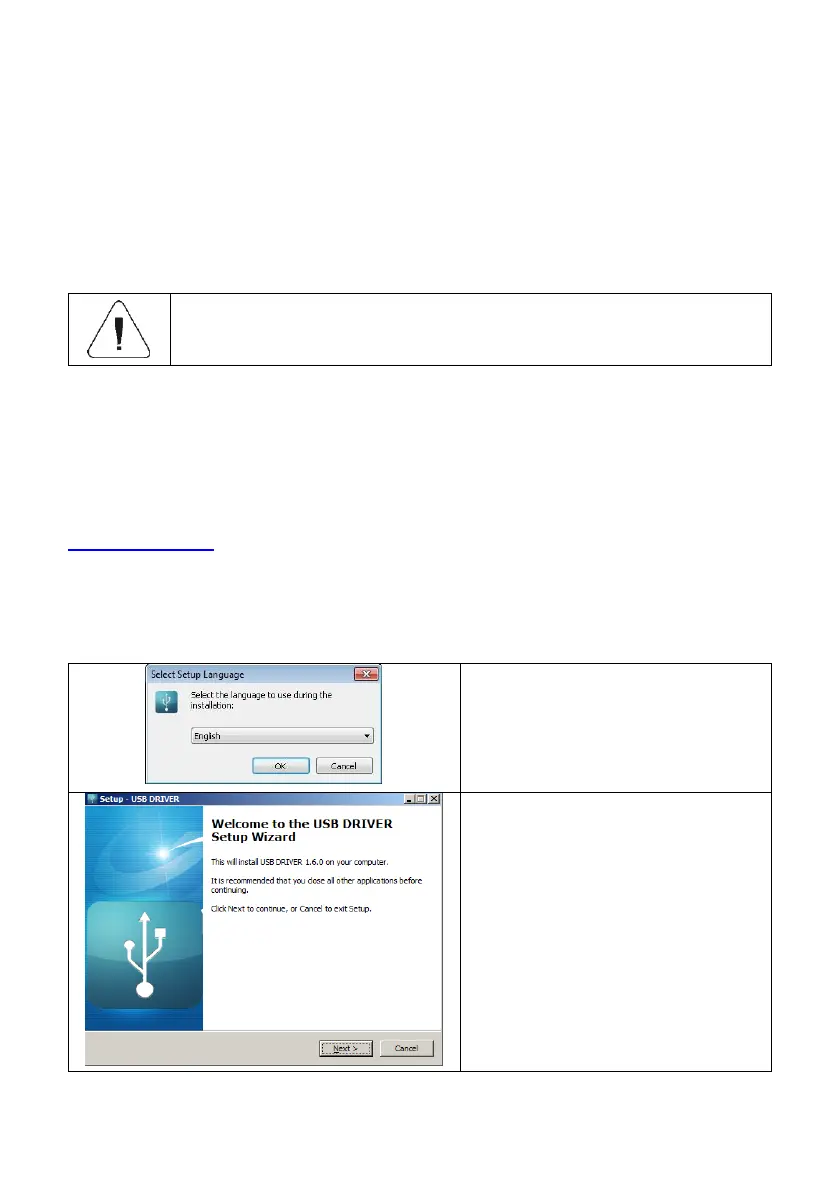
1. Run the driver installer and follow the commands.
Select language version and press
„OK” button for confirmation.
In order to continue press „Next”
button.



 To Next Page