pH/Cond 3320 Operation
ba77054e03 03/2018 15
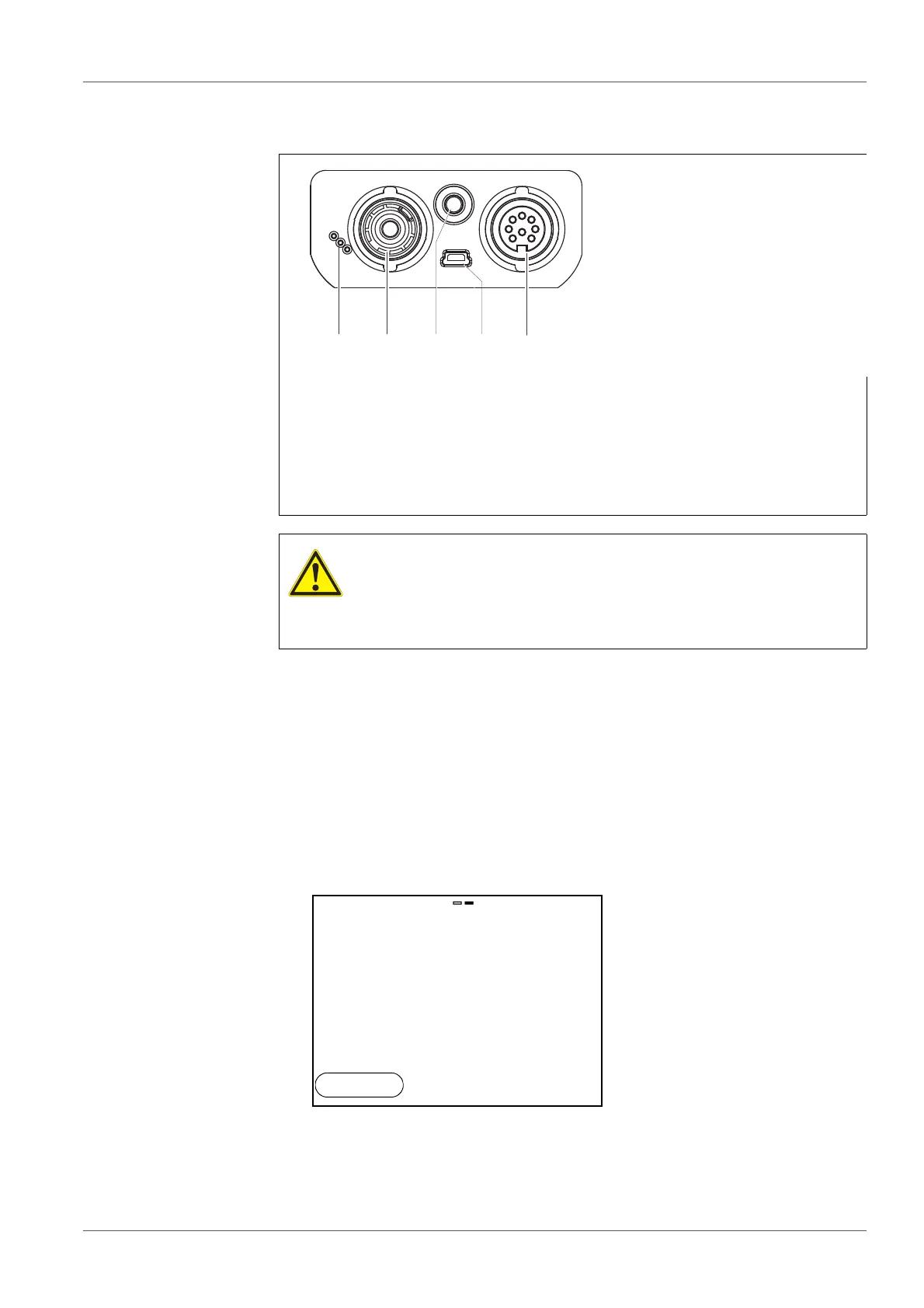
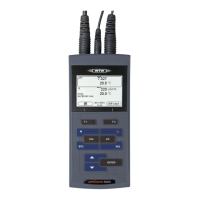
4.1.4 Connectors
4.2 Switching on the meter
1 pH/ISE electrode
2 Temperature sensor
3 Conductivity measuring cell
4 Mini USB-B interface
5 Service interface
CAUTION
Only connect sensors to the meter that cannot return any volt-
ages or currents that are not allowed (> SELV and > current
circuit with current limiting).
Almost all customary sensors fulfill these conditions.
1. Switch the meter on with <On/Off>.
The meter performs a self-test.
The display shows the manufacturer's logo while the self-test is being
performed.
The measured value display appears.
pH
6.949
25.0
°C
15.02.2014
14:15


 To Next Page