pH/Cond 3320 Operation
ba77054e03 03/2018 19
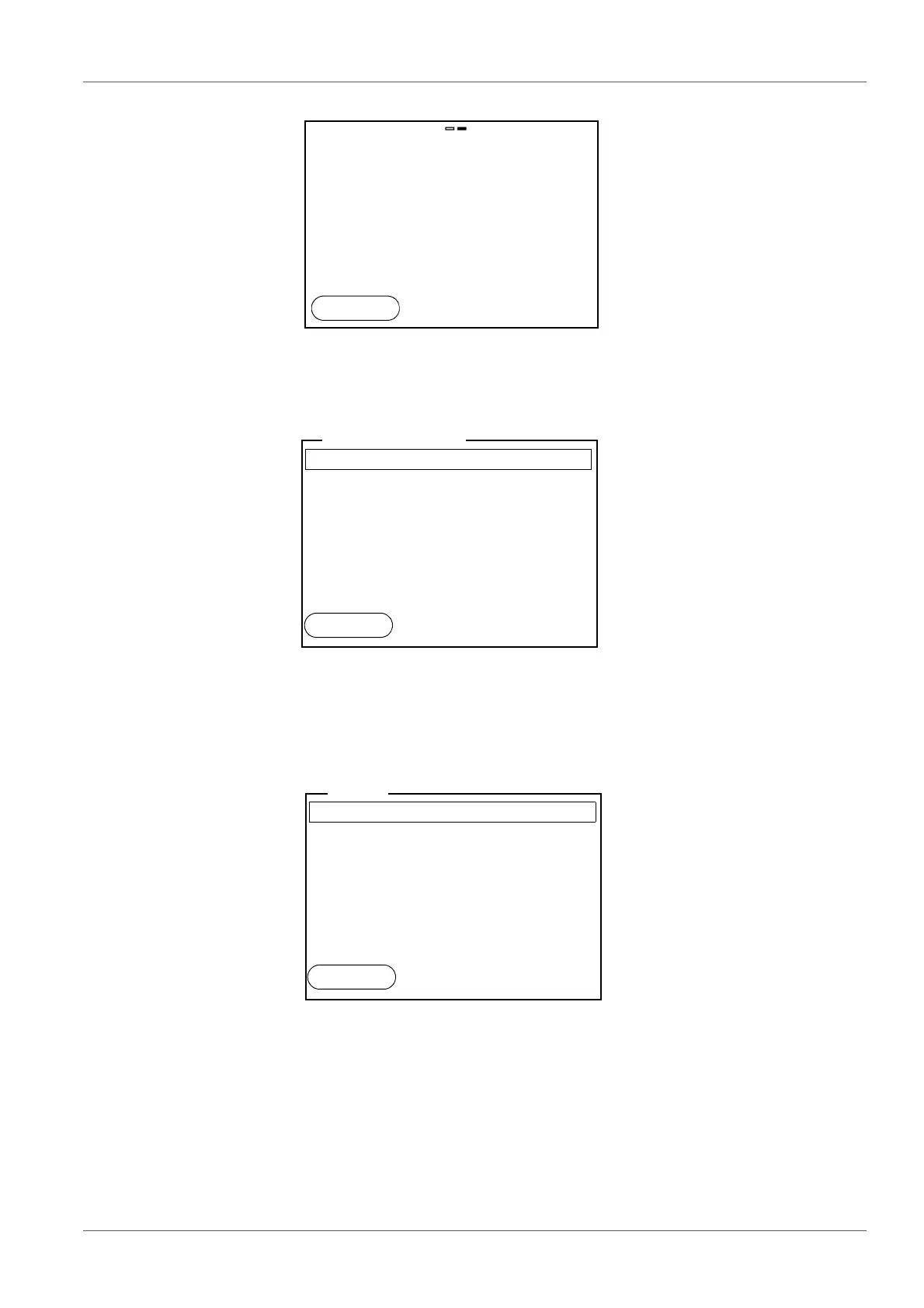
2. Open the Storage & config menu with <ENTER_ >.
The instrument is in the setting mode.
3. Select the System submenu with <>< >.
The current selection is displayed with a frame.
4. Open the System submenu with <ENTER>.
5. Select the General submenu with <>< >.
The current selection is displayed with a frame.
6. Open the General
submenu with <ENTER>.
pH
6.949
25.0
°C
15.02.2014
14:15
System
Data storage
Storage & config
15.02.2014
14:15
Back
General
Interface
Clock
Service information
Reset
System
15.02.2014
14:15
Back



 To Next Page