pH/Cond 3320 pH value
ba77054e03 03/2018 33
Calibration evalua-
tion
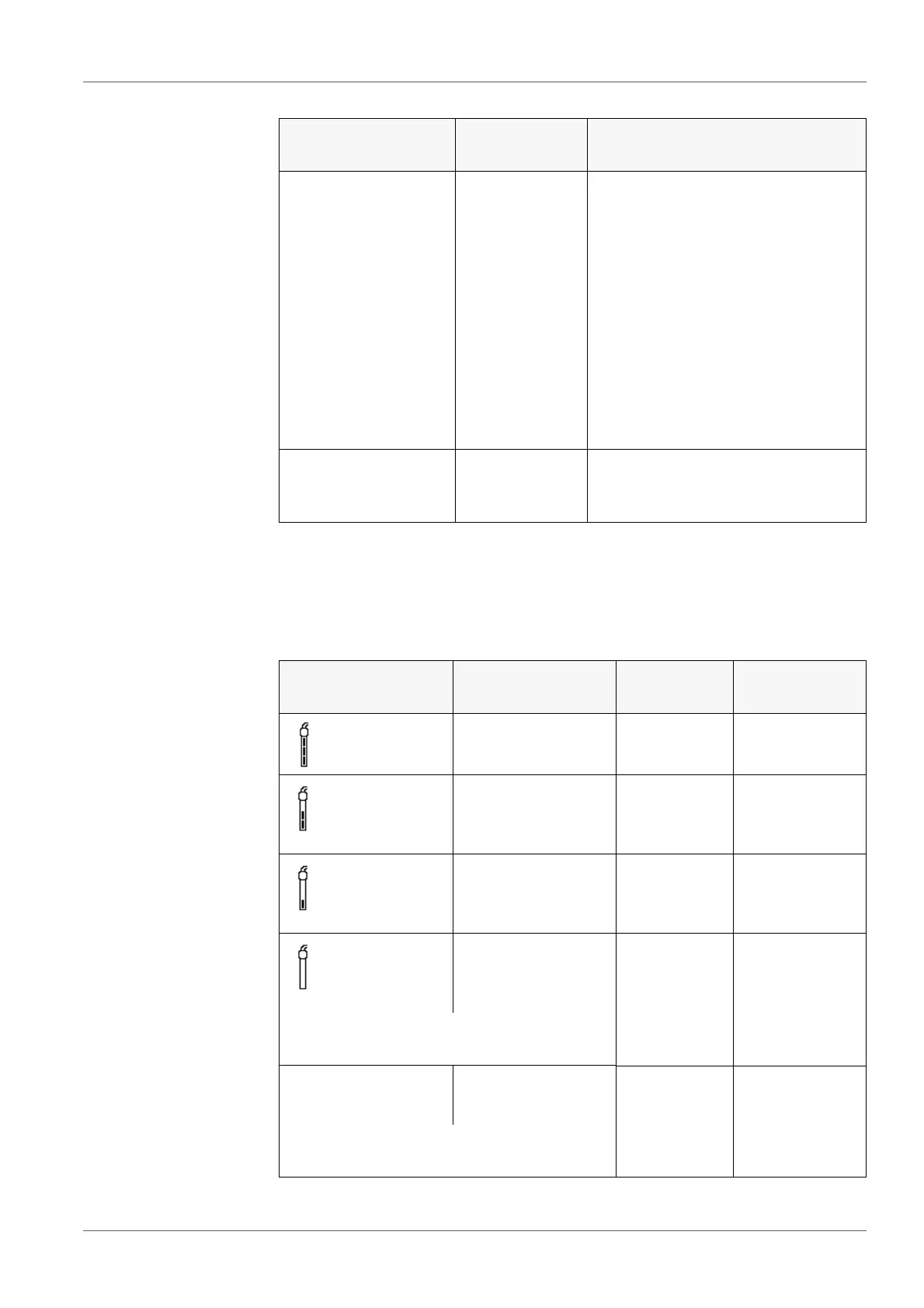
After calibrating, the meter automatically evaluates the calibration. The zero
point and slope are evaluated separately. The worse evaluation of both is taken
into account. The evaluation appears on the display and in the calibration
record.
Menu item Setting/
function
Explanation
Calibration / Calibra-
tion data storage /
Display
- Displays the calibration record.
Further options:
Scroll through the calibration
records with <>< >.
Output the displayed calibra-
tion record to the interface with
<F2>/[USB output].
Quit the display with <F1>/
[Back] or <ENTER>.
Switch directly to the mea-
sured value display with <M>.
Calibration / Calibra-
tion data storage /
Output to USB
- Outputs the calibration records to
the interface.
Display Calibration
record
Zero point
[mV]
Slope [mV/
pH]
+++
-15 ... +15 -60.5 ... -58.0
++
-20 ... <-15
or
>+15 ... +20
>-58.0 ... -57.0
+
-25 ... <-20
or
>+20 ... +25
-61.0 ... <-60.5
or
>-57.0 ... -56.0
-
-30 ... <-25
or
>+25 ... +30
-62.0 ... <-61.0
or
>-56.0 ... -50.0
Clean the electrode according to the elec-
trode operating manual
Error Error
<-30 oder
>+30
<-62.0 oder
>-50.0
Error elimination (see section 13 W
HAT TO
DO IF..., page 77)



 To Next Page