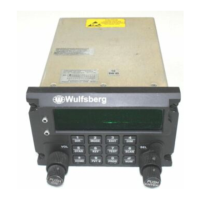
C-5000 Pilot’s Guide
Publication No. 150-041103 Page 47 of 51
Rev. C C-5000 Pilot’s Guide
Nov 2013
Changing Network Access Codes
P25 channels do not support sub audible CTCSS and DCS tones, but rather use a Network Access Code
(NAC) to perform the digital equivalent of an analog sub audible tone. The NACs used by a channel can
be temporarily overridden on the EDIT PAGE. You can select any valid NAC, or clear the NAC.
When the selected channel is P25 capable, the primary edit page will look something like the display
shown below:
. . 1
5 0 6
N
P
N H 5 0 9
N
. .
To clear the NAC, place the cursor under the N as shown in the display below, and turn the VALUE
knob clockwise or counter clockwise. The selected NAC will clear and “…” will be displayed.
. . 1
5 0 6
N
P
N H 5 0 9
N
. .
To enter or modify a NAC, place the cursor under the desired digit and rotate the VALUE knob
clockwise to increase its value and counterclockwise to decrease its value. NACs are displayed in
hexadecimal format, and can range from 1 – FFF.
Also note that when modifying an existing channel or entering a new channel from the programming
page, the RX and TX Tone screens will be replaced with RX and TX NAC, respectively (see below).
P
O G : 2
N
A C K
X N A C =


 To Next Page
 Loading...