Ci7XX0 BENCHTOP SPECTROPHOTOMETER
22
5. Once the calibration process is complete, the calibration LED becomes lit. Any change to the
spectrophotometer configuration may result in the calibration LED turning from green
(calibrated) to red (not calibrated). Remember that each configuration needs to be calibrated.
Direct Calibration
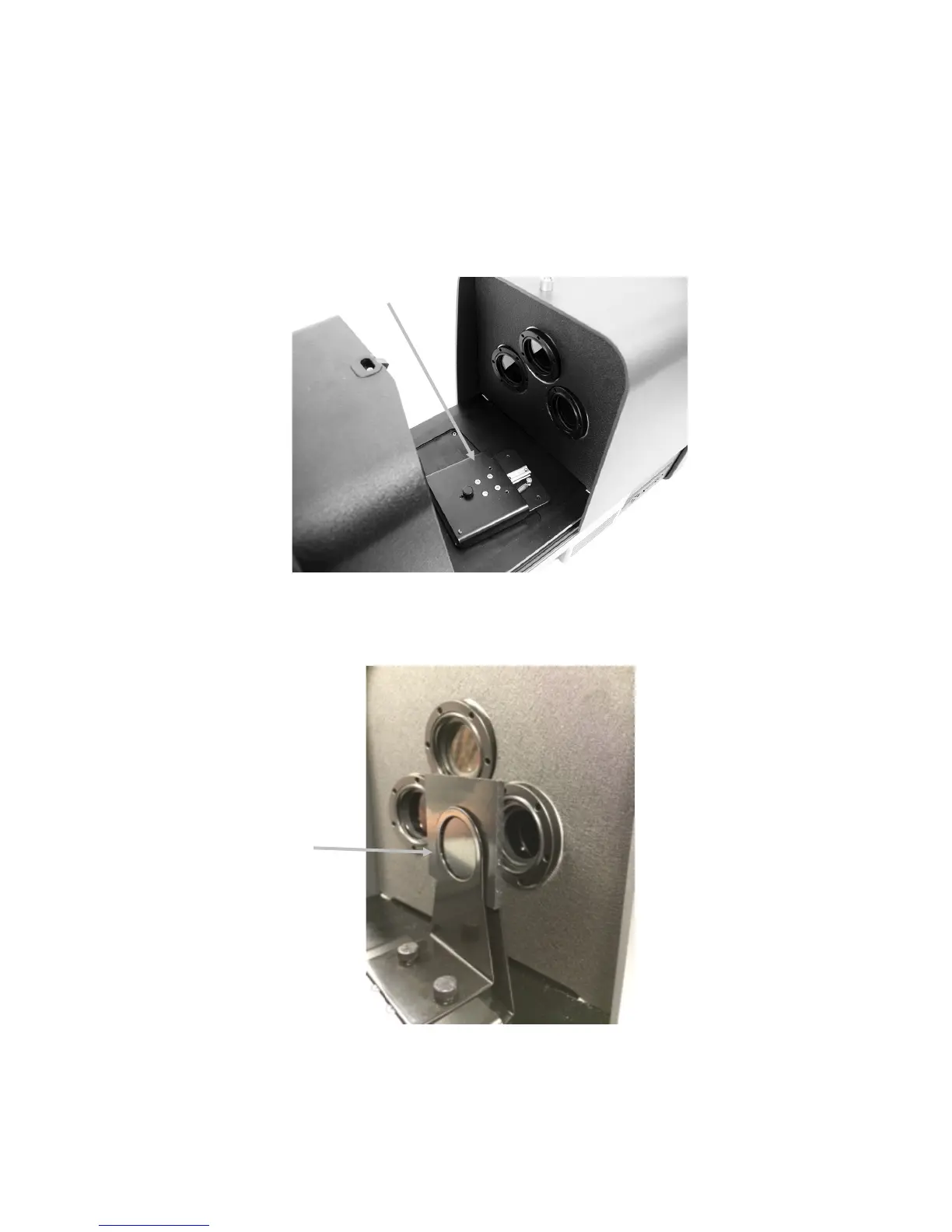
1. Place the sample transmission holder base inside the transmission compartment.
2. Attach the appropriate clamp and stop to the carriage base with the thumb screws.
3. Center the black plastic blocking panel in the transmission sample holder and position toward
the lens side.
4. Close the cover and continue with calibration.
blocking panel
calibration shown



 To Next Page