Ci7XX0 BENCHTOP SPECTROPHOTOMETER
24
UV Calibration Procedure
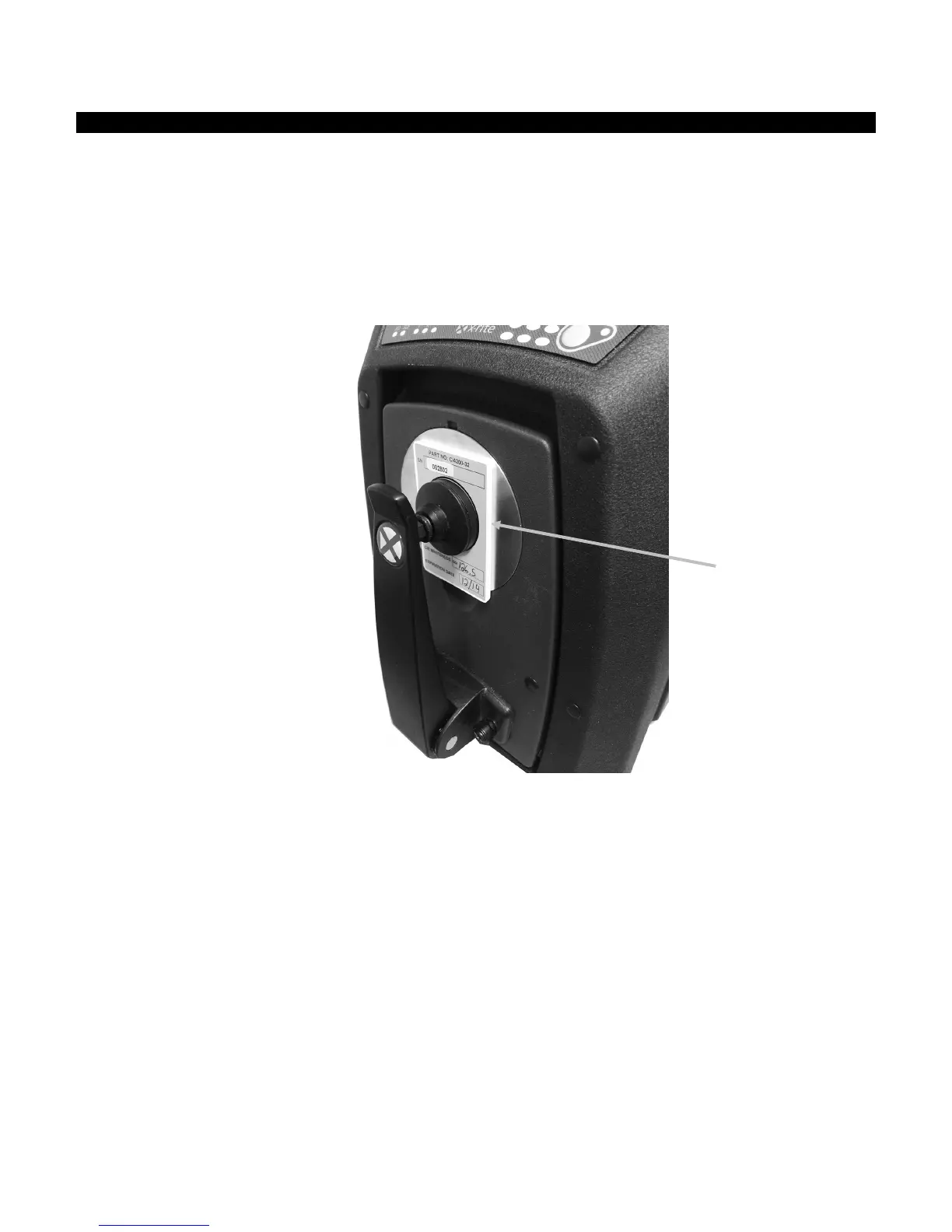
Note: UV Calibration requires the configured reflectance aperture plate to be installed.
1. Perform a white and black calibration as previously explained.
2. Initiate the UV calibration procedure from the software application.
3. Enter the calibration whiteness value in the appropriate field.
4. Remove the UV calibration plaque from the protective bag in the accessory drawer.
5. Pull down on the sample holder and position the UV calibration plaque against the 25 mm
aperture plate. Make sure the white surface is facing the aperture plate.
6. Close the sample holder clamp to the UV calibration plaque.
7. Initiate the UV calibration measurement from the software.
8. Follow the procedure in the application.
9. Remove the UV calibration plaque, place in protective bag and return it to the accessory
drawer.
10. If required, repeat the normal white and black calibration procedure as before.



 To Next Page