Troubleshooting
298 Xerox
®
WorkCentre
®
7800/7800i Series Color Multifunction Printer
User Guide
Getting Help
This section includes:
• Control Panel Messages .................................................................................................................................................. 298
• Using the Integrated Troubleshooting Tools ......................................................................................................... 299
• More Information .............................................................................................................................................................. 302
Xerox provides several automatic diagnostic utilities to help you maintain productivity and print quality.
Control Panel Messages
The printer control panel provides information and troubleshooting help. When a fault or alert condition
occurs, the control panel displays a message informing you of the problem. In many cases, the control
panel also displays an animated graphic showing the location of the problem, such as the location of a
paper jam. For many status and alert messages, the control panel Help button provides additional
information.
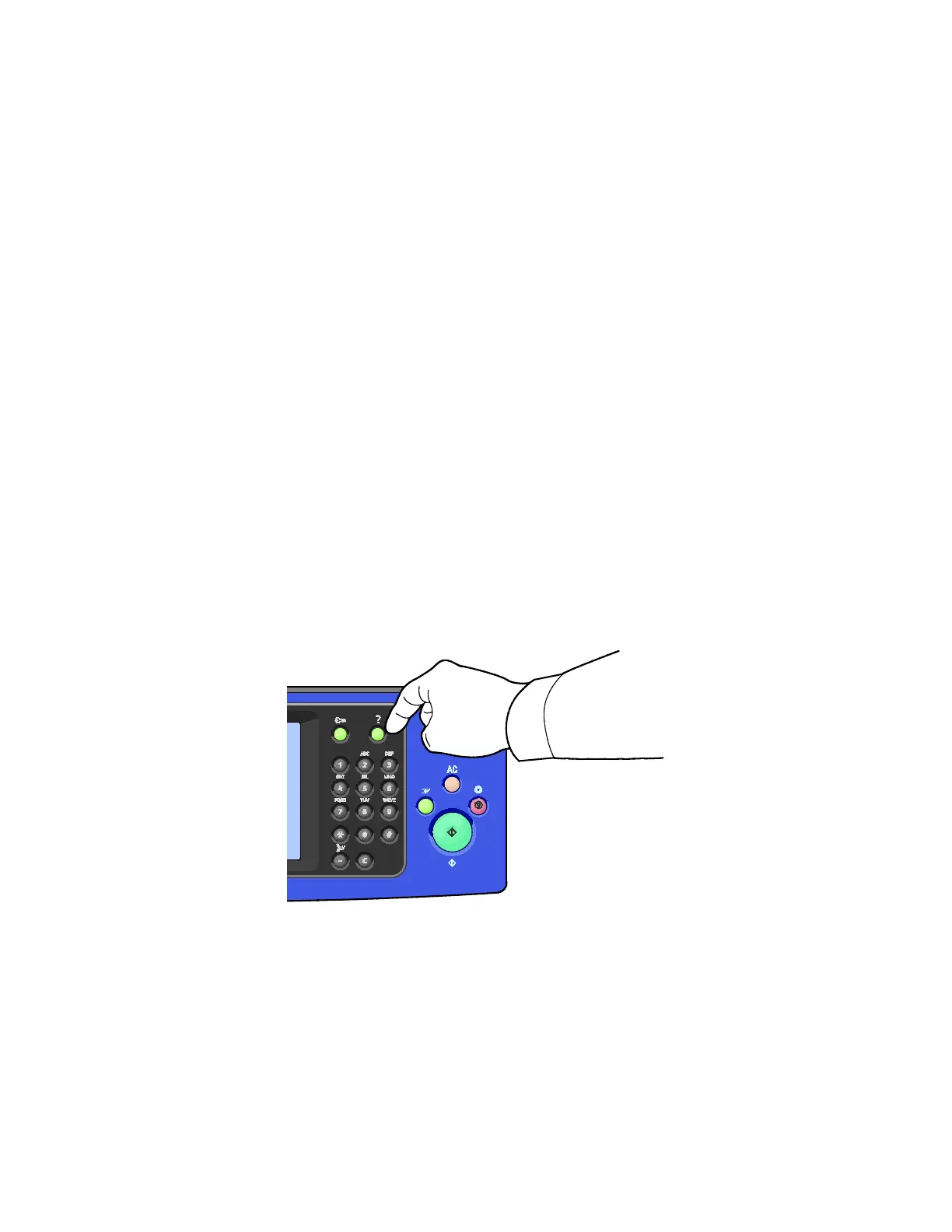
Control Panel Help
To view additional information about error or status messages on the control panel, touch the Help
button.
Most of the control panel menu items also have associated help text that describes the menu item.


 To Next Page
 Loading...