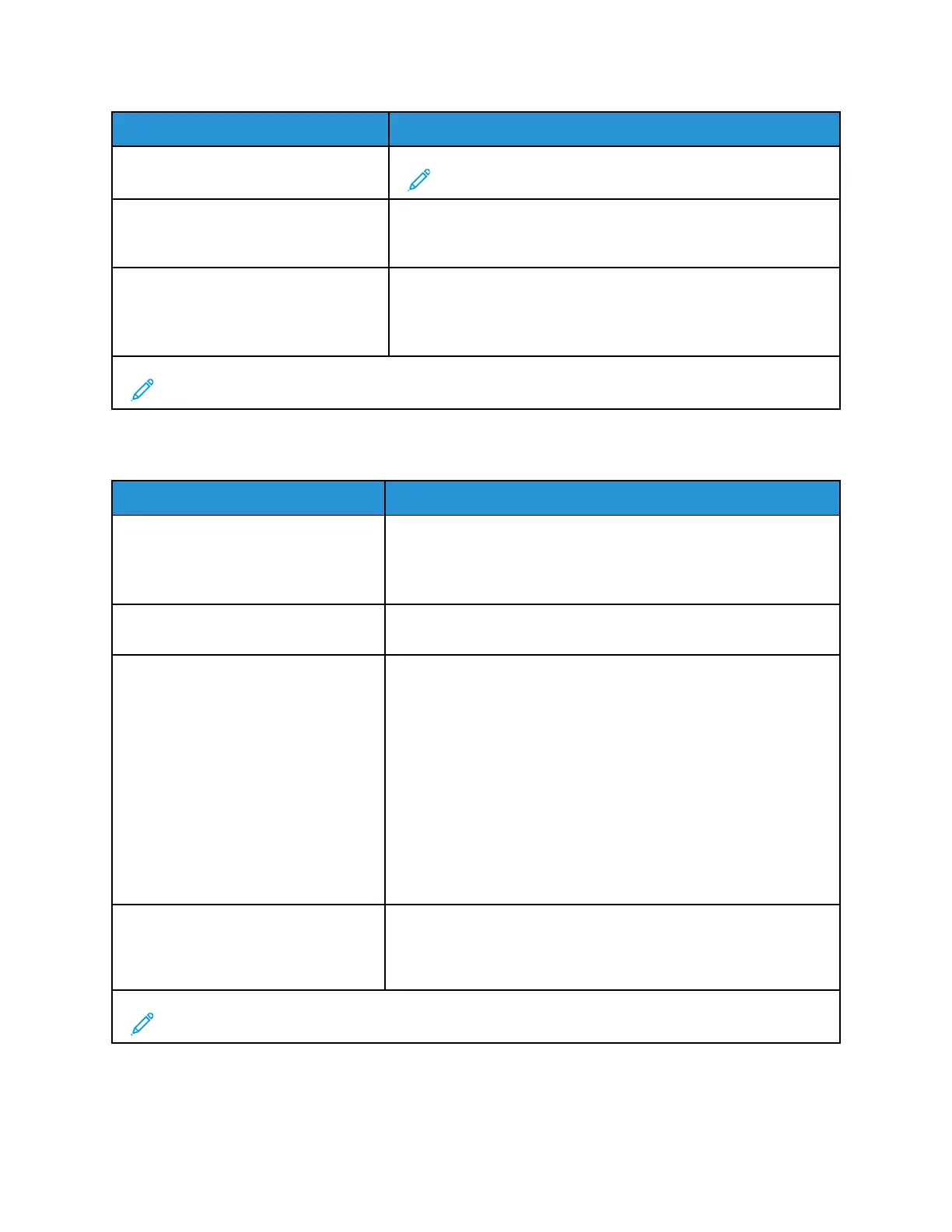
Menu Item
Description
• On
Note: Short paper refers to the size of the paper loaded.
Error Prevention : Page Protect
• Off*
• On
Set the printer to process the entire page into the memory before
printing it.
Jam Content Recovery : Jam Recovery
• Auto*
• Off
• On
Set the printer to reprint jammed pages.
Note: An asterisk (*) next to a value indicates the factory default setting.
PPoowweerr MMaannaaggeemmeenntt
Menu Item
Description
Sleep Mode Profile : Print from Sleep
Mode
• Stay awake after printing
• Enter Sleep Mode after printing*
Set the printer to stay in Ready mode or return to Sleep mode after
printing.
Timeouts : Sleep Mode
• 1–120 minutes (15*)
Set the idle time before the printer begins operating in Sleep mode.
Timeouts : Hibernate Timeout
• Disabled
• 1 hour
• 2 hours
• 3 hours
• 6 hours
• 1 day
• 2 days
• 3 days*
• 1 week
• 2 weeks
• 1 month
Set the time before the printer turns off.
Timeouts : Hibernate Timeout on
Connection
• Hibernate
• Do Not Hibernate*
Set Hibernate Timeout to turn off the printer while an active
Ethernet connection exists.
Note: An asterisk (*) next to a value indicates the factory default setting.
60
Xerox
®
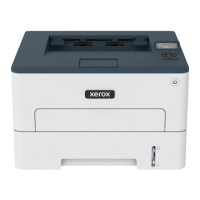
B230 Printer
User Guide
Use printer menus



 To Next Page