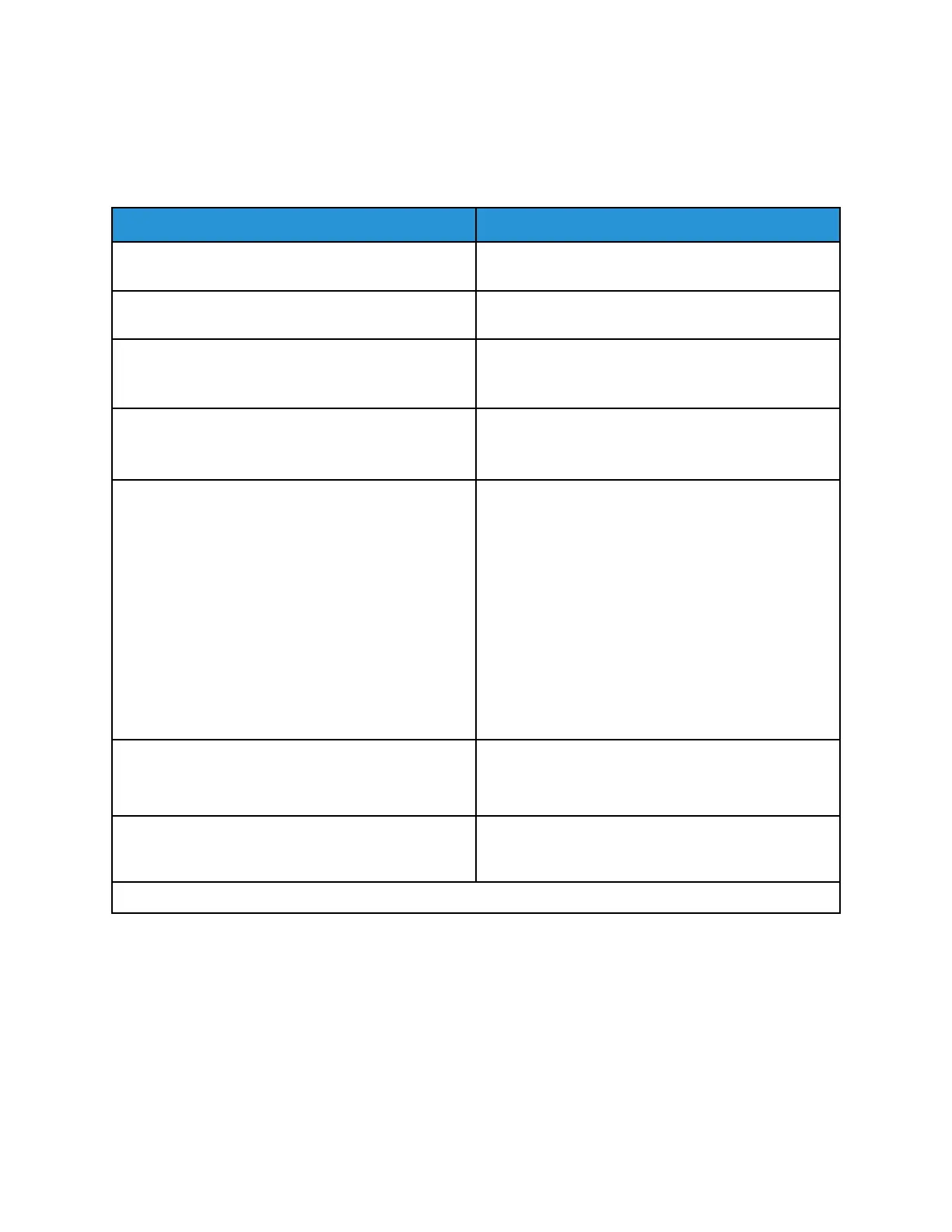
Device
PPrreeffeerreenncceess
Menu item
Description
Display Language Set the language of the text that appears on the
display.
Country/Region Identify the country or region that the printer is
configured to operate.
Run Initial Setup
• Yes
• No*
Run the setup wizard.
Displayed information
• Display Text 1
• Display Text 2
Specify the information to appear on the home
screen.
Date and Time
• Configure
– Current Date and Time
– Manually Set Date and Time
– Date Format [MM-DD-YYYY*]
– Time Format [12 hour A.M./P.M.*]
– Time Zone [USA/Canada EST*]
• Network Time Protocol
– Enable NTP
– NTP Server
Configure the printer date and time.
Paper Sizes
• U.S.*
• Metric
Specify the unit of measurement for paper sizes.
The country or region selected in the initial setup
wizard determines the initial paper size setting.
Screen Timeout
5–300 (60*)
Set the idle time in seconds before the display shows
the home screen, or before the printer logs out a user
account automatically.
* An asterisk next to a value indicates the factory default setting.
Xerox
®
B310 Printer
User Guide
61
Use Printer Menus



 To Next Page