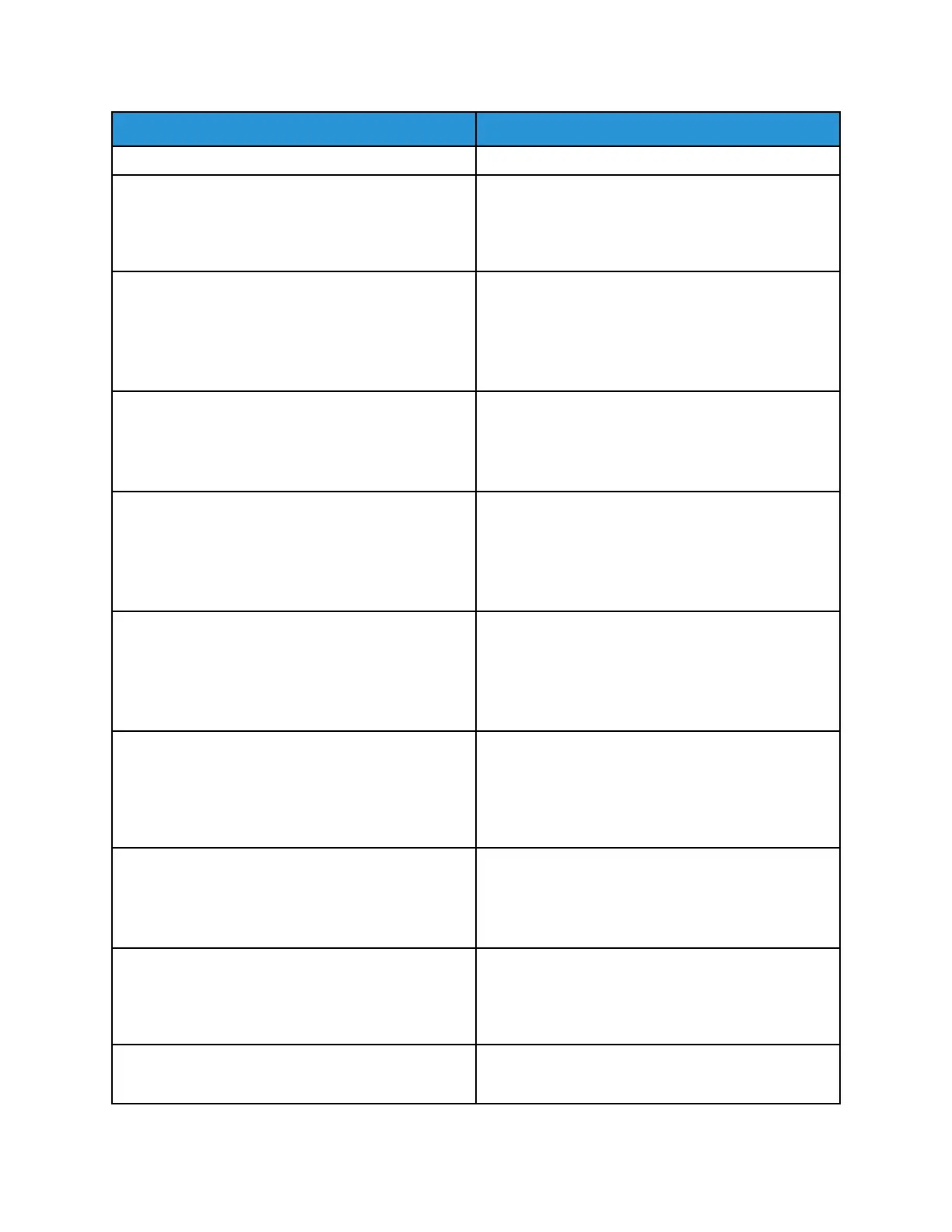
Menu item
Description
• Auto*
Tray Configuration
Tray Linking
• Automatic*
• Off
Set the printer to link the trays that have the same
paper type and paper size settings.
Tray Configuration
Show Tray Insert Message
• Off
• Only for unknown sizes*
• Always
Display a message to select paper size and type after
inserting the tray.
Tray Configuration
A5 Loading
• Short Edge
• Long Edge*
Specify the page orientation when loading A5 paper
size.
Tray Configuration
Paper Prompts
• Auto*
• MP Feeder
• Manual Paper
Set the paper source that the user fills when a
prompt to load paper appears.
Tray Configuration
Envelope Prompts
• Auto*
• MP Feeder
• Manual Envelope
Set the paper source that the user fills when a
prompt to load envelope appears.
Tray Configuration
Action for Prompts
• Prompt user*
• Continue
• Use current
Set the printer to resolve paper- or envelope-related
change prompts.
Reports
Menu Settings Page
• Event Log
• Event Log Summary
Print reports about printer menu settings, status, and
event logs.
Printer Emulations
PS Emulation
• Off
• On*
Set the printer to recognize and use the PS data
stream.
Printer Emulations
Emulator Security
Set the page timeout during emulation.
66
Xerox
®
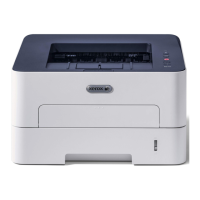
B310 Printer
User Guide
Use Printer Menus



 To Next Page