Replacing Routine Maintenance Items
87
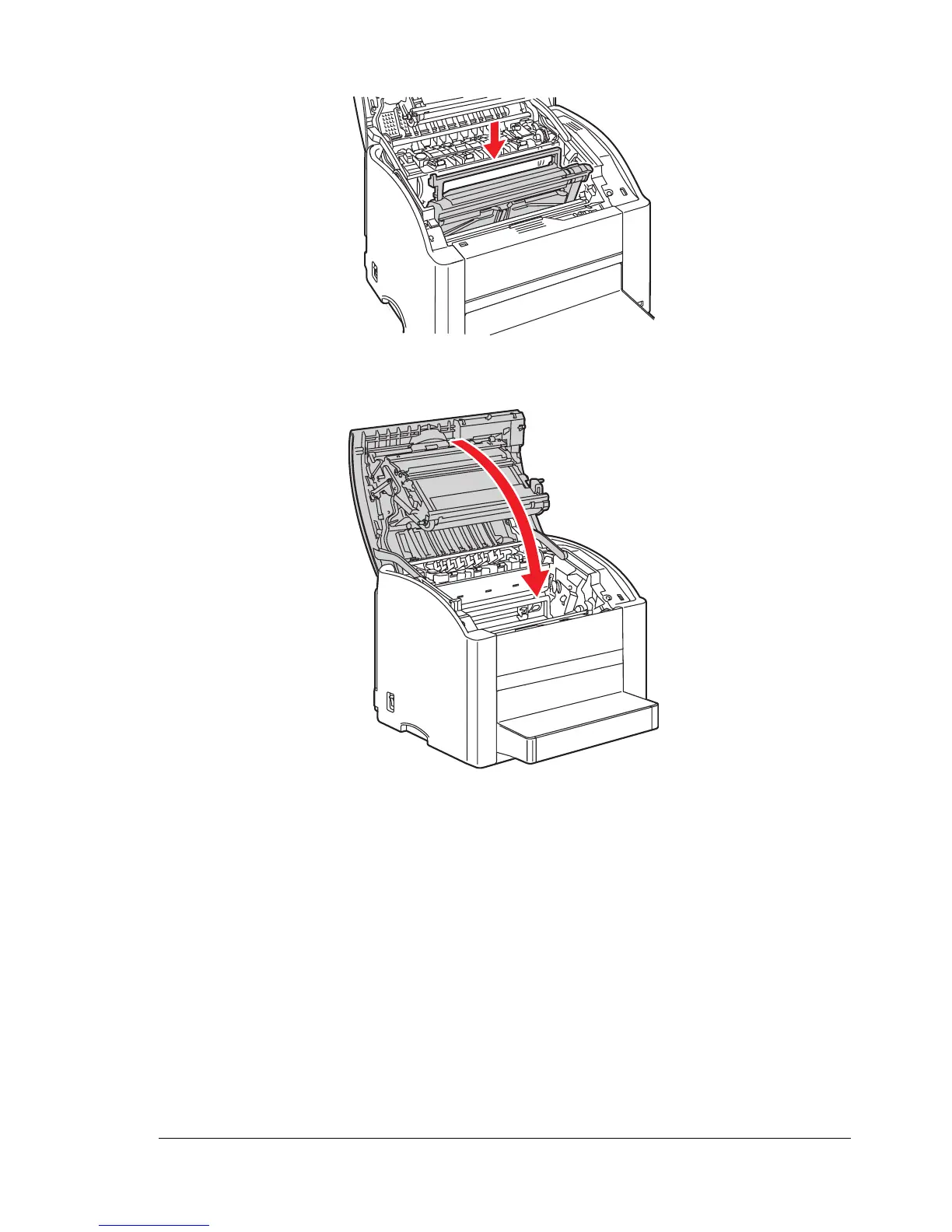
5 Install the new imaging unit.
6 Carefully close the top cover.
" The printer must complete a calibration cycle (less than 2 minutes)
after the imaging unit has been replaced. If you open the top cover
before the message READY appears, the printer stops and
repeats the calibration cycle.

















 To Next Page