Features
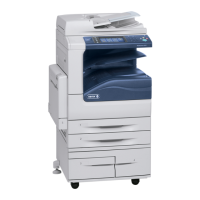
WorkCentre 5300 Series Multifunction Printer
User Guide
29
Printer Configuration
• Standard Features on page 29
• Configurations on page 29
• Printer Options on page 30
Standard Features
Your printer has many features to meet your print and copy needs:
• Copy, print, and scan to email capabilities
• Maximum print speed of 35 pages per minute (on letter-size plain paper)
• 600 x 600 dpi
• Automatic 2-sided printing
• Color touch screen on control panel
• Duplex Automatic Document Feeder that holds up to 110 sheets
• 1 GB RAM memory
• Foreign Device Interface
•Xerox
®
Extensible Interface Platform
• Hard drive that provides feature support for special job types, additional forms, and macros
•PCL 6
• Ethernet 10/100/1000Base-TX connection
Configurations
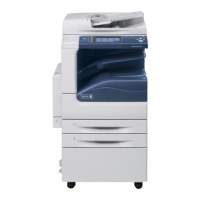
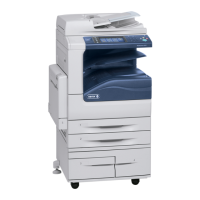
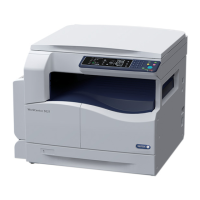
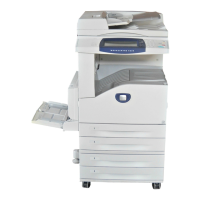
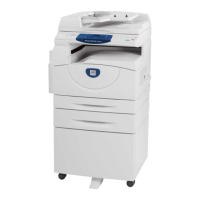
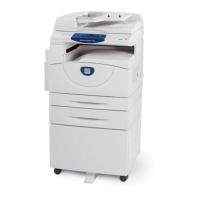
The printer is available in two configurations.
Configuration Description
Two paper trays and stand Tray 1 and Tray 2 that each hold up to 520 sheets, supporting
standard selectable sizes up to A3, 11 x 17 in.
Tray 5 (Bypass Tray) that holds up to 50 sheets, supporting custom
sizes up to A3, 11 x 17 in.
Two paper trays and Tandem Tray
Module (TTM)
Tray 1 and Tray 2 that each hold up to 520 sheets, supporting
standard selectable sizes up to A3, 11 x 17 in.
Tray 3 that holds up to 870 sheets, supporting standard selectable
sizes up to A4, 8.5 x 11 in.
Tray 4 that holds up to 1130 sheets, supporting standard selectable
sizes up to A4, 8.5 x 11 in.
Tray 5 (Bypass Tray) that holds up to 50 sheets, supporting custom
sizes up to A3, 11 x 17 in.






 To Next Page