VX-6E OPERATING MANUAL 21
ADJUSTING THE KEYPAD BEEPER VOLUME LEVEL
A keypad beeper provides useful audible feed back whenever a keypad is pressed. The
keypad beeper level changes according to the VOL konb setting. However, you may ad-
just the volume balance between the receiving audio and keypad beeper via the Set mode.
1. Press the
[
F/W
]
key, then press the
[
0
(
SET
)]
key to enter the Set mode.
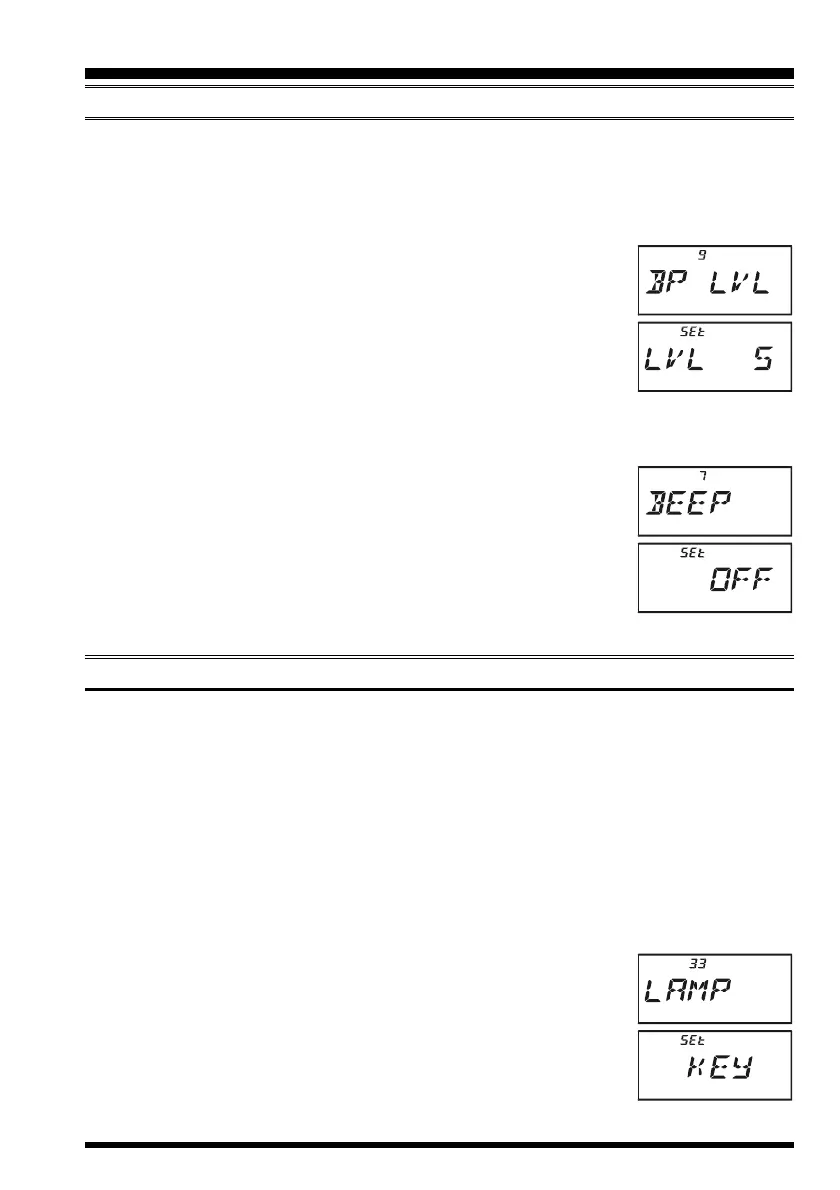
2. Rotate the DIAL knob to select Set Mode Item 9:
BP LVLBP LVL
BP LVLBP LVL
BP LVL.
3. Press the
[
0
(
SET
)]
key momentarily to enable adjustment of
this Item.
4. Rotate the DIAL knob to select the desired level.
5. Press the PTT switch to save the new setting and return to nor-
mal operation.
Additionally, if you want to turn the beep off:
1. Press the
[
F/W
]
key, then press the
[
0
(
SET
)]
key to enter the Set mode.
2. Rotate the DIAL knob to select Set Mode Item 7:
BEEPBEEP
BEEPBEEP
BEEP.
3. Press the
[
0
(
SET
)]
key momentarily to enable adjustment of
this Item.
4. Rotate the DIAL knob to change the setting to “
OFFOFF
OFFOFF
OFF.”
5. Press the PTT switch to save the new setting and return to nor-
mal operation.
6. To turn the beep back on again, select “
ONON
ONON
ON” in step 4 above.
KEYPAD/LCD ILLUMINATION
Your VX-6E includes a reddish illumination lamp which aids in nighttime operation. The
reddish illumination yields clear viewing of the display in a dark environment, with mini-
mal degradation of your night vision.
Three options for activating the lamp are provided:
KEYKEY
KEYKEY
KEY Mode: Illuminates the Keypad/LCD for 5 seconds when any key pressed.
CONTCONT
CONTCONT
CONT Mode: Illuminates the Keypad/LCD continuously.
OFFOFF
OFFOFF
OFF Mode: Disables the Keypad/LCD lamp.
Here is the procedure for setting up the Lamp operating mode:
1. Press the
[
F/W
]
key, then press the
[
0
(
SET
)]
key to enter the Set mode.
2. Rotate the DIAL knob to select Set Mode Item 33:
LAMPLAMP
LAMPLAMP
LAMP.
3. Press the
[
0
(
SET
)]
key momentarily to enable adjustment of
this Item.
4. Rotate the DIAL knob to select one of the three modes described
above.
5. When you have made your choice, press the PTT switch to save
the new setting and return to normal operation.
ADVANCED OPERATION



 To Next Page