VX-6E OPERATING MANUAL32
SPLIT TONE OPERATION
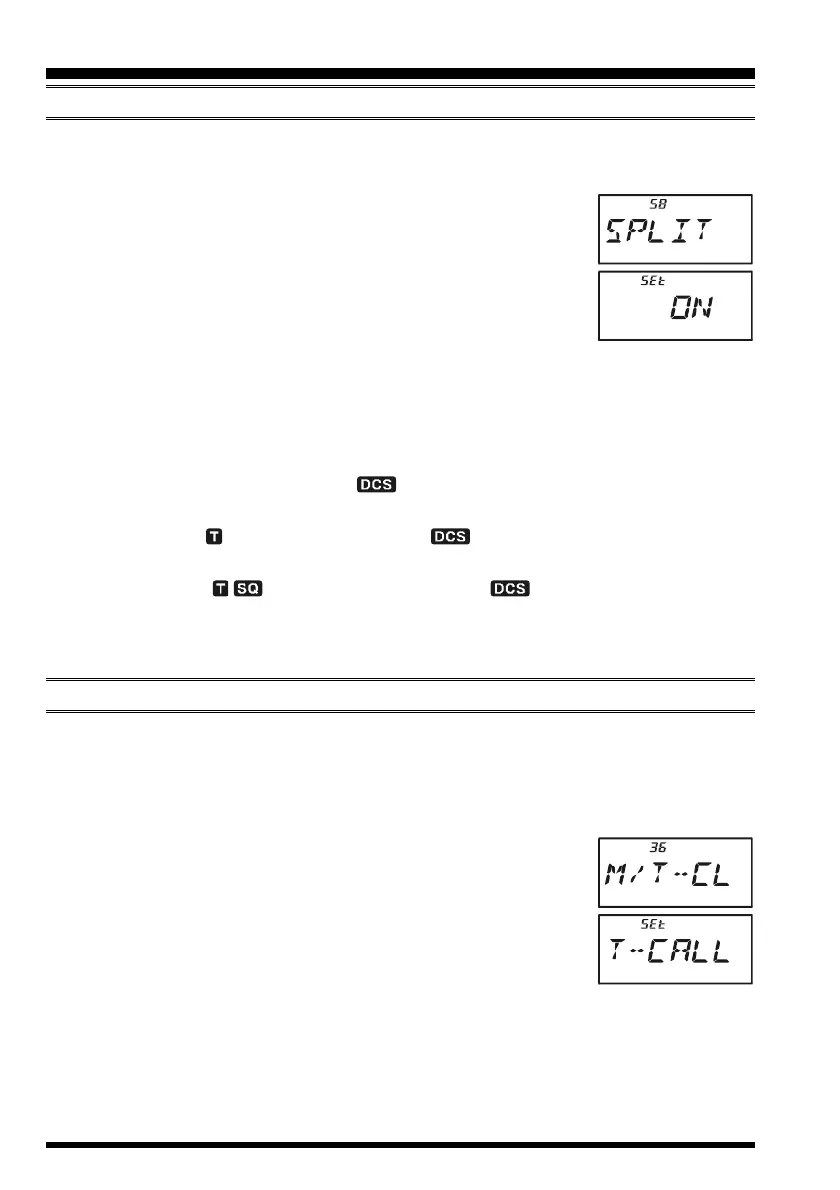
The VX-6E can be operated in a Split Tone configuration via the Set mode.
1. Press the
[
F/W
]
key, then press the
[
0
(
SET
)]
key to enter the Set mode.
2. Rotate the DIAL knob to select Set Mode Item 58:
SPLITSPLIT
SPLITSPLIT
SPLIT.
3. Press the
[
0
(
SET
)]
key momentarily to enable adjustment of
this Set Mode Item.
4. Rotate the DIAL knob to select
ONON
ONON
ON (to enable the Split Tone
feature).
5. Press the PTT key momentarily to save the new setting and exit
to normal operation.
When the Split Tone feature is activated, you can see the following additional parameters
following the “
RV TNRV TN
RV TNRV TN
RV TN” parameter (while selecting the tone mode by pressing
[
F/W
]
Æ
[
MODE
(
SP S
)
SQ TYP
])
:
D CODED CODE
D CODED CODE
D CODE: DCS Encode only (the “ ” icon will blink during operation)
T DCST DCS
T DCST DCS
T DCS: Encodes a CTCSS Tone and Decodes a DCS code
(the “ ” icon will blink and the “ ” icon will appear during operation)
D TONED TONE
D TONED TONE
D TONE: Encodes a DCS code and Decodes a CTCSS Tone
(the “ ” icon will appear and the “ ” icon will blink during op-
eration)
Select the desired operating mode, from the selections shown above.
TONE CALLING
(
1750 HZ
)
If the repeaters in your country require a 1750-Hz burst tone for access (typically in Eu-
rope), you can set the MONI switch to serve as a “Tone Call” switch instead. To change
the configuration of this switch, we again use the Set Mode to help us.
1. Press the
[
F/W
]
key, then press the
[
0
(
SET
)]
key to enter the Set mode.
2. Rotate the DIAL knob to select Set Mode Item 36:
MM
MM
M/
T-CLT-CL
T-CLT-CL
T-CL.
3. Press the
[
0
(
SET
)]
key momentarily to enable adjustment of
this Set Mode Item.
4. Rotate the DIAL knob to select “
T-CALLT-CALL
T-CALLT-CALL
T-CALL” on the display.
5. Press the PTT switch to save the new setting and exit to normal
operation.
To access a repeater, press and hold in the MONI switch for the amount of time specified
by the repeater owner/operator. The transmitter will automatically be activated, and a
1750-Hz audio tone will be superimposed on the carrier. Once access to the repeater has
been gained, you may release the MONI switch, and use the PTT switch for activating the
transmitter thereafter.
CTCSS/DCS OPERATION


 To Next Page