VX-6E OPERATING MANUAL50
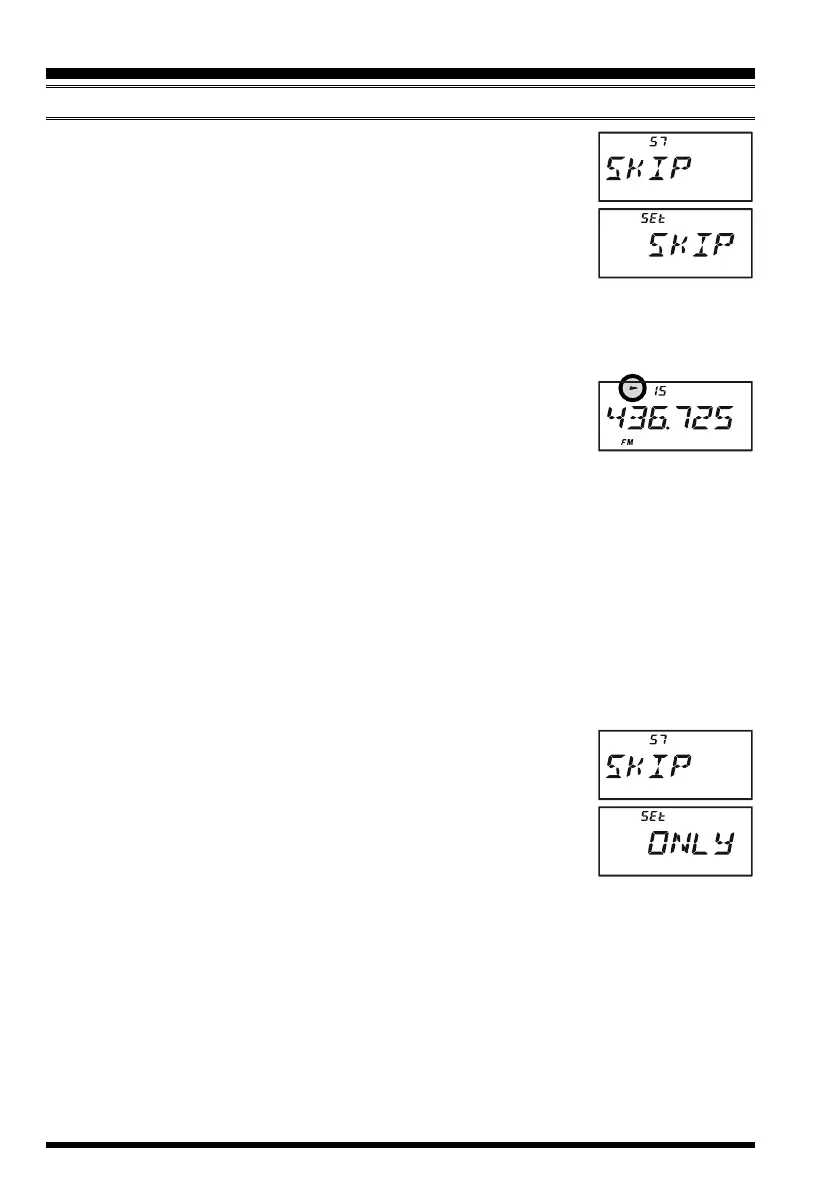
3. Rotate the DIAL knob to select Set Mode Item 57:
SKIPSKIP
SKIPSKIP
SKIP.
4. Press the
[
0
(
SET
)]
key momentarily to enable adjustment of
this Set Mode Item.
5. Rotate the DIAL knob so as to select “
SKIPSKIP
SKIPSKIP
SKIP.” The current Memory
Channel will now be ignored during scanning. The “
ONLYONLY
ONLYONLY
ONLY” se-
lection is used for “Preferential Memory Scan,” described in the
next section.
6. When you have made your selection, press the PTT key to save the setting and exit to
normal operation.
When you recall the “skipped” memory channel manually, a small
“X” icon will appear at the left of the memory channel number, indi-
cating it is to be ignored during scanning. It is still available for
recall manually, however, using the DIAL knob or keyboard.
To re-institute a channel into the scanning loop, select “
OFFOFF
OFFOFF
OFF” in step 5 above.
Preferential Memory Scan
The VX-6E also allows you to set up a “Preferential Scan List” of channels which you can
“flag” within the memory system. These channels are designated by a blinking “X” icon
when you have selected them, one by one, for the Preferential Scan List.
Here is the procedure for setting up and using the Preferential Scan List:
1. Recall the Memory Channel which you wish to add to the Preferential Scan List.
2. Press the
[
F/W
]
key, then press the
[
0
(
SET
)]
key to enter the Set mode.
3. Rotate the DIAL knob to select Set Mode Item 57:
SKIPSKIP
SKIPSKIP
SKIP.
4. Press the
[
0
(
SET
)]
key momentarily to enable adjustment of
this Set Mode Item.
5. Rotate the DIAL knob so as to select “
ONLYONLY
ONLYONLY
ONLY.”
6. When you have made your selection, press the PTT key to save
the settings and exit to normal operation.
7. To remove a channel from the Preferential Scan List, just repeat
the above procedure, rotating the DIAL knob to select “
OFFOFF
OFFOFF
OFF” in step 5 above.
To initiate Preferential Memory Scan:
1. Press the
[
V/M
(
DW
)
MT
]
key momentarily to enter the Memory Recall mode, if you
are not using memories already.
2. Rotate the DIAL to select any channel which has a blinking “X” icon appended to the
channel number.
3.
Press and hold in the
[
BAND
(
SCN
)
BND DN
]
key for one second, and rotate the DIAL
knob while holding in the
[
BAND
(
SCN
)
BND DN
]
key to select the desired Memory
Scan mode. Available selections are ALL CH, TAG1, TAG2, BAND, and PMS-X.
MEMORY SCANNING
SCANNING



 To Next Page