VX-6E OPERATING MANUAL 39
HOME CHANNEL MEMORY
A special one-touch “HOME” channel is available for each of operating bands, to allow
quick recall of a favorite operating frequency on each band.
Home Channel storage is simple to accomplish:
1. Change the setting of Set Mode Item 28:
HMHM
HMHM
HM/
RVRV
RVRV
RV from “
REVREV
REVREV
REV” to “
HOMEHOME
HOMEHOME
HOME,” if it is not
already set to this option (see page 95).
2. Select the desired frequency, while operating in the VFO mode. Be sure to set up any
desired CTCSS or DCS tones, as well as any desired repeater offset. The power level
may also be set at this time, if you wish to store it.
3. Press and hold in the
[
F/W
]
key for one second.
4. While the memory channel number is blinking, just press the
[
HM/RV
(
EMG
)
R/H
]
key. The frequency and other data (if any) will now be stored in the special HOME
channel register.
5. You may repeat this process on the other operating bands.
6. To recall the HOME channel, press the
[
HM/RV
(
EMG
)
R/H
]
key momentarily while operating either
in the VFO or MR mode.
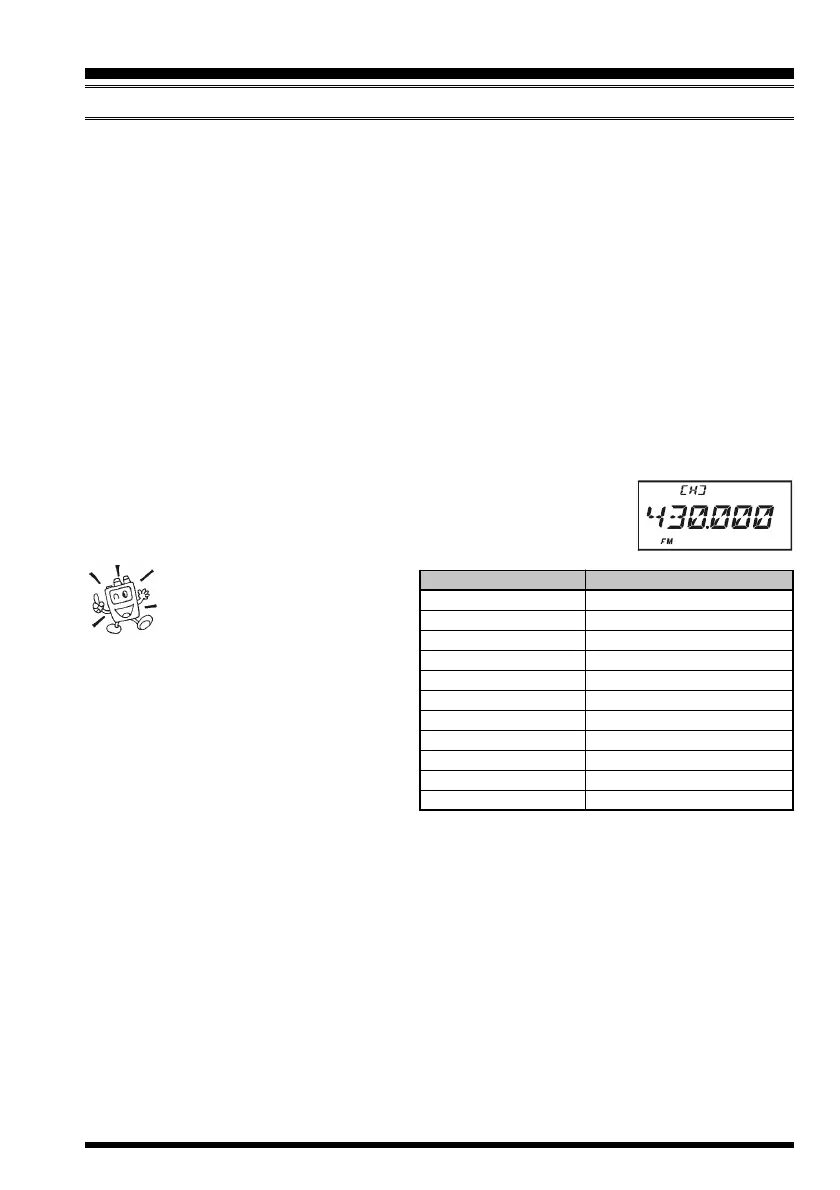
The UHF HOME channel is
the one used during “Emer-
gency Channel Operation.”
See page 62 for details regarding this
feature.
MEMORY MODE
(
REGULAR MEMORY CHANNEL
)
BANDDEFAULT HOME CHANNEL FREQUENCY
BC Band 0.540 MHz
SW Band 1.800 MHz
50 MHz Ham Band 30.000 MHz
FM BC Band 88.000 MHz
Air Band 108.000 MHz
144 MHz Ham Band 144.000 MHz
VHF-TV Band 174.000 MHz
Action Band 1 230.000 MHz
430 MHz Ham Band 430.000 MHz
UHF-TV Band 470.000 MHz
Action Band 2 860.000 MHz


 To Next Page