DTX700 Owner’s Manual
19
Basic Operation
Basic DTX700 Operations
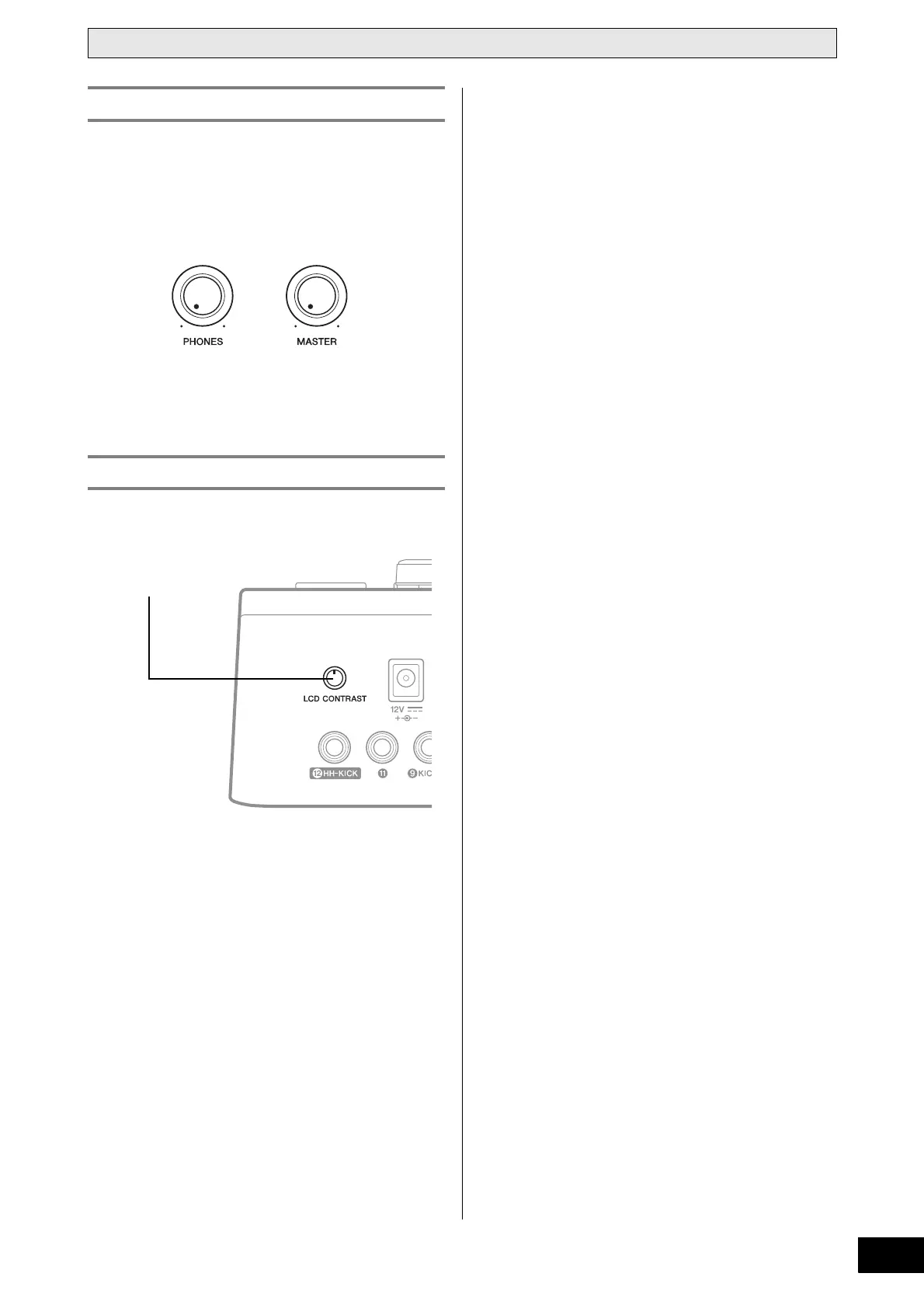
You can use the [MASTER] knob to adjust the volume of sound
on the OUTPUT [L/MONO] and [R] channels. In addition, the
[PHONES] knob can be used to adjust the volume of head-
phones plugged into the [PHONES] jack on the rear panel. Turn
clockwise to increase the volume or counter-clockwise to
decrease it.
Using the [LCD CONTRAST] knob on the rear panel, you can
adjust the contrast level of the DTX700 display.
Adjusting the Volume
Adjusting Display Contrast



 To Next Page