DTX700 Owner’s Manual
29
Basic Operation
Performing on Many Different Kits
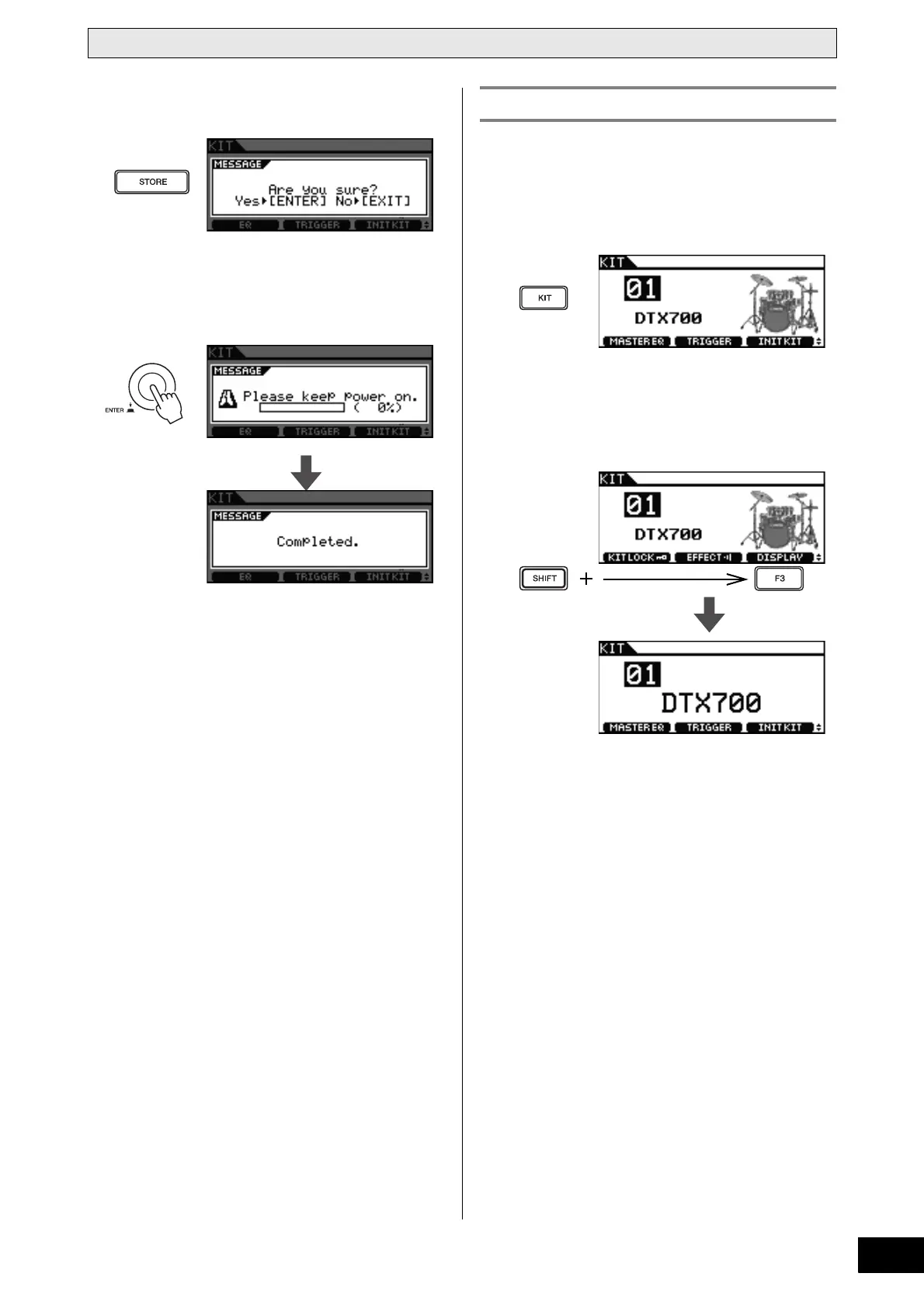
5 Press the [STORE] button.
If you do not wish to store your settings, press the [EXIT]
button to return to the previous page.
6 Press the dial to store your new settings.
Normally, your DTX700’s display shows the name of the kit
and an artist’s impression of what it might look like. As
described below, however, you can change the display mode to
show just the kit name.
1 Press the [KIT] button.
2 Hold down the [SHIFT] button and press the
[F3] button (Display).
The display mode will now change to show just the kit
name.
NOTE
• If you wish to return to the original display mode, hold
down the [SHIFT] button and press the [F3] button (Dis-
play) once again.
Switching the Display Mode



 To Next Page