DTX700 Owner’s Manual
43
Basic Operation
Turning On the Click-Track
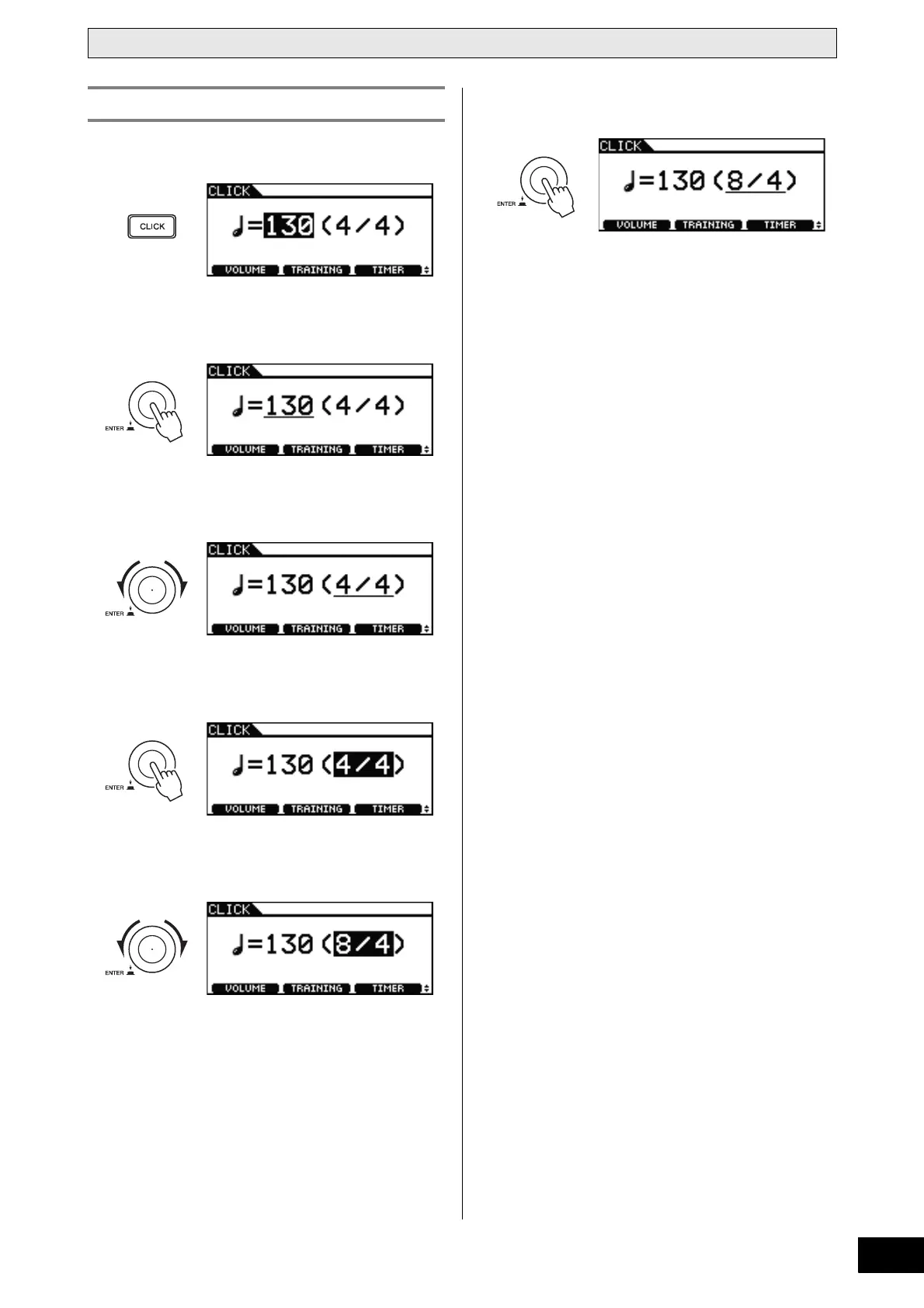
1 Press the [CLICK] button.
2 Press the dial.
The cursor will switch to an underline.
3 Turn the dial to move the cursor to the time
signature.
4 Press the dial.
The cursor will switch to reversed text.
5 Turn the dial to set the click-track time signa-
ture.
6 Press the dial to set the new time signature.
NOTE
• If you select a song (page 36) after setting the time sig-
nature in this way, the selected song’s time signature will
be used for the click-track.
Setting the Time Signature



 To Next Page