Basic Operation
36
DTX700 Owner’s Manual
Playing with Songs for Practice
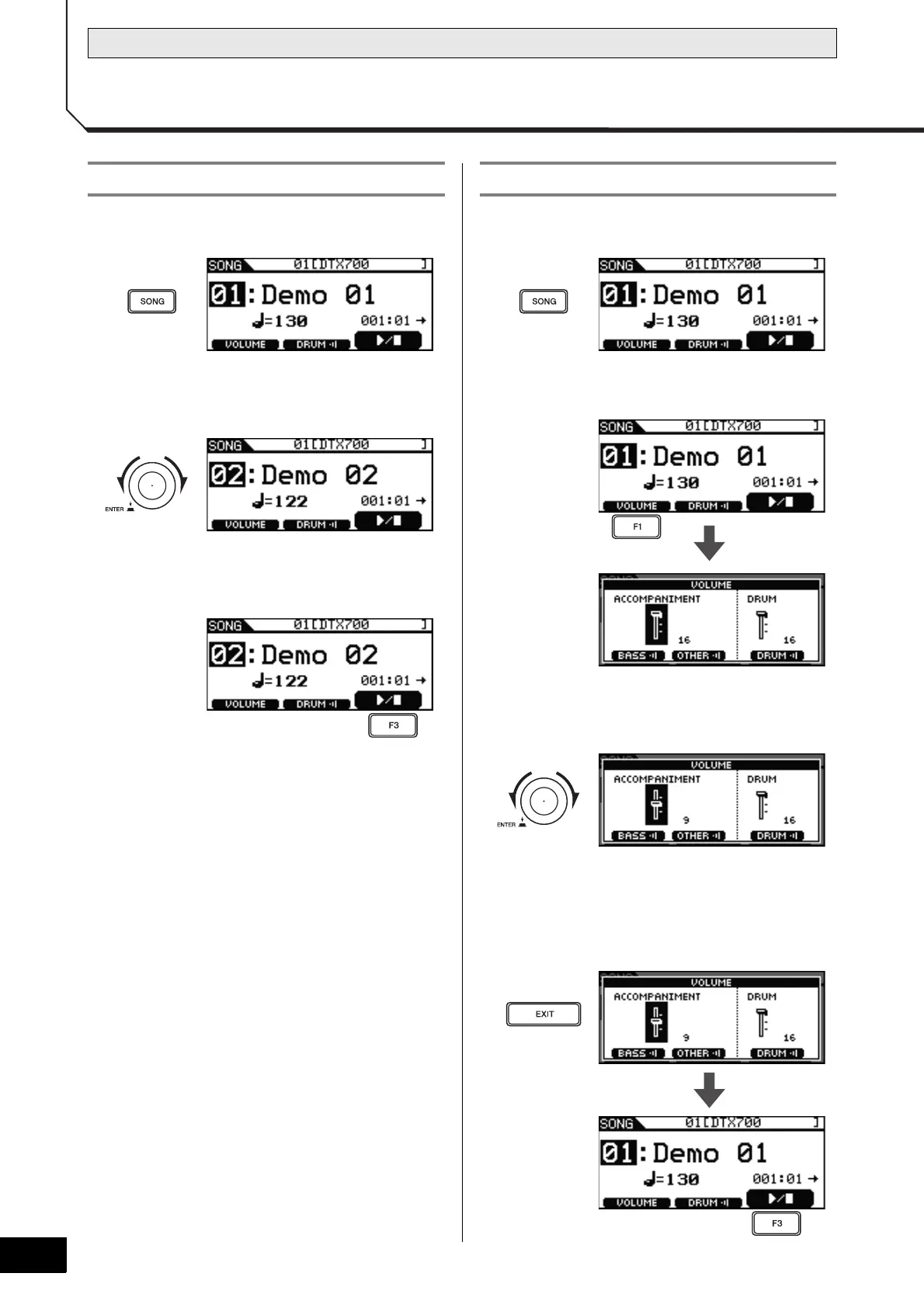
1 Press the [SONG] button.
2 Turn the dial to select the song you wish to
play.
3 Press the [F3] button to start playing the
song.
You can stop playback by pressing the [F3] button once
again.
1 Press the [SONG] button.
2 Press the [F1] button.
3 Turn the dial to adjust the song’s playback
volume.
4 Press the [EXIT] button to return to the Song
page, and then press the [F3] button to start
the song.
If the volume is not yet correct, repeat the above process.
Playing a Song Adjusting the Song Volume



 To Next Page