8
DTX700 Owner’s Manual
Quick Start Guide
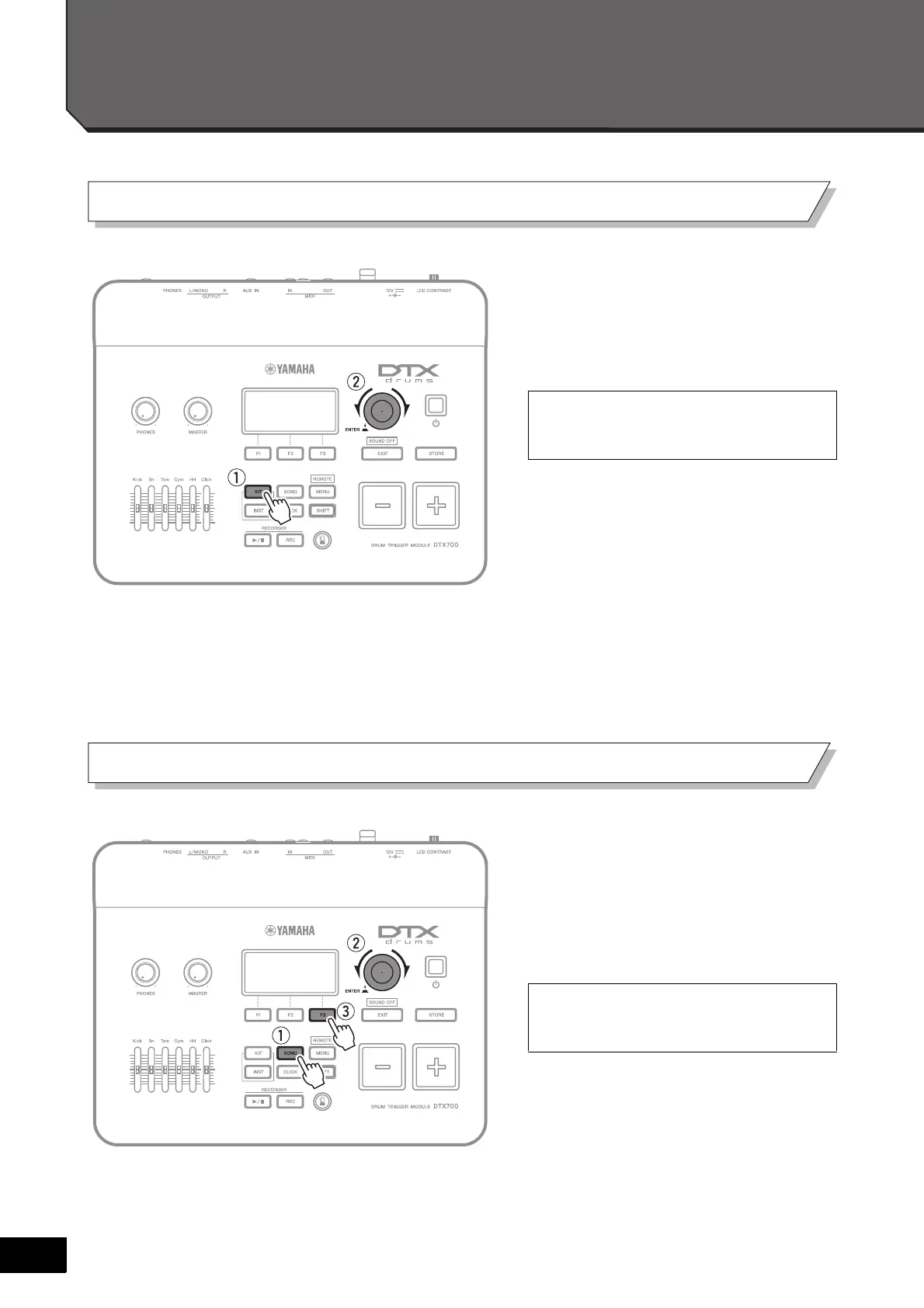
q Press the [KIT] button.
w Turn the dial to select new
sounds.
q Press the [SONG] button.
w Turn the dial to select a new song.
e Press the [F3] button to start the
song.
Yo u can also assign sounds individually to
each of the pads (page 25 of Basic Opera-
tion).
Yo u can press the [F2] button to silence
the song’s drum part (page 38 of Basic
Operation).
Choosing sounds to play (page 25 of Basic Operation)
Playing along with a song (page 36 of Basic Operation)



 To Next Page