DTX700 Owner’s Manual
25
Basic Operation
Performing on Many Different Kits
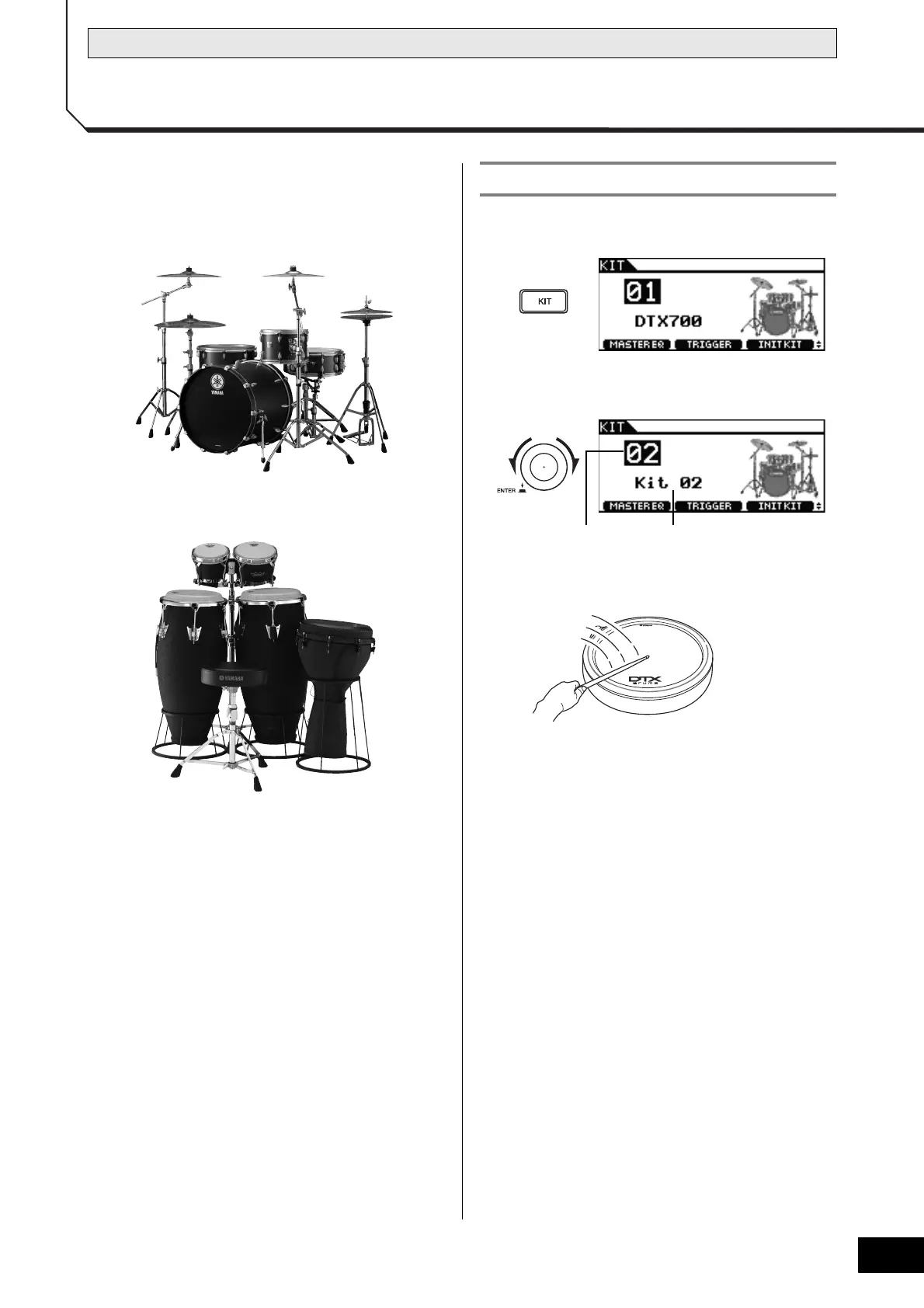
In terms of the DTX700, the word “kit” is used to refer to a col-
lection of related sounds, such as acoustic drums or percussion
instruments. By selecting different kits, you can conveniently
change the entire sound of this drum trigger module.
1 Press the [KIT] button.
2 Turn the dial to choose a new kit.
3 Play the connected pads.
NOTE
• When you select a new kit in Step 2 above, the [STORE]
button will light up. You can press the button at this time
to store your new kit selection. When you next turn on
the DTX700, therefore, this kit will be automatically
selected.
Acoustic drums
Percussion instruments
Selecting a Kit



 To Next Page