DTX700 Owner’s Manual
33
Basic Operation
Building Your Own Kit
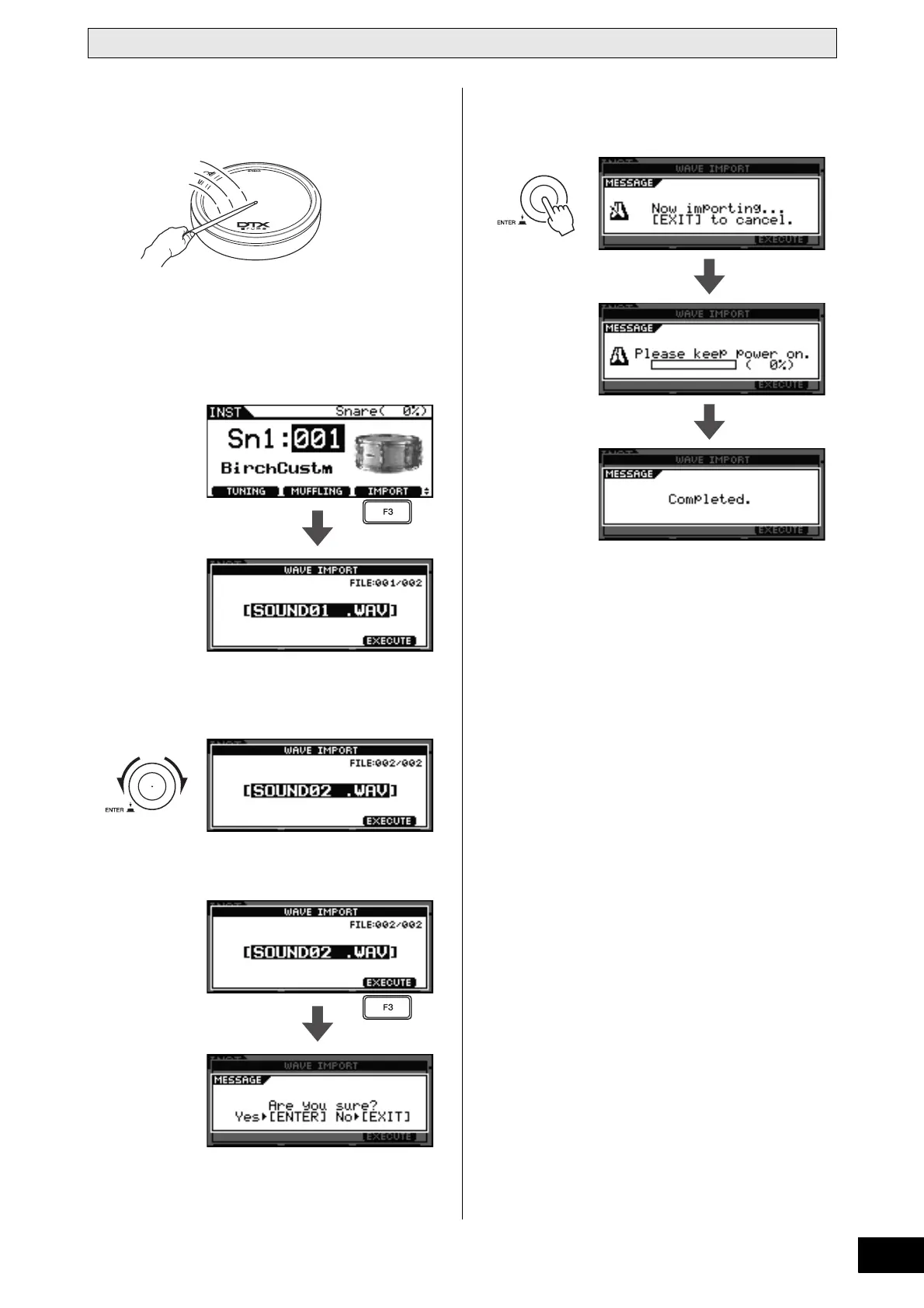
6 Hit the pad that you wish to assign an audio
file to.
NOTE
• If the pad in question is a two- or three-zone type, the
audio file will be assigned to all of its zones.
7 Press the [F3] button.
8 Turn the dial to select the audio file you wish
to import.
9 Press the [F3] button.
To cancel the importing of an audio file, press the [EXIT]
button. The display will return to the previous page.
10 Press the dial to start the importing pro-
cess.
NOTE
• Whenever you import an audio file, your DTX700 will
automatically store it.



 To Next Page