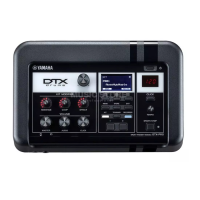
DTX700 Owner’s Manual
51
Basic Operation
Integrating Accessories
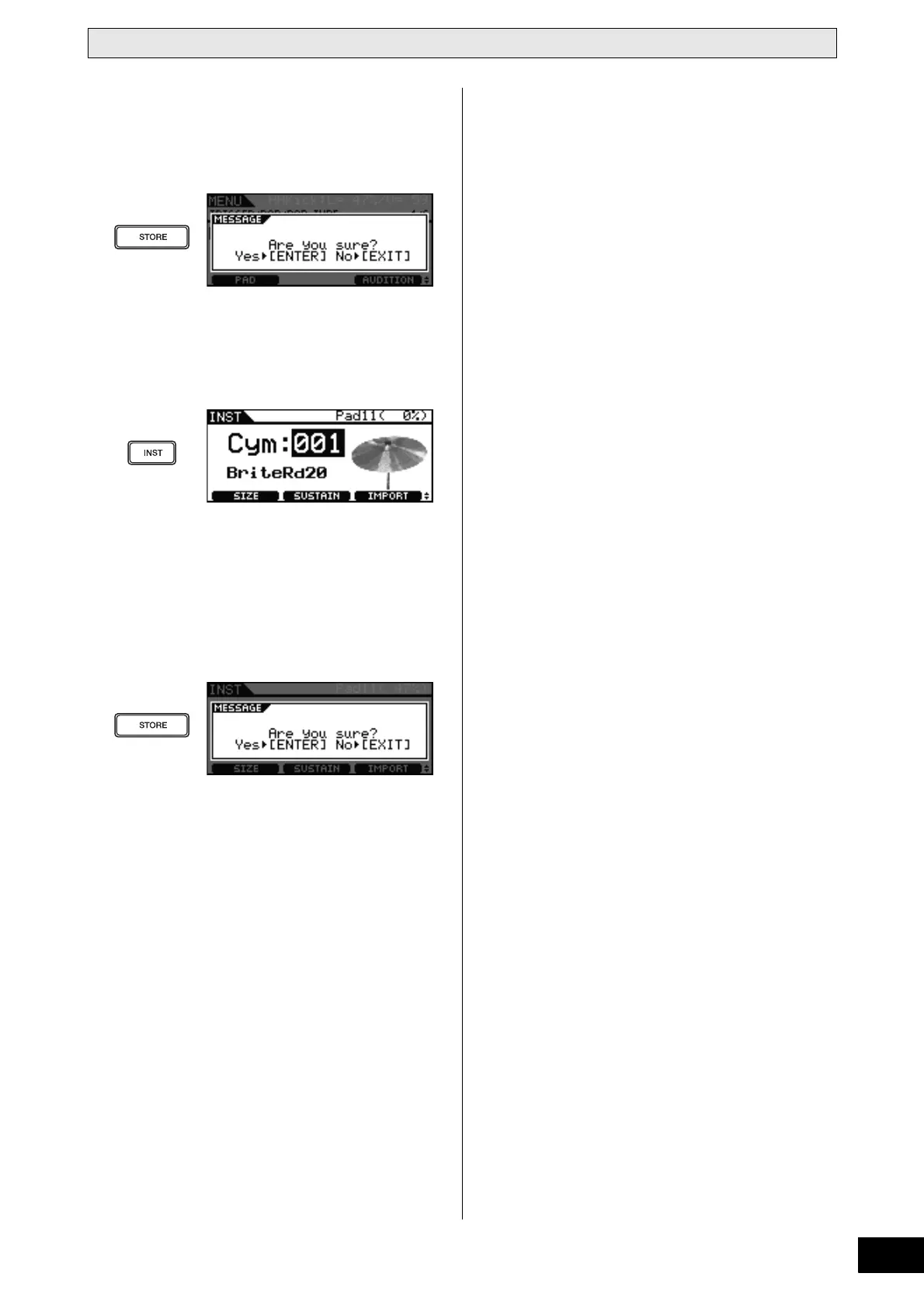
6 Press the [STORE] button to store your new
setting.
If the following message is displayed, press the dial to pro-
ceed.
7 Press the [INST] button and then play the
newly-added cymbal pad.
If you have connected the pad correctly, the message
“Pad11” will be shown in the top right corner of the display.
8 Turn the dial to select a sound for your newly-
added pad.
9 Press the [STORE] button to store the
assigned sound.
If the following message is displayed, press the dial to pro-
ceed.


 To Next Page