CHAS
DRIVE CHAIN AND SPROCKETS
7-57
1
1
2
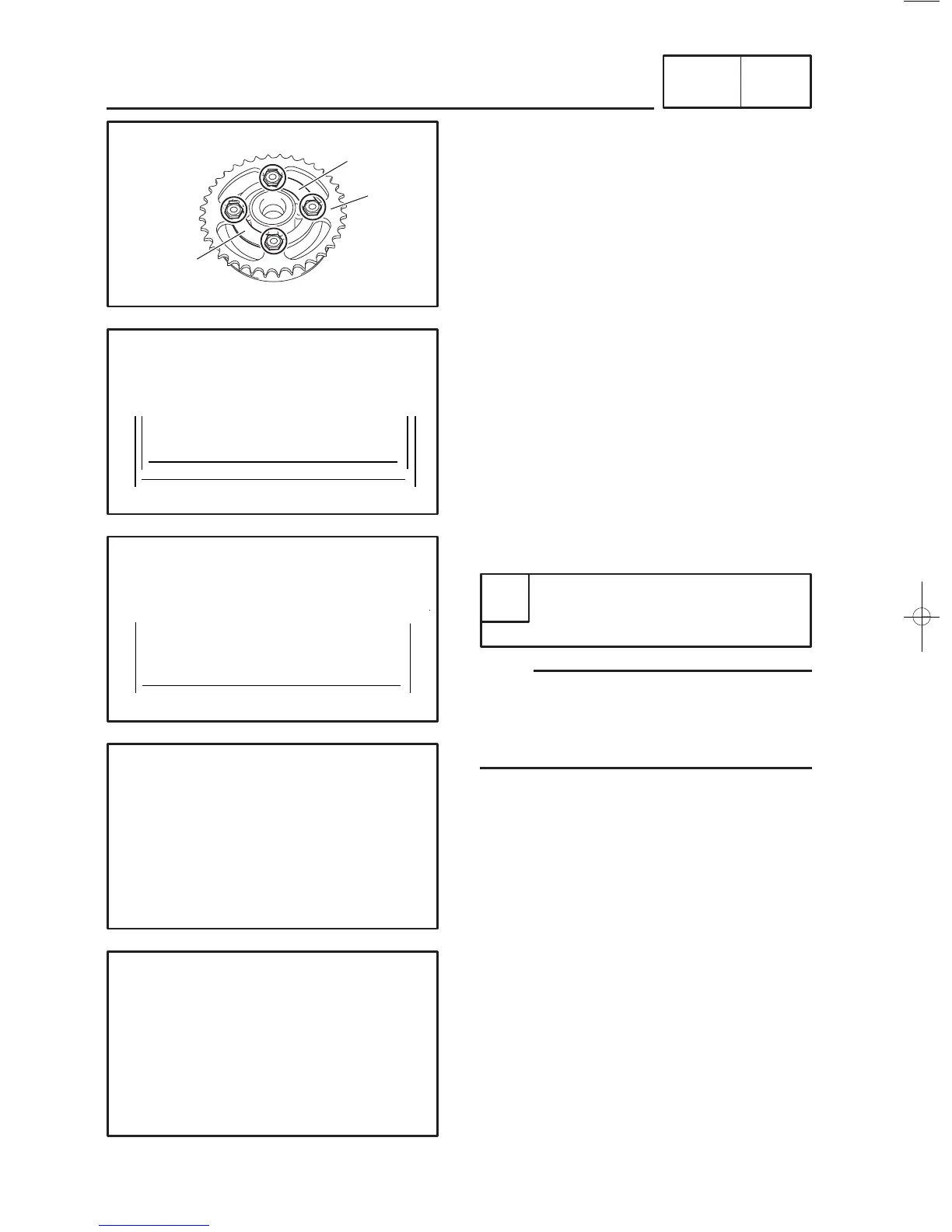
7. Straighten the lock washer tabs.
8. Remove:
9
driven sprocket nuts
9
driven sprocket bolts
9
lock washers
1
9
driven sprocket
2
1
23
4
5
67
8
90
qwe
rt
b
y
a
1
23
4
5
67
8
90
qwe
rt
c
y
EAS00710
CHECKING THE DRIVE CHAIN
1. Measure:
9
Measure the length of 15 links on the inner
side
a
and outer side
b
of the pin and cal-
culate the length between pin centers.
9
Length
c
between pin centers = (inner
dimension
a
+ outer dimension
b
)/2
9
15-Link section c of the drive chain
Out of specification
→
Replace the drive
chain, drive sprocket and rear wheel sprock-
et as a set.
NOTE:
9
While measuring the 15-link section, push
down on the drive chain to increase its tension.
9
Perform this measurement at two or three dif-
ferent places.
2. Check:
9
drive chain
Stiffness
→
Clean and lubricate or replace.
3. Clean:
9
drive chain
✭✭✭✭✭✭✭✭✭✭✭✭✭✭✭✭✭✭✭✭✭✭✭✭
a. Wipe the drive chain with a clean cloth.
b. Put the drive chain in kerosene and remove
any remaining dirt.
c. Remove the drive chain from the kerosene
and completely dry it.
✬✬✬✬✬✬✬✬✬✬✬✬✬✬✬✬✬✬✬✬✬✬✬✬
15-link drive chain section limit
(maximum)
194.3 mm (7.65 in)



 To Next Page