13-12
13
TROUBLESHOOTING
5) History numbers, time that alarms occurred
(total elapsed time from controller start-up)
and alarm descriptions are displayed. One
screen displays the past 4 alarms in the order
from the most recent alarm.
Pressing the
X
Z
–
and
X
Z
+
keys displays the
hidden items.
Press the
STEP
UP
and
STEP
DOWN
keys to sequentially
scroll through the alarm list.
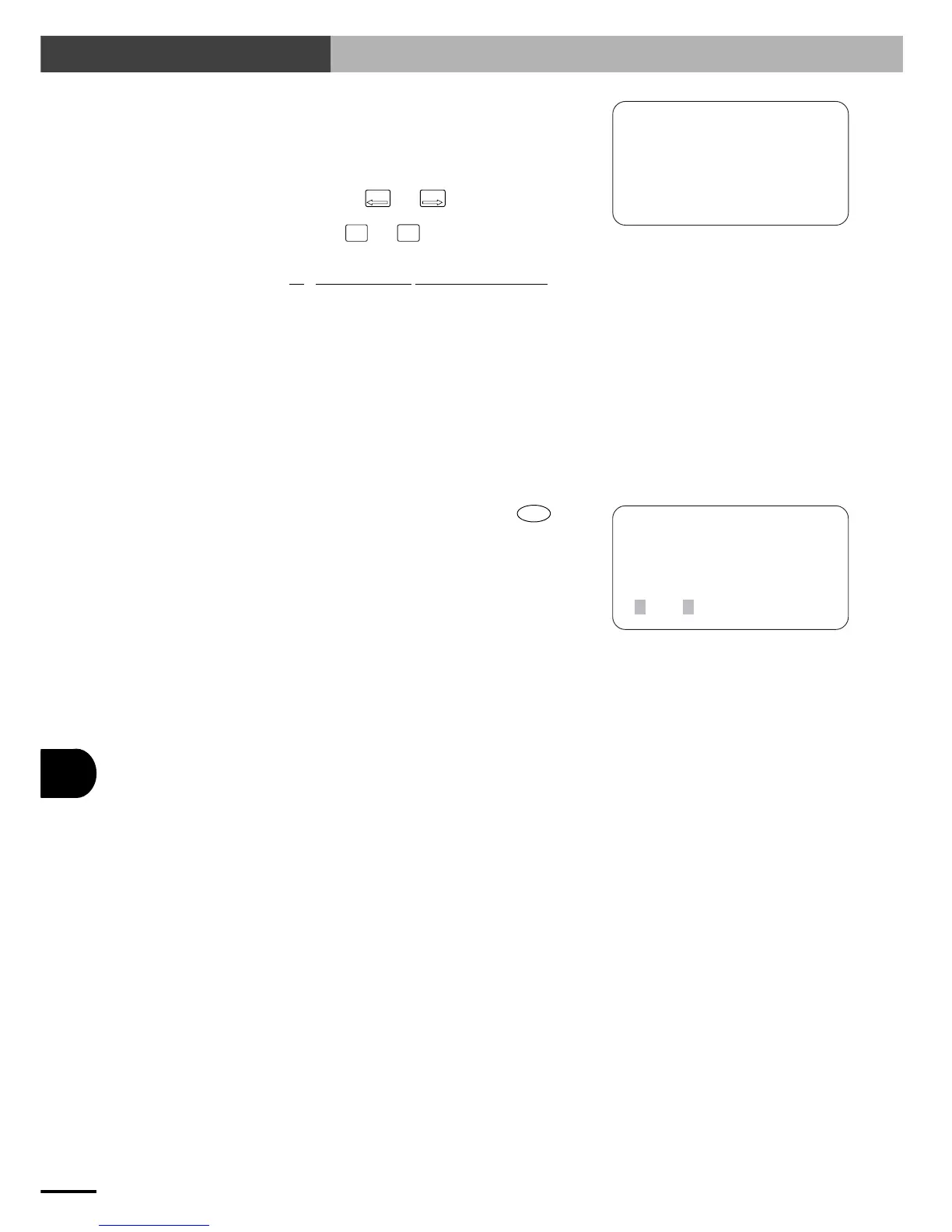
2ERR
[SYS-UTL-REC]
1ALM
select menu
00:00101,05:11:12,X0
01:00096,18:10:02,X0
02:00080,10:07:33,X0
03:00015,20:35:45,X0
00 : 00101,05:11:12, X04: POWER DOWN
↓ ↓ ↓
q
w
e
q History number
w Time the alarm occurred
(The above example means that the alarm
occurred 101 days, 5 hours, 11 minutes
and 12 seconds after controller start-up.)
e Alarm description
(See "13-2-2 Alarm message list".)
6) To return to the previous screen, press
ESC
.
13-4 Displaying the Alarm History



 To Next Page