Main display area
User Guide
-
33
-
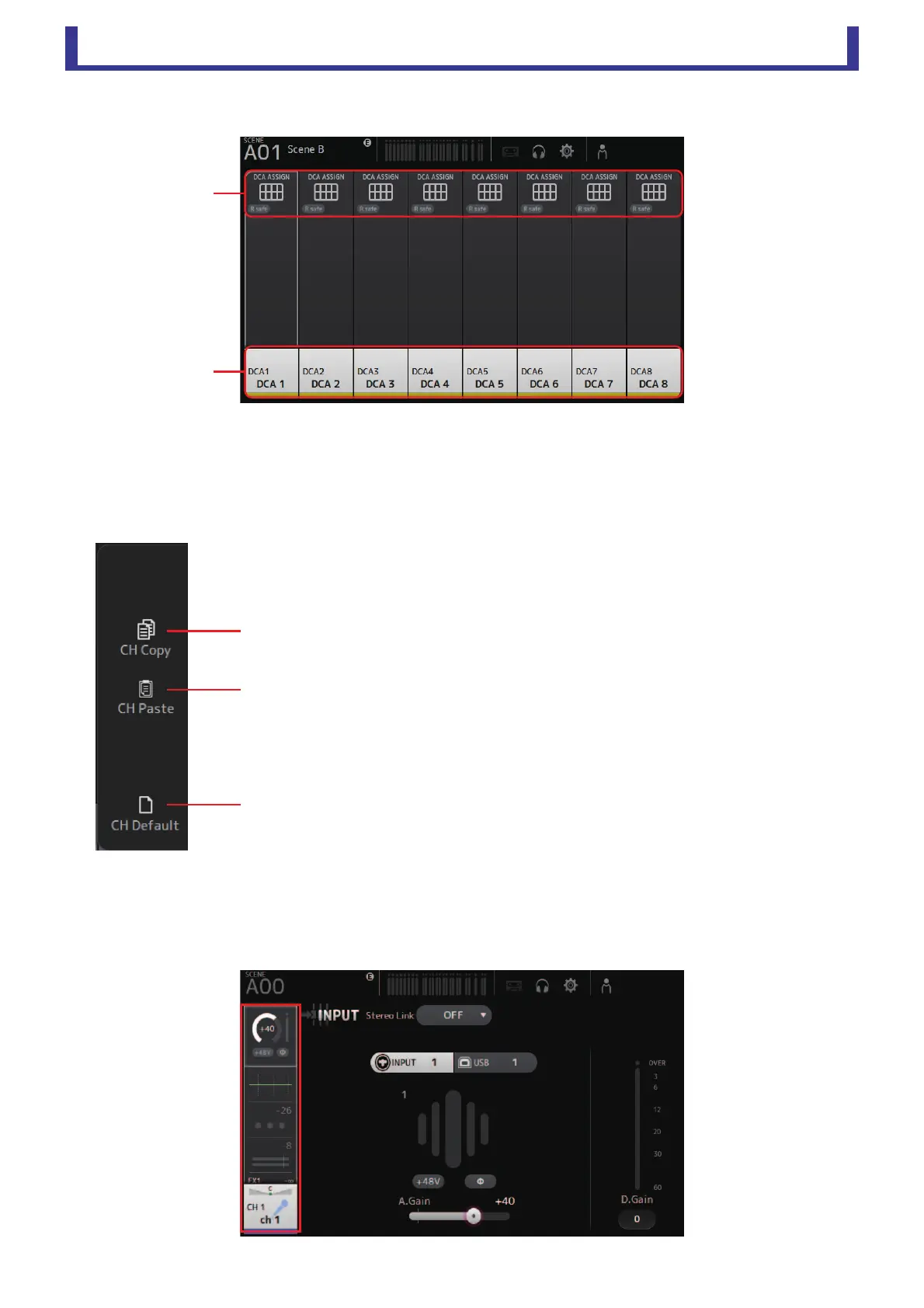
Group channels
1 Displays the DCA ASSIGN screen. (page 67)
2 Displays the CH VIEW screen. (page 51)
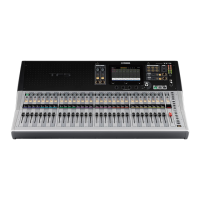
OVERVIEW screen menu
The following items are displayed in the menu area when the OVERVIEW screen is displayed.
Navigation area
The navigation area is displayed on the left side of each configuration screen.
When a configuration screen is displayed, the content of the navigation area is the same as the content displayed for that channel
in the OVERVIEW screen.
1 CH Copy
Copies the settings of the current channel.
2 CH Paste
Pastes settings from the copied channel and applies them to the selected channel.
3 CH Default
Resets the settings of the current channel to their default values.





 To Next Page