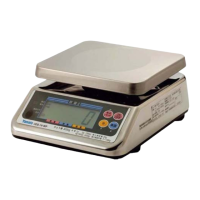
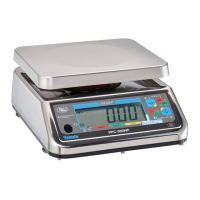
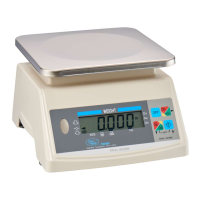
The execution of proper measurement is required in the Measurement Act. Ensure to inspect the
instrument and conduct the weight check at the start of the operation.
● Storage locations
(1) Avoid storing the instrument in a place exposed to
high temperatures, high humidity, or long hours of
direct sunlight. Note that a sudden change in the
ambient temperature may cause condensation
inside the instrument and disable the operation.
(2) This instrument is a precision electronic
device. Avoid storing it in a place with
potential exposure to vibration and/or
shock.
● Disposal
Dispose of the instrument as industrial waste (non-combustible waste). On disposal, comply with the
disposal procedures specified by your local government.
1-3. Functions
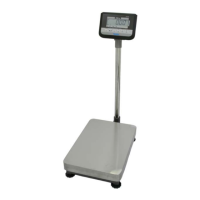
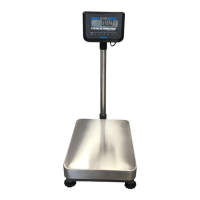
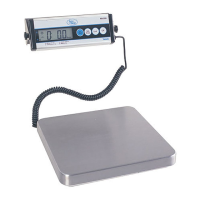
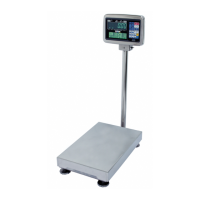
The digital platform scale, Scalapro
™
has the following functions. Make use of these functions according to
your work.
Purpose Method
Q1.
I want to display the weight of an item or a
container as zero on the panel.
Answer
One-touch tare function → [Sec. 4-1]
You can subtract tare by simply pressing the Tare key.
Q2.
I want to check the gross weight or net weight
of items.
Answer
Gross/Net switching function → [Sec. 4-2]
When the tare function is enabled, you can switch the weight
indications using the Gross/Net switching key.
Q3.
I want to check whether the items fall into the
range of the target weight.
Answer
Checkweighing function
Easy Program Set key → [Sec. 6-1]
You can tell in an instant whether the current weight is too
low, proper, or too high with respect to the target weight.
A target value can be set easily using the Easy Program
Set key, which allows you to register the upper and lower
limits of a program.
Storage and disposal
Please inspect the instrument at the start of the operation


 To Next Page
 Loading...