S-Series IP PBX Administrator Guide
10
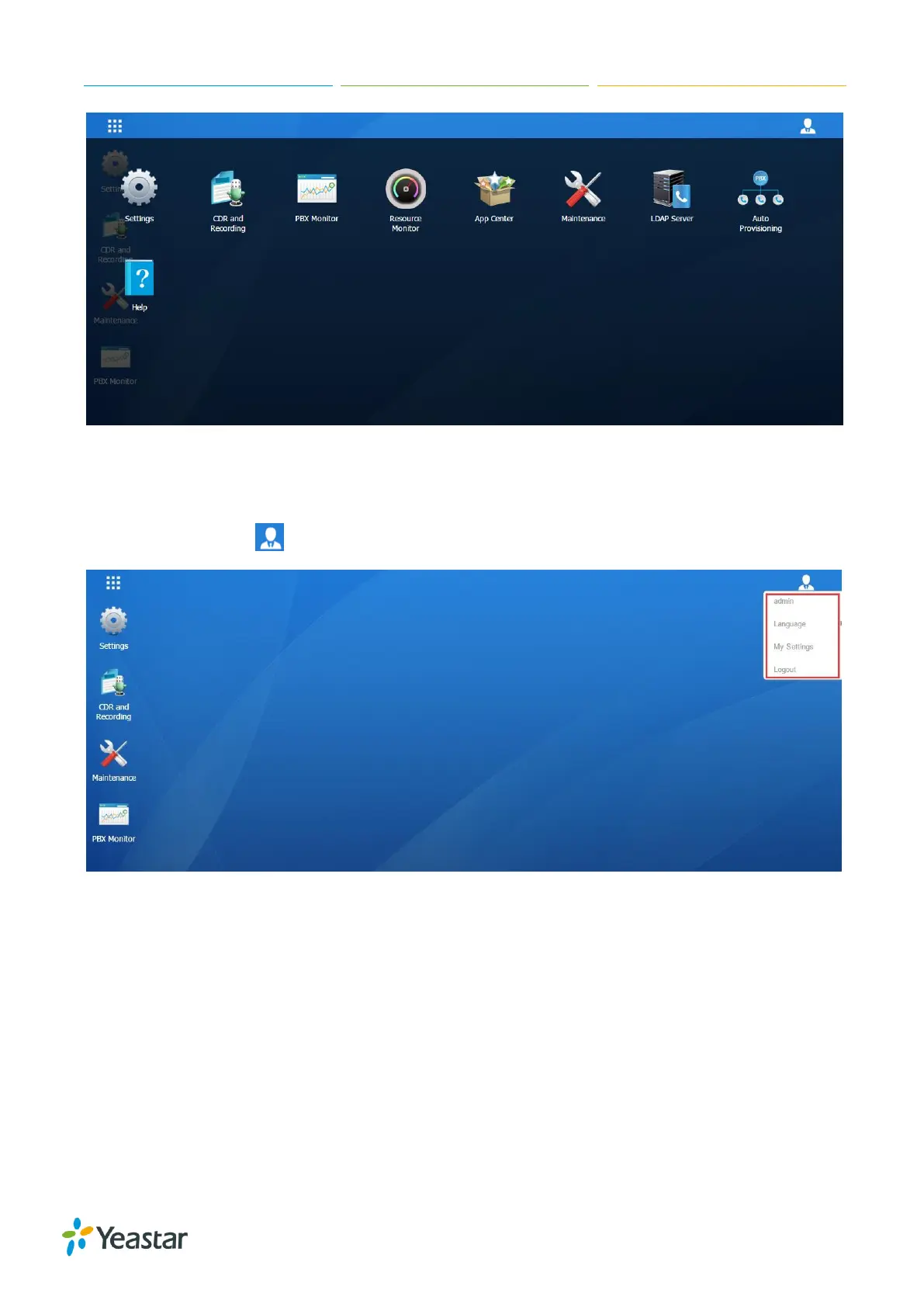
Figure 2-4 Main Menu
Options
Click the options icon to logout, change Web language or modify your account settings.
Figure 2-5 Options
Language
Select Language to change web language.
My Settings
Click My Settings to modify your account settings. Here you can change the login password and
bind your email address with the account.


 To Next Page
 Loading...








