OPERATION
ZEISS TFT display touchscreen on the Axio Observer 7, 7 materials Axio Observer
114 431004-7244-001 12/2016
5.11 TFT display touchscreen on the Axio Observer 7, 7 materials
5.11.1 Screen layout
On the motorized Axio Observer, the user can operate and configure the microscope and utilize optional
functions using the TFT display. The TFT display is designed as a touch-sensitive screen.
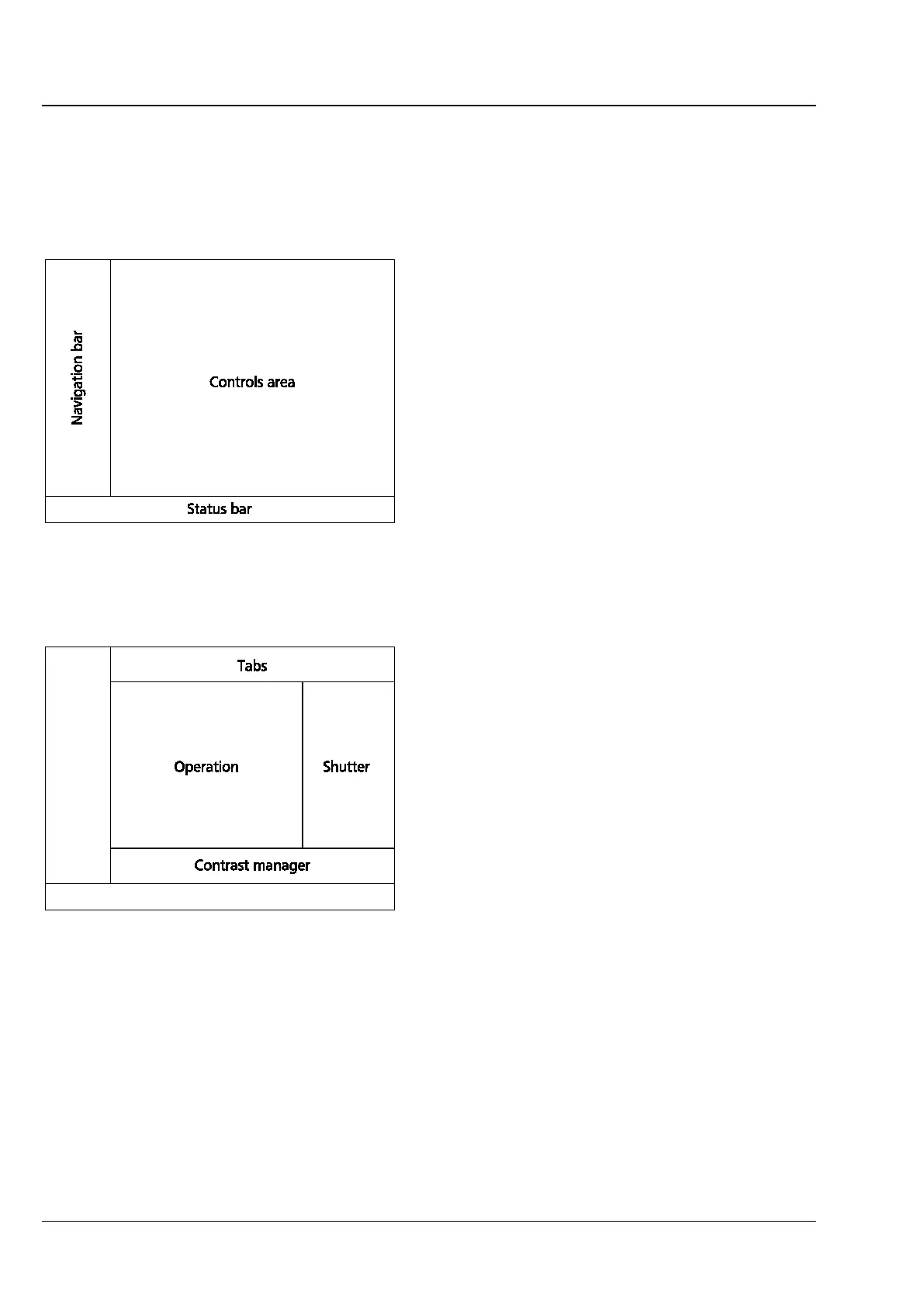
The controls and information displays are arranged
on a series of tabs. A page on the TFT display is
generally split into the following main areas (see
Fig. 92).
5.11.1.1 Navigation bar
The navigation bar, on the left side of the screen,
contains buttons for navigating between pages.
The buttons displayed depend on the current page.
The following buttons are available on all pages:
− Home Calls up the home page
− Display Calls up the display page
5.11.1.2 Status bar
The status bar at the bottom of the screen displays
information on the current settings of the
microscope.
5.11.1.3 Controls area
The controls area is subdivided into further
subsections (see Fig. 93):
− Tabs
− Illumination/shutter
− Operation
− Contrast manager
− Pop-up windows
Fig. 92 Main TFT display areas
Fig. 93 Controls area of the TFT display









 To Next Page