OPERATION
ZEISS TFT display touchscreen on the Axio Observer 7, 7 materials Axio Observer
118 431004-7244-001 12/2016
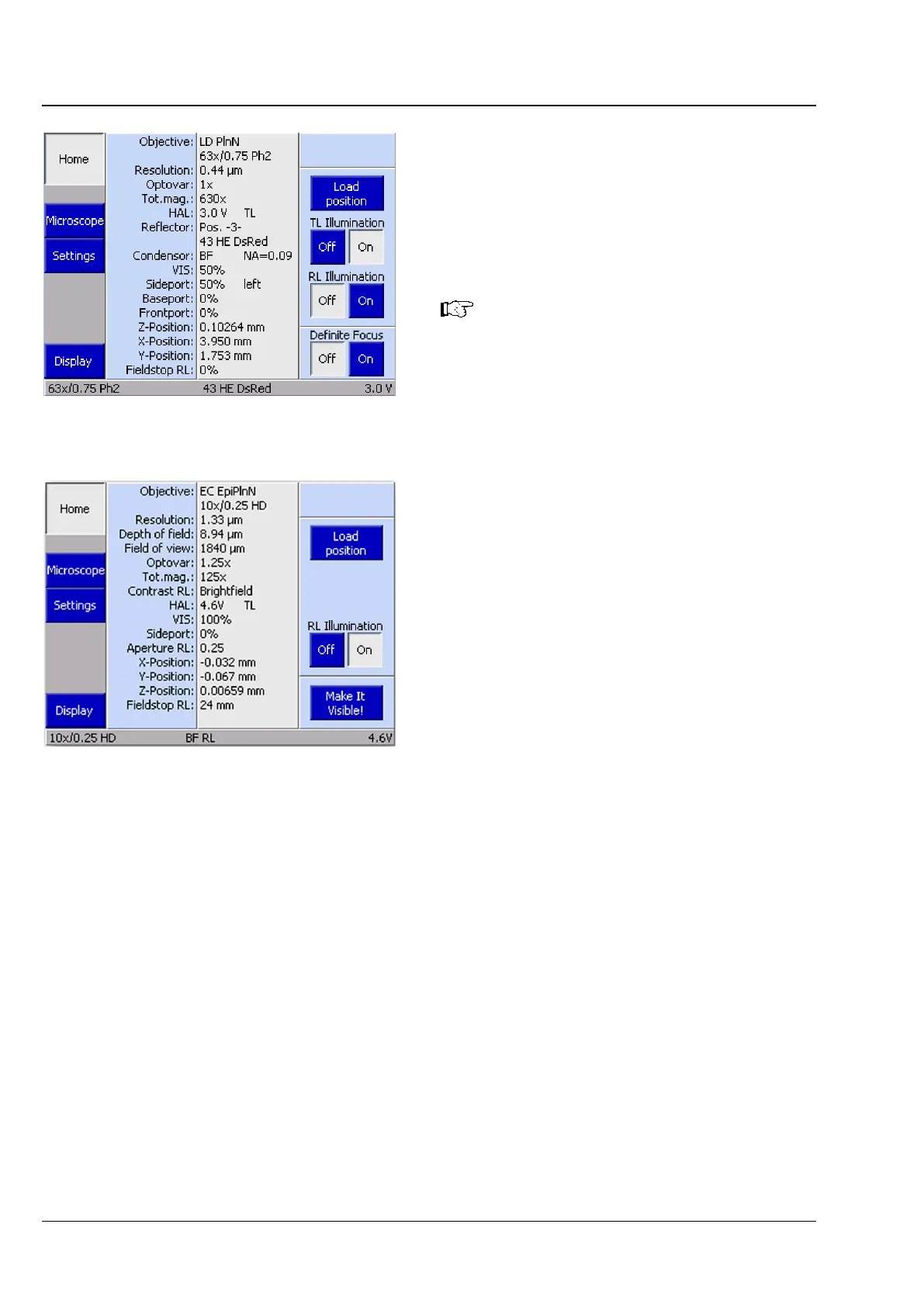
5.11.3 Home page
After switching on, the microscope is initialized.
This process takes a few seconds. Under normal
circumstances, the Home page (Fig. 95 or Fig. 96)
will then be displayed.
If any coded or motorized microscope
components have been changed or
removed while the microscope was
switched off,
the new components will
require configuration after switching on
(see also section 5.11.9).
All menu pages can be accessed using the buttons
on the navigation bar on the left.
The middle section of the controls area displays the
configuration. All coded and motorized control
elements which are recognized during initialization
are shown in the status field, otherwise the "-”
character will be displayed.
The control elements are arranged from top to
bottom according to their significance.
Fig. 95 Home page, typical for a Bio / Med
stand type
Fig. 96 Home page, typical for a MAT stand
type









 To Next Page