OPERATION
ZEISS TFT display touchscreen on the Axio Observer 7, 7 materials Axio Observer
136 431004-7244-001 12/2016
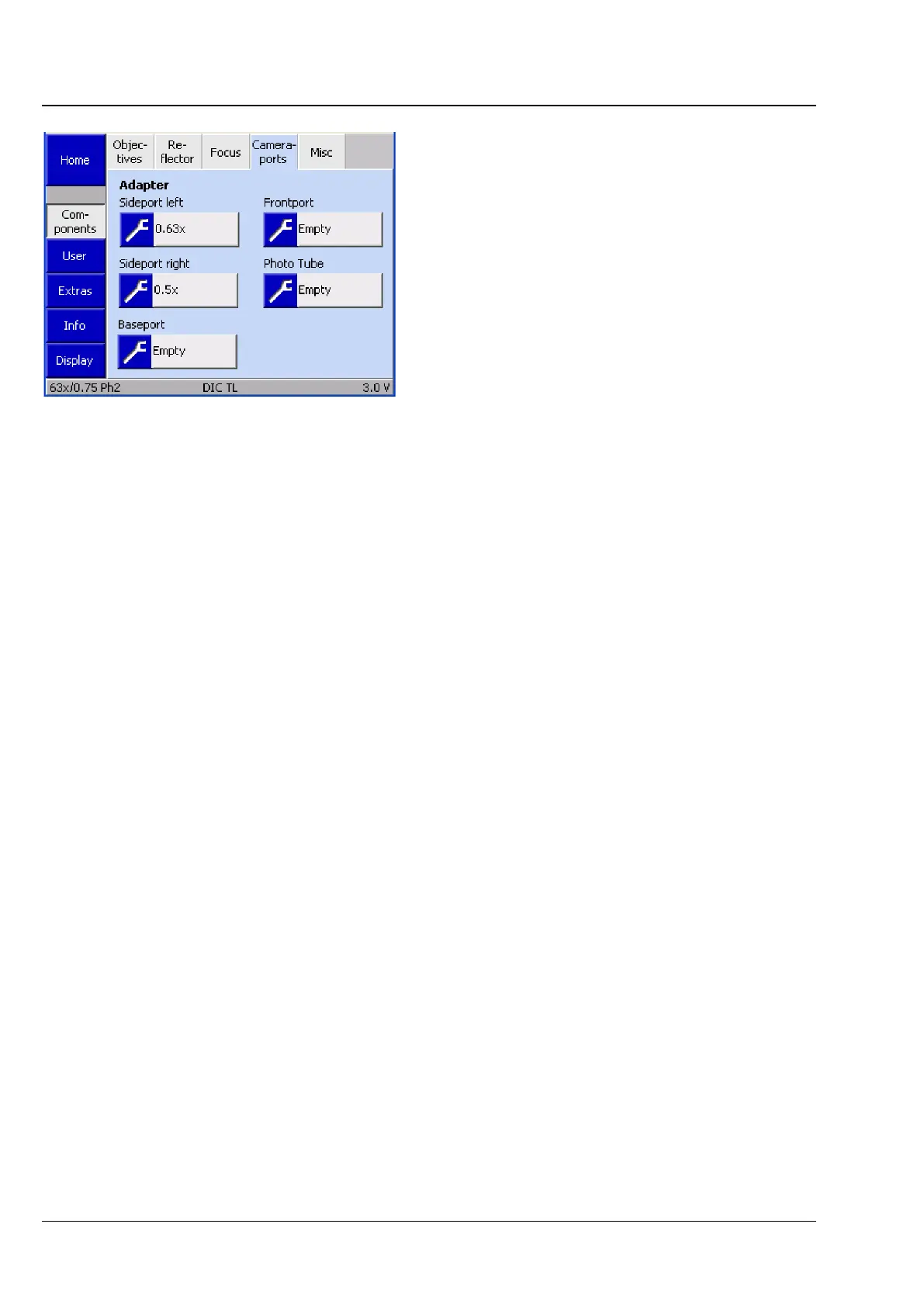
(5) Camera-ports
Use this tab to configure the adapter for the
camera ports (frontport / baseport / sideport /
photo tube).
Adapters
Up to five buttons are displayed depending on the
camera mirroring on the left and the tube used.
The system detects the status of the ports during
initialization (and when the Settings ->
Components page is opened).
• To assign an adapter to a port, press the gray
button.
The Select Camera Adapter list will be
displayed.
• Select the appropriate adapter from the list using the ▲ ▼ buttons.
• Press the Save button to assign the selected adapter to the port. Press the Cancel button to close the
window without any selection.
The magnification is now shown on the button. Assign adapters to the other ports in the same way.
Fig. 129 Settings -> Components -> Camera-
ports page









 To Next Page