OPERATION
ZEISS TFT display touchscreen on the Axio Observer 7, 7 materials Axio Observer
142 431004-7244-001 12/2016
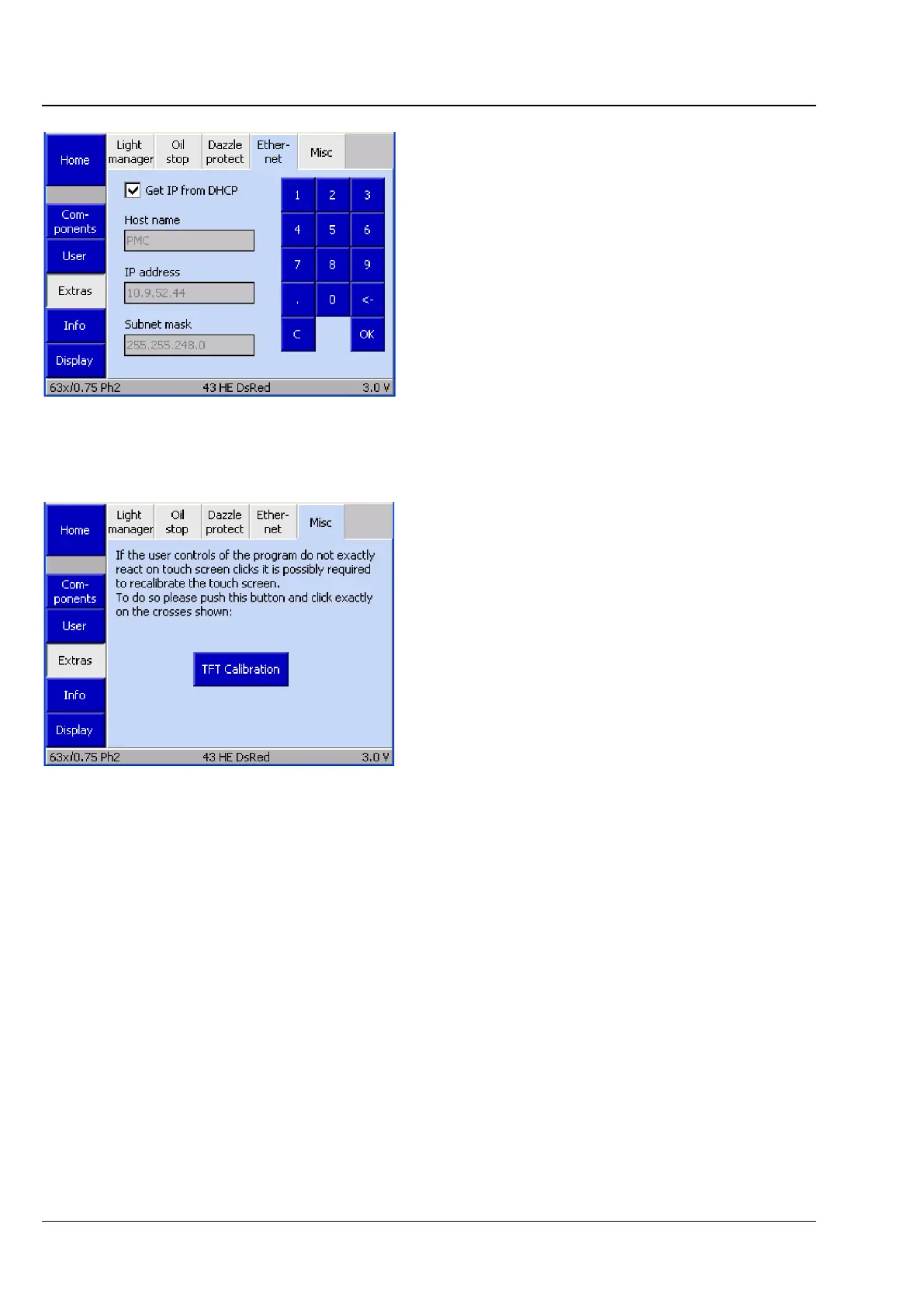
(4) Ethernet
This tab is used to configure the Axio Observer's
Ethernet connection.
(5) Misc
The Misc tab is used to calibrate the TFT display.
Once the TFT Calibration button has been
pressed, crosses will appear in various positions. A
blunt pencil should then be pressed exactly on the
center of the crosses. This ensures that the matrix
for touching image displays is aligned.
Fig. 144 Settings -> Extras -> Ethernet page
Fig. 145 Settings -> Extras -> Misc page









 To Next Page