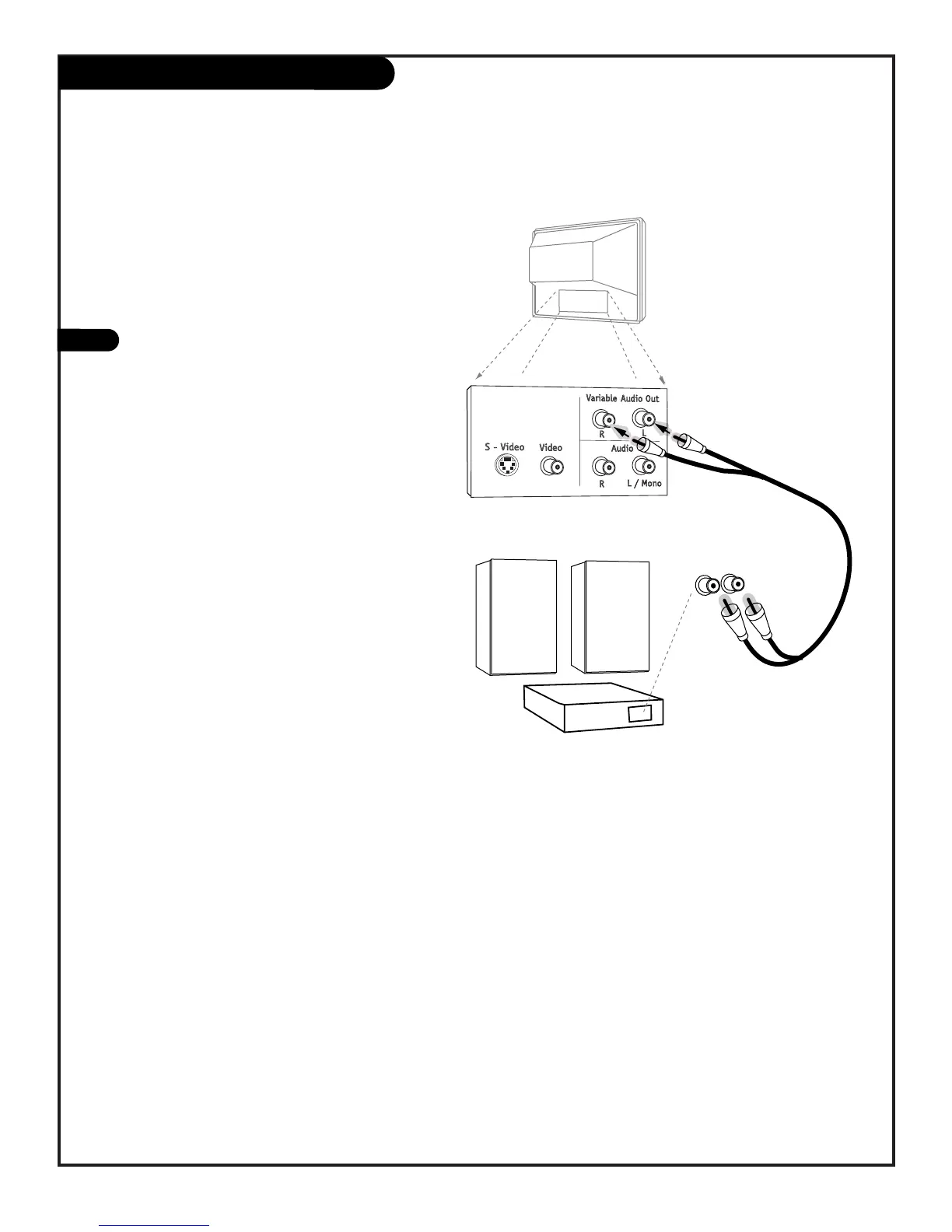
Locate the jacks marked Variable Audio Out,
R - L. These are for the stereo system.
Connect the stereo system’s cables, according
to their color (red is the right channel, white
the left) to these jacks.
1
Before you begin plugging in your stereo
system, it’s a good idea to put it in its
approximate place first. That way you know
how much wire you have or will need.
Use your stereo to play the sound from your
Entertainment Machine



 To Next Page