206-3802
PAGE 37
Using the EZ Help Menu
1
2
3
EZ Help offers solutions to common problems on one convenient menu.
Need Help?
Go to the on-screen EZ Help menu and
use it to solve the problems listed
below
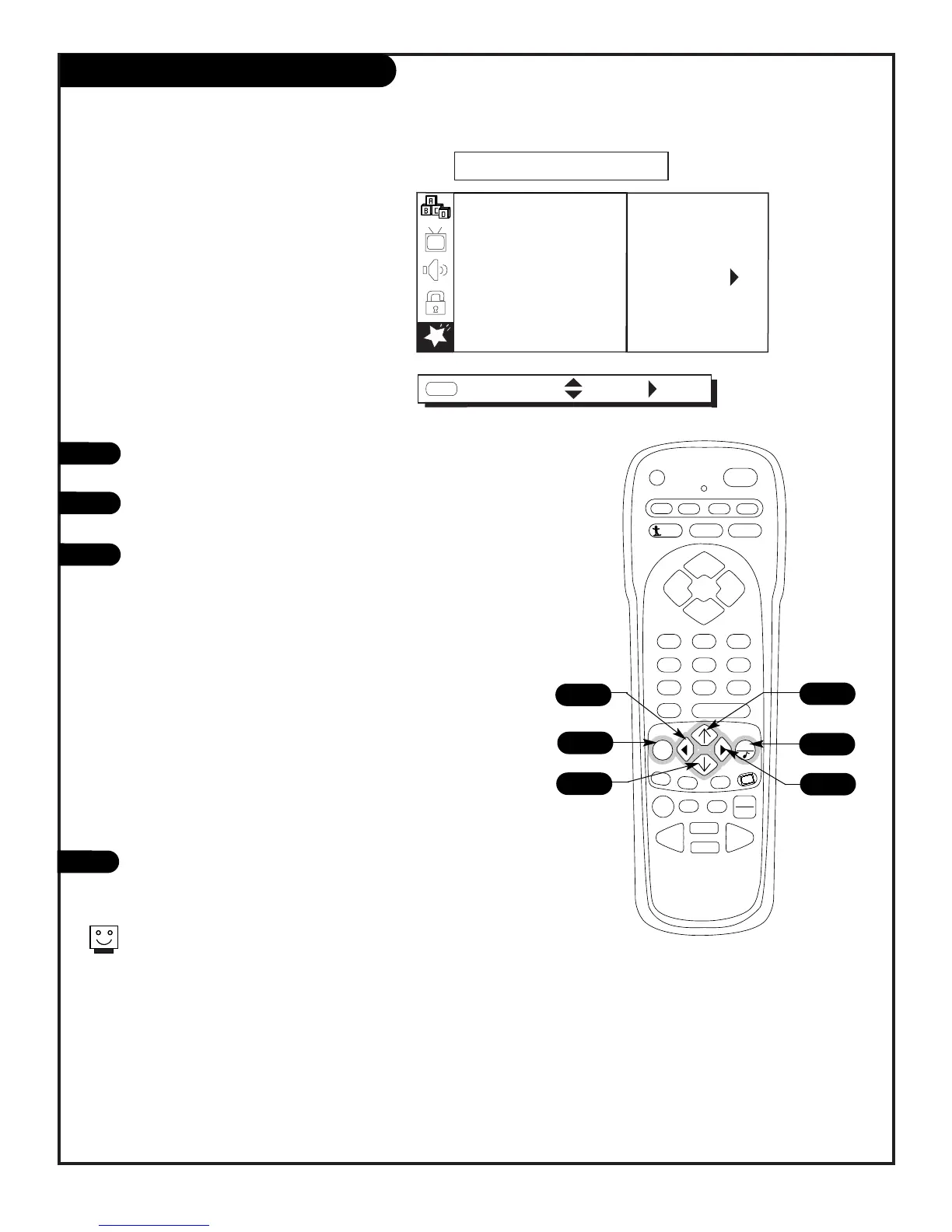
Press MENU repeatedly to select the SPECIAL menu on your
screen.
Use the Up/Down arrow to select the EZ HELP option, then
press the Right arrow.
Use the (Up/Down/Right/Left arrow keys) as described on-
screen to select the options below and correct the problem.
Press QUIT to remove the menu and return to TV viewing.
1
4
2/3
2/3
3
• If you do not have any watchable channels:
Do a channel search.
• If you want to add or delete a channel:
Adds or Deletes channels.
• If your screen is stained:
Use Degaussing.
• If you have a color problem:
Use viewing option for picture setting.
• If there is a volume difference between channels:
Turn on Soundrite so sound level is maintained.
• If there is noise in picture or picture is shaky:
Message shows some common problem solutions.
2/3



 To Next Page