Mini glossary
AIR ANTENNA The device receiving the program signal broadcast over-the-air.
CABLE TV Your EZ Program selection, if you subscribe to a cable service.
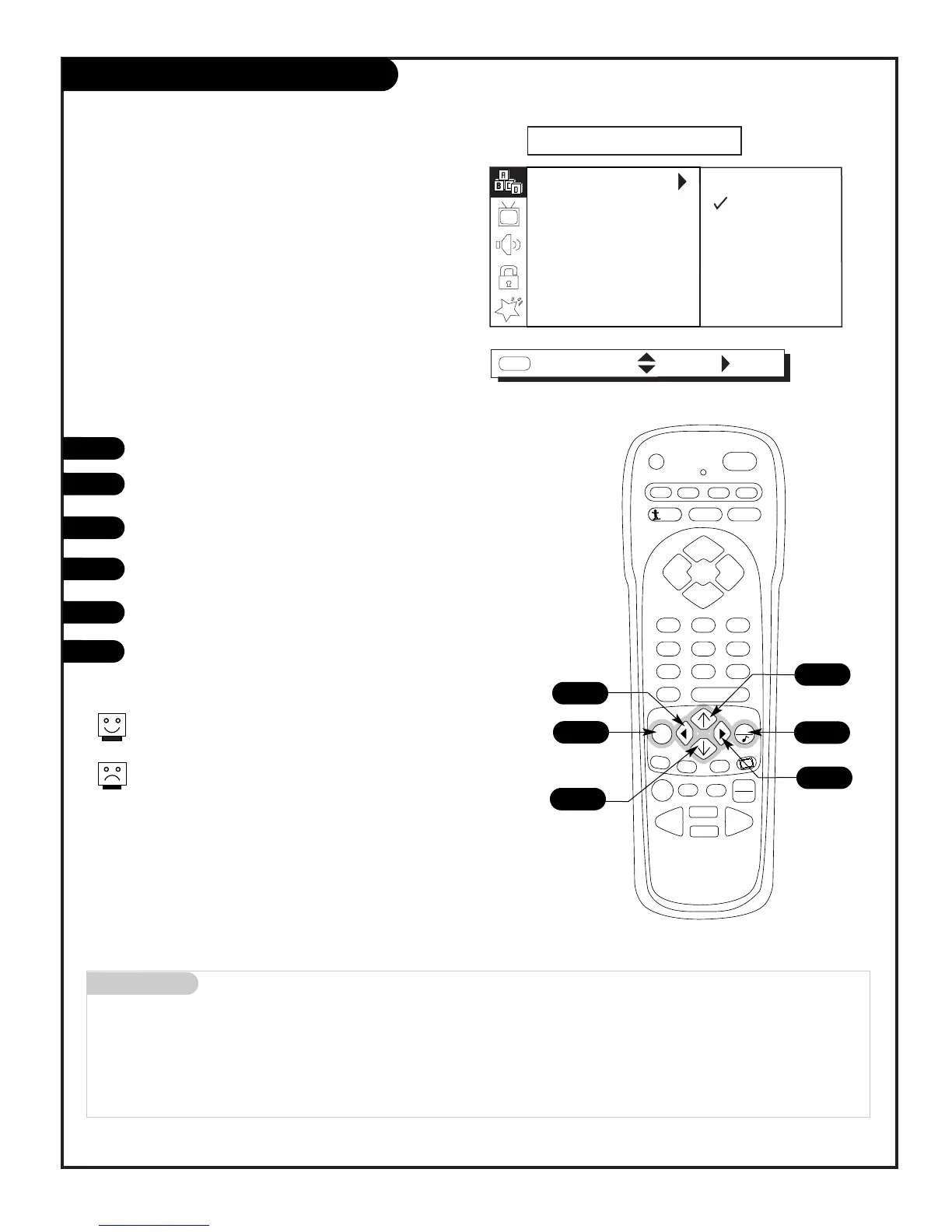
EZ Program (Channel Search)
1
2
3
4
5
6
Use EZ Program to automatically find and store in
the TV’s memory all the channels in your area
Select:
AIR ANTENNA, If you receive over-the-air programs.
CABLE TV, If you subscribe to a cable service.
206-3802
Note: EZ Program finds channels being received by the TV tuner.
Cable will not work unless you subscribe to a cable service.
PAGE 13
Press MENU repeatedly until the SETUP menu appears.
Using the Up or Down arrow on the remote control, select
EZ Program on your screen.
Press the Right arrow to go to the EZ Program options.
Using the Up or Down arrow, choose either Air Antenna, or
Cable TV on your screen.
Press the LEFT arrow to begin the channel search.
When the search is complete, press QUIT repeatedly to
return to TV viewing.



 To Next Page