1
2
3
4
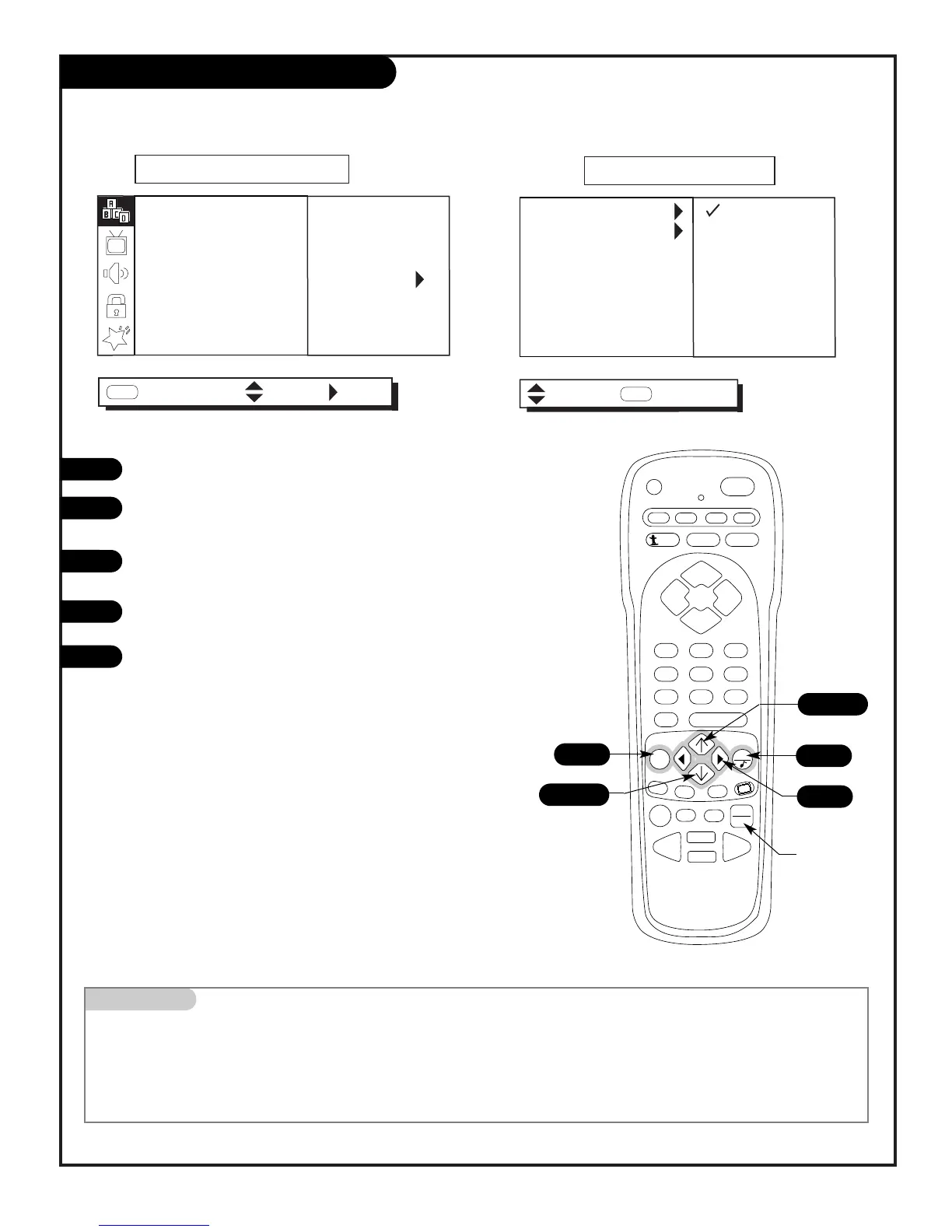
Selecting Sources with the Menus
Press MENU repeatedly to select the SETUP menu.
Use the Up/Down arrow to select SOURCE MENU, then
press the Right arrow.
Use the Up/Down arrow to choose the MAIN SOURCE or
PIP SOURCE option, press the Right arrow.
Use Up/Down arrow to select ANTENNA/CABLE, Video 1, or
Video 2.
After you have selected viewing sources for the Main pic-
ture screen and the smaller PIP inset, press QUIT to
remove menus and return to TV viewing.
Using TV/VCR SOURCE to Choose Viewing Sources
Press TV/VCR SOURCE repeatedly to scroll through the
available sources: ANTENNA/CABLE, VIDEO 1, VIDEO 2.
Choose the picture and sound you want to view on the Main Picture Screen and the smaller PIP inset
1
5
2/3
Mini glossary
ANTENNA/CABLE The source from the ANTENNA/CABLE jack.
VIDEO 1, 2 The equipment connected to the video input jacks on the back or front of the TV: VCR, DVD, camcorder etc.
TV/VCR SOURCE The key on the remote control providing direct access to available sources.
5
2/3/4
2/3/4
Direct Source
Access



 To Next Page