1
2
3
4
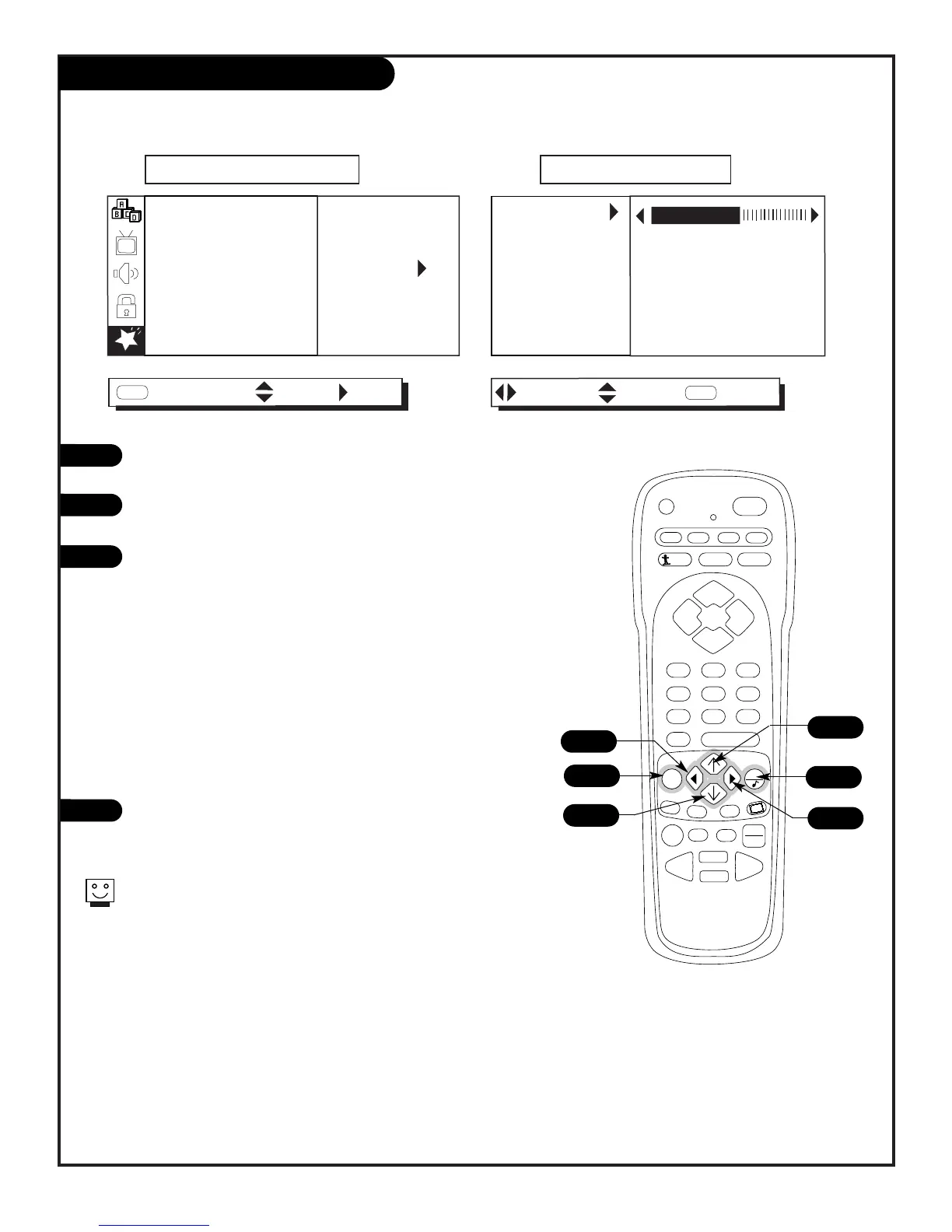
Press MENU repeatedly to select the SPECIAL menu on your
screen.
Use the Up/Down arrow to highlight the PIP MENU option, then
press the Right arrow.
Use the Up/Down/Left/Right arrows to select and change the
PIP menu options.
Press QUIT to remove menu and return to TV viewing.
Customize the PIP inset appearance and size
3
1
4
Turn to the next page for a more detailed description of the PIP feature.
2
2/3
2/3
• Contrast: Changes the amount of difference between black
levels and white levels in your picture.
• Brightness: Increases or decreases the amount of white in
your picture.
• Color: Adjusts levels of all colors.
• Tint: Adjusts the relative amounts of the colors red and green
in your picture.
• Size: Selects the PIP inset picture size.
Options are: Large, Small.



 To Next Page