1
4
3
2/3
2/3
2/3
1/3
Mini glossary
TIME A four-number figure broken down into hours and minutes; first two numbers are hours, last two numbers are minutes.
HOURS First two numbers that are entered when setting the clock.
MINUTES The second two numbers that are entered when setting the clock.
FLASHBK Use to set AM or PM when setting time.
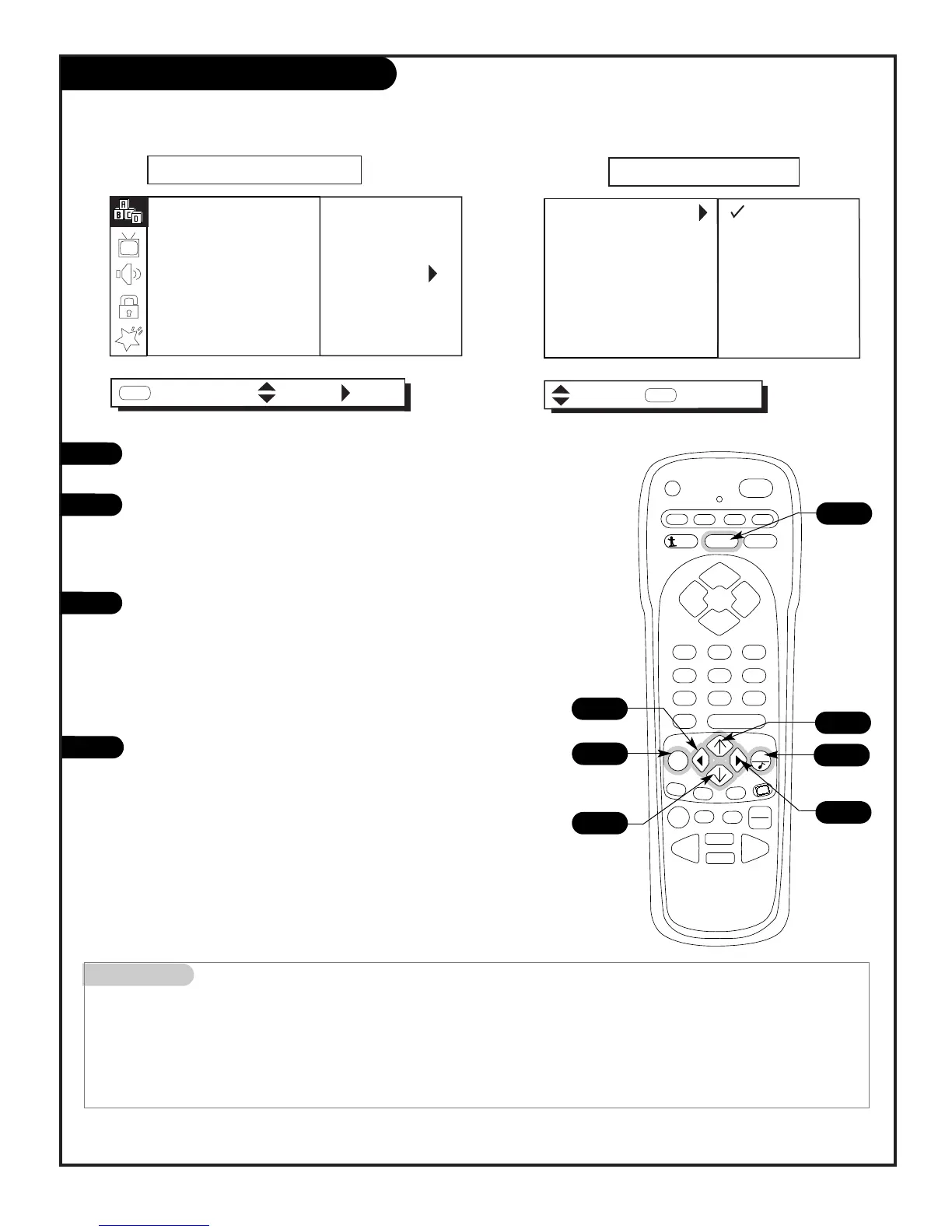
In the Setup menu with the EZ Clock option highlighted, press the
Adjust RIGHT arrow to go to the EZ Clock Menu.
Use the Select UP or DOWN arrows, the Adjust LEFT or RIGHT
arrows, and the NUMBER keypad to set the clock menu options. As
indicated on the menu, use FLASHBK to set AM or PM.
EZ Clock Menu Options
Press QUIT to return to TV viewing.
Set the clock yourself or have the TV do it for you
Manual Mode
User sets the EZ Clock options.
• Clock Mode: Auto, Manual.
• Time Set: Highlight Time Set,
press the right arrow. Set
hours/minutes using the NUMBER
keypad or the left/right arrow
keys. Use Flashbk for AM/PM.
Automatic Mode
TV sets the clock, but the user
can enter the menus and make
custom changes if needed.
• Time Zone: Auto, Eastern,
Central, Mountain, Pacific.
• Daylight Savings: Auto, Off, On.



 To Next Page