2/5
Mini glossary
ADDED Includes new channels to the channel list that you'll scroll through when using Channel Up/Down.
DELETED Removes channels that you don't watch from the channel list you'll scroll through using Channel Up/Down.
SURF Adds your favorite channels to the Surf channel list. Press SURF, channels you specify as Surf channels will be the only ones to
appear when you use Channel Up/Down. Press SURF repeatedly to turn Surf off, (No Surfing!) and return TV to normal channel
selection mode.
1
2
3
4
5
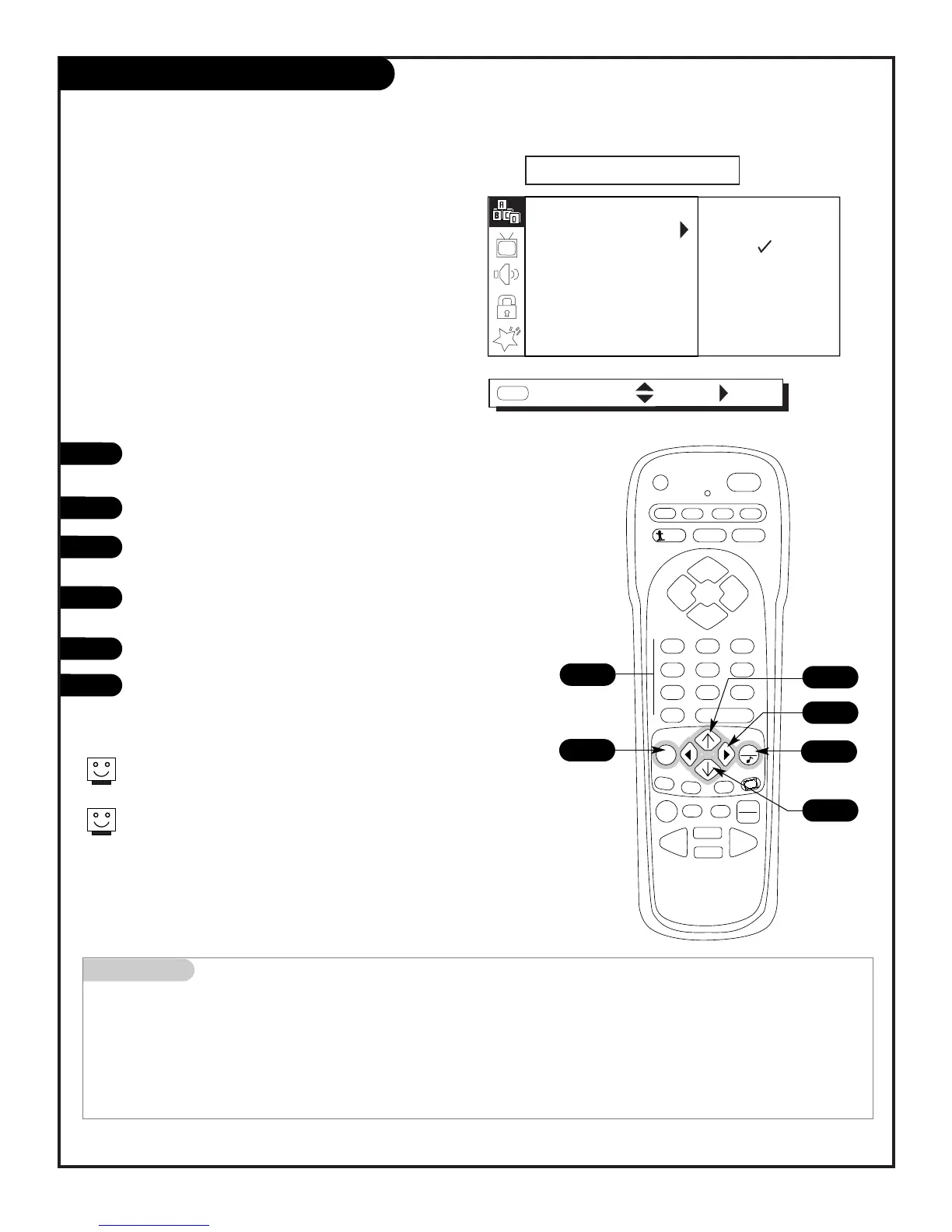
Customize your channel selection list:
Add Channels not found by EZ Program,
Delete channels you don’t watch,
Create a favorite channels list to “Surf”
- - with Surf on, only those channels specified
as Surf channels will appear when using Channel
Up/Down
Use the NUMBER keypad to go to the Channel you want to add,
delete, or include in the Surf channel list.
Press MENU repeatedly until the SETUP menu appears.
Use the Up/Down arrow to highlight the Add/Del/Surf option,
then press the Right (adjust) arrow.
Use the Up/Down arrow to pick ADDED or DELETED or SURF;
move the check mark next to the option.
Use MENU to go back to the SETUP menu.
Press QUIT to remove menu when finished or go to another
channel you want to add or delete by using the NUMBER key-
pad to select it and repeat from Step 3.
If you’ve deleted a channel, it isn’t gone for good. Just select it
using the NUMBER keypad on the remote, or add it later.
Surf channels are automatically added.
1
6
6
3/4
3
3/4



 To Next Page