To access the on-screen menus, press
MENU. Pressing MENU repeatedly will cycle
through the available menus.
Highlight the option you want using the
DOWN or UP Channel arrow.
ADJUST or change the selected feature
using the LEFT or RIGHT Volume arrow.
Wait a few moments and the menus will
disappear by themselves or press MENU
repeatedly to remove menus.
Menus disappear by themselves. To get them
back, press MENU again.
If you’ve lost your remote, you can get a new
one by calling 1-800-255-6790 to
purchase a replacement.
1
2
3
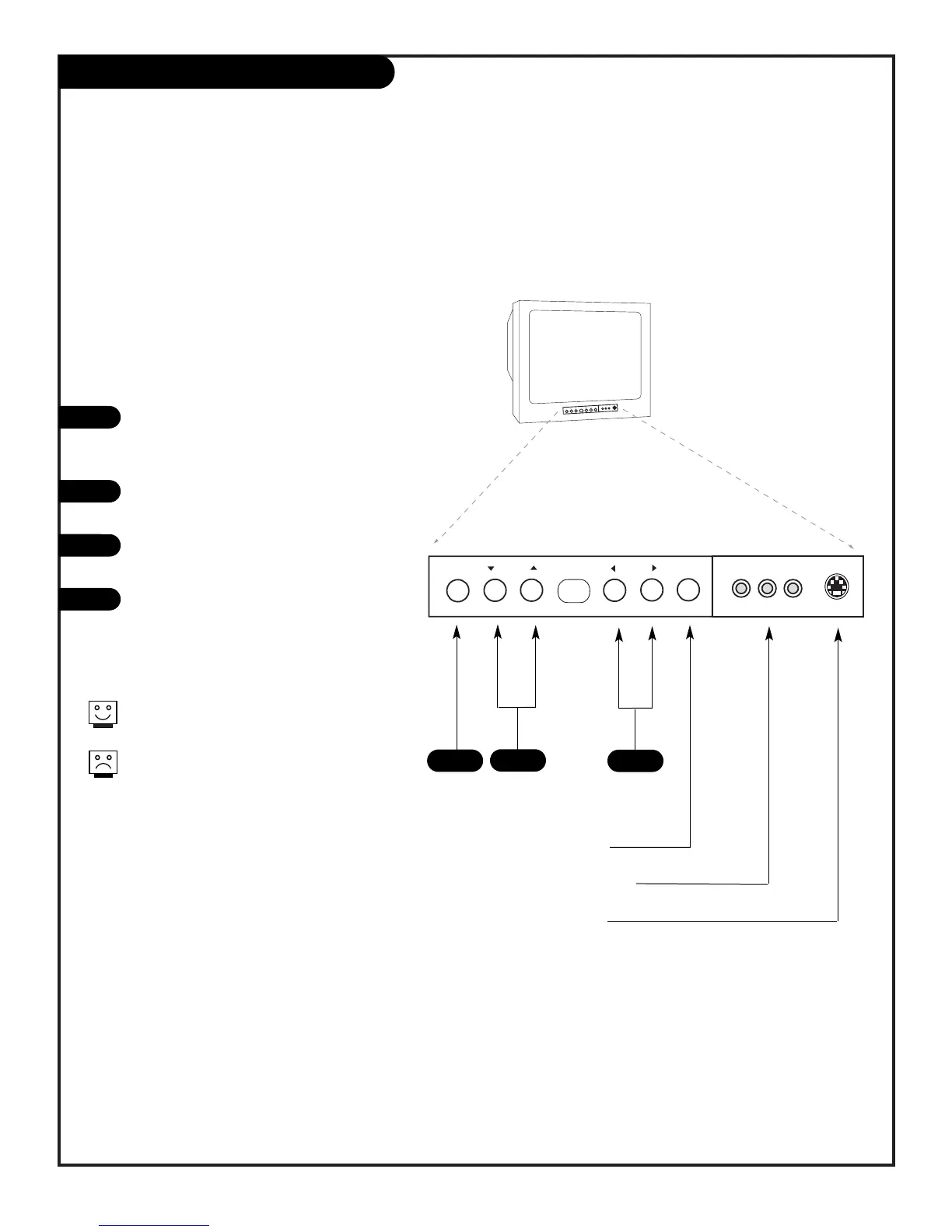
When using the on-screen menus, the buttons on the TV front
panel correspond to the remote control keys as follows:
CHANNEL = Moves Up/Down
VOLUME = Moves Left/Right
1
3
2
Typical TV Front Panel
4
Turns TV On and Off
Front Audio/Video Inputs
Front S-Video Input



 To Next Page