206-3802
PAGE 25
Setting the Video Menu Options
1
2
3
Customize the picture to your personal viewing
preferences
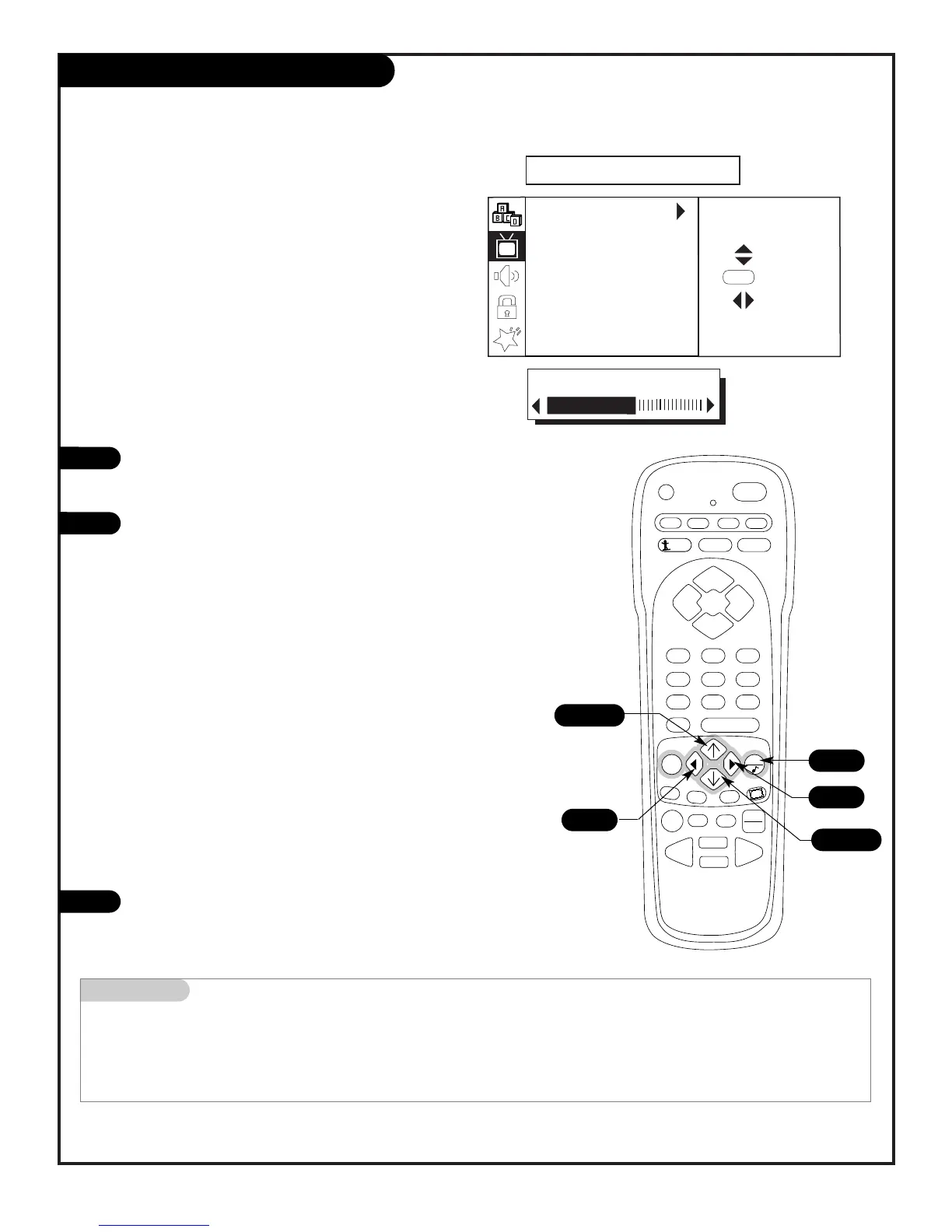
With the VIDEO menu on-screen, use the Up/Down arrow to
select an option like EZ Picture, press the Right arrow to go to
the EZ Picture menu selections.
Using the Up/Down arrow, select a setting.
Your options are:
After you have used the Up/Down and Left/Right arrows to
select and adjust the VIDEO menu options to your preference,
press QUIT to return to TV viewing.
Mini glossary
Custom The settings you have changed to your personal preferences.
Preset Select this option to reset the video menu settings to their original levels.
1/3
3
1/2/3
1/2/3
3
Contrast: Changes the amount of difference between black lev-
els and white levels in your picture.
Brightness: Increases or decreases the amount of white in
your picture.
Color: Adjusts levels of all colors.
Tint: Adjusts the relative amounts of the colors red and green
in your picture.
Sharpness: Raises or lowers the definition of the picture. The
lower the level, the softer the image will appear.
Color Temperature: Changes the overall picture appearance.
Options are: Warm, Medium, Cool.
EZ Picture: Sets your viewing preference based on the viewed
image’s setting.
Options are: Custom, Normal, Movie, Digital Pres, Video
Game, Sports, Weak Signal, Night Time.



 To Next Page