206-3802
PAGE 32
XDS Display
1
2
3
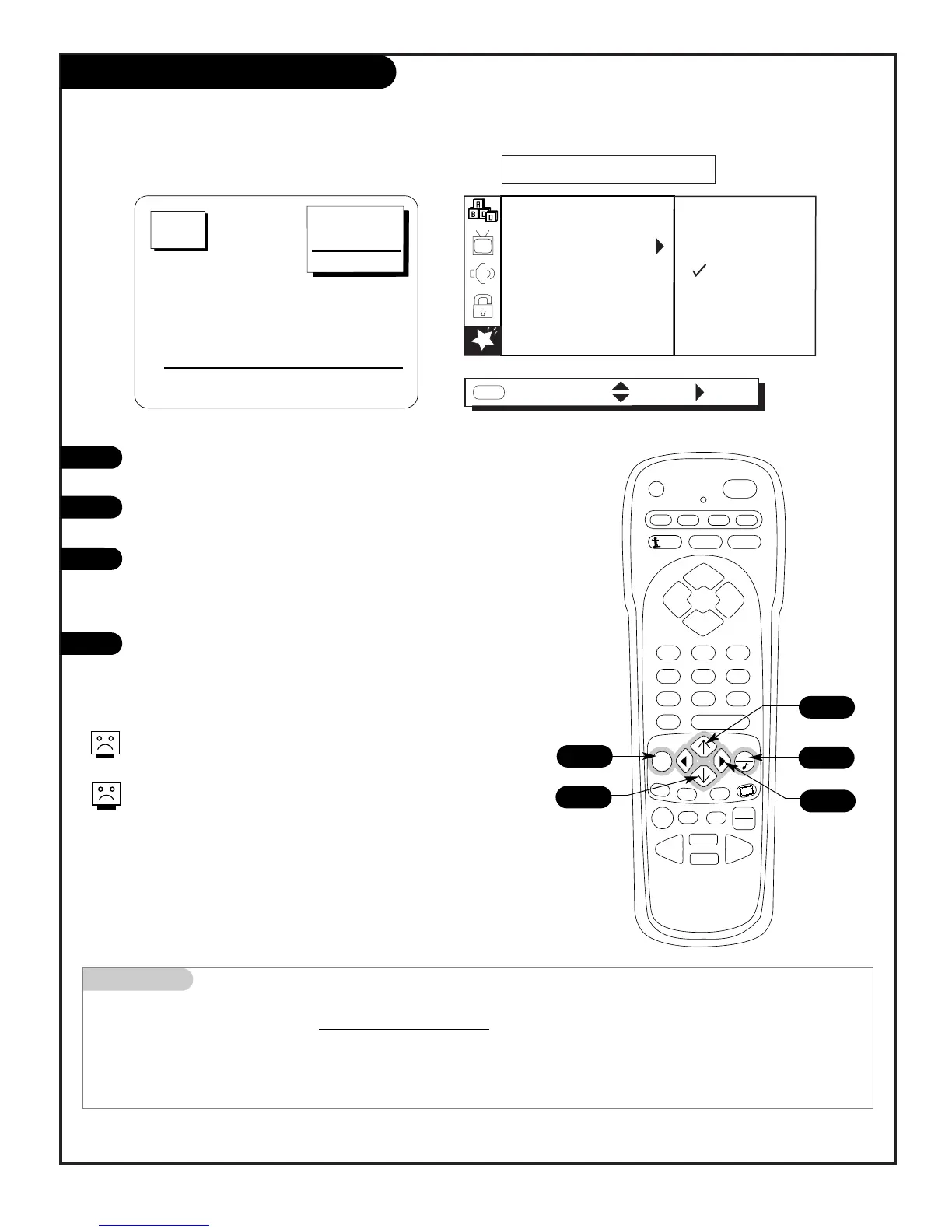
Press MENU repeatedly to select the SPECIAL menu on your
screen.
Use the Up/Down arrow to select the XDS DISPLAY option, then
press the Right arrow.
Use the Up/Down arrow to choose: On, or Off.
On, XDS Display will appear as channels are changed or ENTER
is pressed,
Off, XDS Display will not appear.
Press QUIT to remove the menu and return to TV viewing.
1
4
Mini glossary
XDS Extended Data Service - - if pr
ovided by the broadcaster, may show some or all of the following information:
Channel/Time/Audio display, Network label if present, Title of program, Length of program in hours and minutes, and the
Time remaining on the program in hours and minutes, Program content rating and if PIP is active,
the PIP channel number
.
Use the Extended Data Service to show in-depth program information
At this printing, XDS data is only being provided by some broadcasting
stations, and, as a result, may only available on some channels.
Even though XDS data may be present, it may not be available during
commercial or network breaks.



 To Next Page