206-3802
PAGE 22
Selecting Captions/Text Options
1
2
3
4
Turn on Closed Captioning or Captions when sound is Muted, then choose a Closed Captions or Text option
Captions come in handy when the television is on mute. Standard closed
captioning is available using the Caption 1 option.
Not all programming has closed captioning or text available, even though
Captions 1, 2, 3, 4, and Text 1, 2, 3, 4 are available to broadcasters.
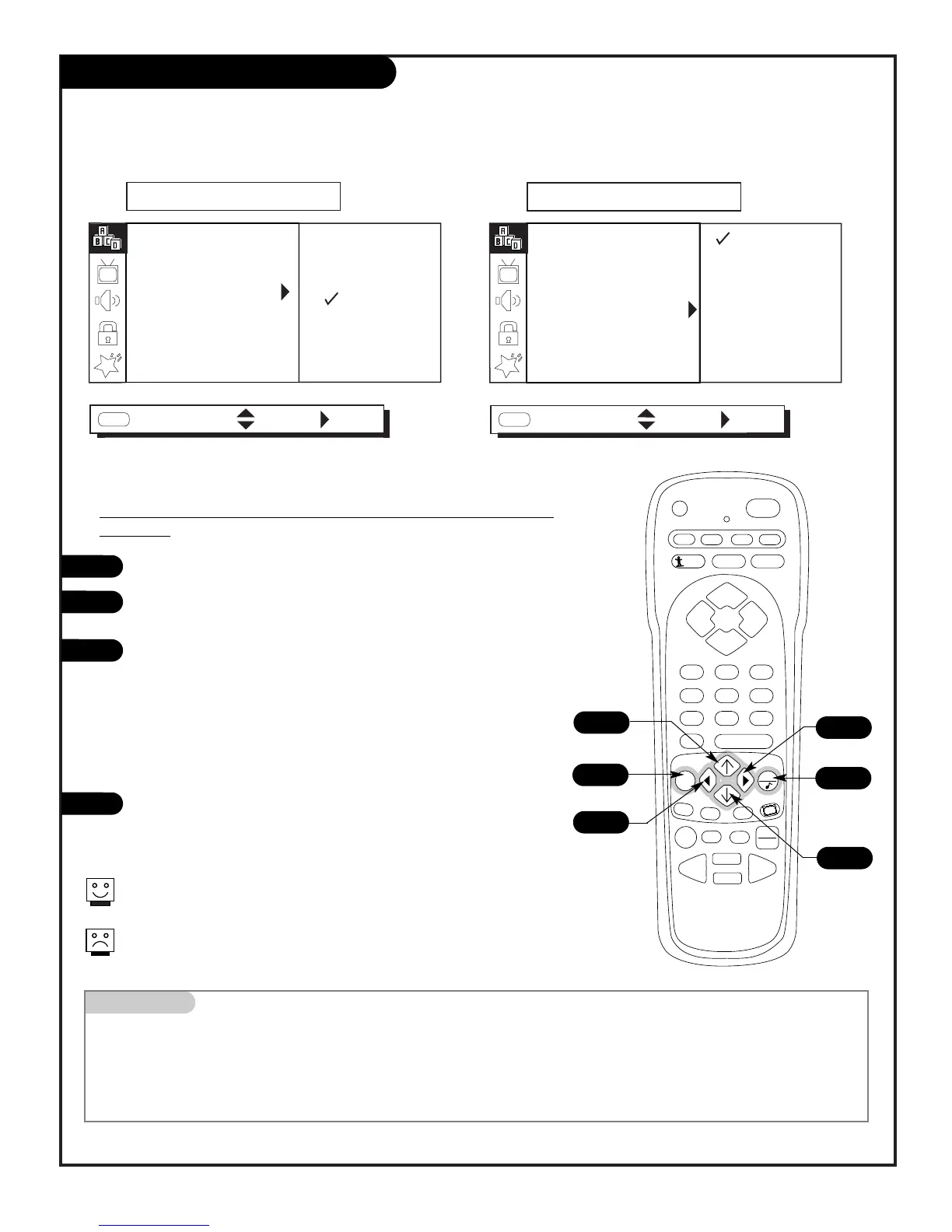
Press MENU repeatedly to select the SETUP menu.
Use the Up/Down arrow to choose Captions, then press the Right
arrow.
Use the Up/Down arrow to select Off, On or EZ Mute, then press
the Right arrow.
Note: If you selected either On or EZ Mute, then use the
Up/Down/Left/Right arrows to choose an option from the
Caption/Text menu: Caption 1, Caption 2, Caption 3, Caption 4,
Text 1, Text 2, Text 3, or Text 4. To have that option appear when
the TV is muted or a program is tuned to that has Closed
Captions or Text.
Press QUIT to remove menu and return to TV viewing.
Caption/Text sets up your Entertainment Machine to receive various
closed caption and text options if provided by broadcasters.
Availability and functionality of Caption/Text is determined only by the
broadcaster.
Mini glossary
CAPTIONS The term for the words that scroll across the bottom of the TV screen; usually the audio portion of the program provided
for the hearing impaired.
TEXT The term for the words that appear in a large black frame and almost cover the entire screen; usually messages provided
by the broadcaster.



 To Next Page