206-3802
PAGE 36
EZ Demo Menu
Mini glossary
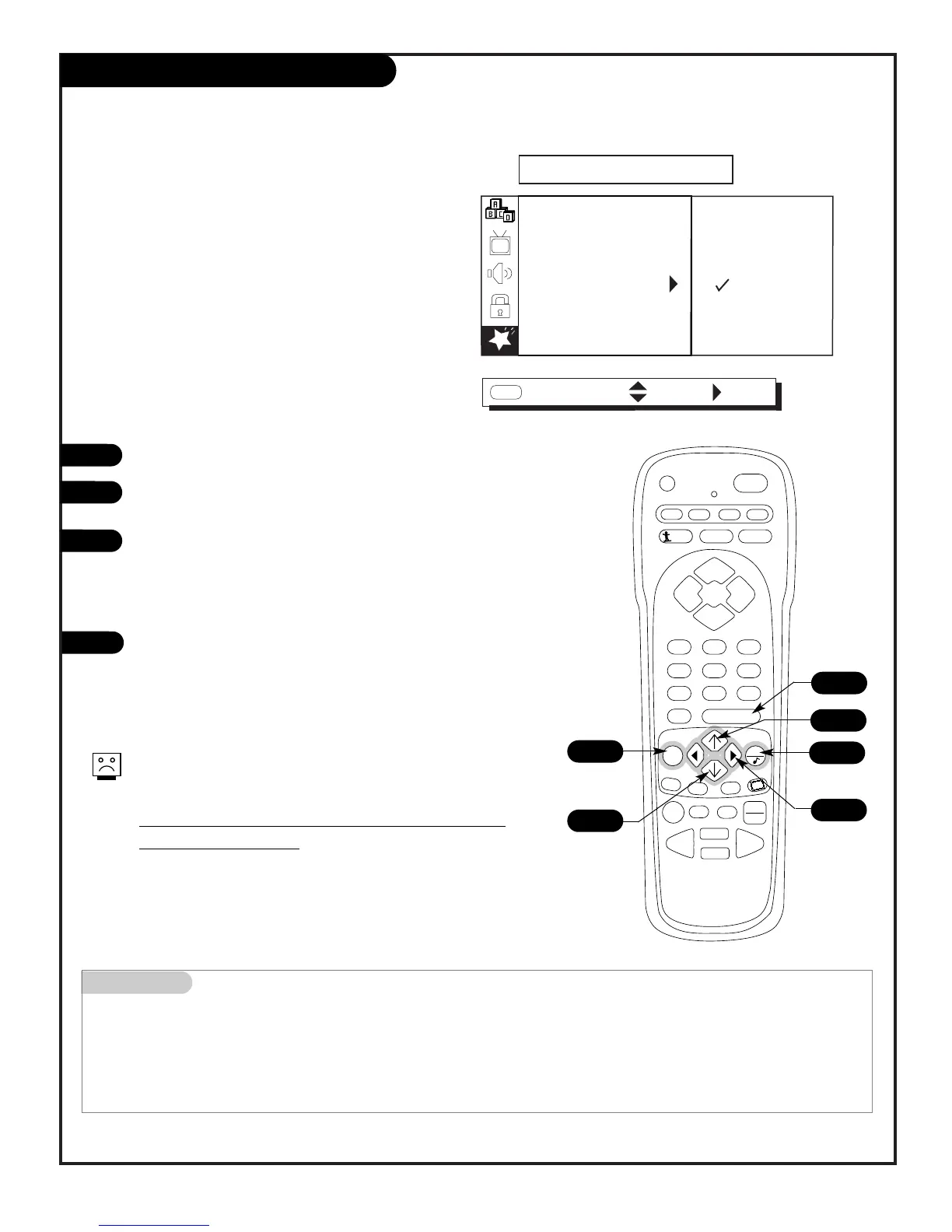
EZ DEMO Feature provides an automatic demonstration of the on-screen menus on your Entertainment Machine.
View and learn what features are available to you as EZ Demo cycles through the on-screen menus.
1
2
3
4
Your Entertainment Machine can show you the
menus available
Even if the TV is turned off, the EZ Demo feature will
continue to operate when the TV is turned on again.
The only way to turn EZ Demo off is to select Off,
in the SPECIAL menu.
Press MENU repeatedly to select the SPECIAL menu.
Use the Up/Down arrow to select the EZ DEMO option, then
press the Right arrow.
Use the Up/Down arrow to choose either:
On; then press ENTER. EZ Demo will continue to run (even
if the TV is turned off and on again) until it is turned off in
the SPECIAL menu.
Off; EZ Demo will not be active.
Press QUIT to remove menu and to return to TV viewing.



 To Next Page