206-3802
PAGE 14
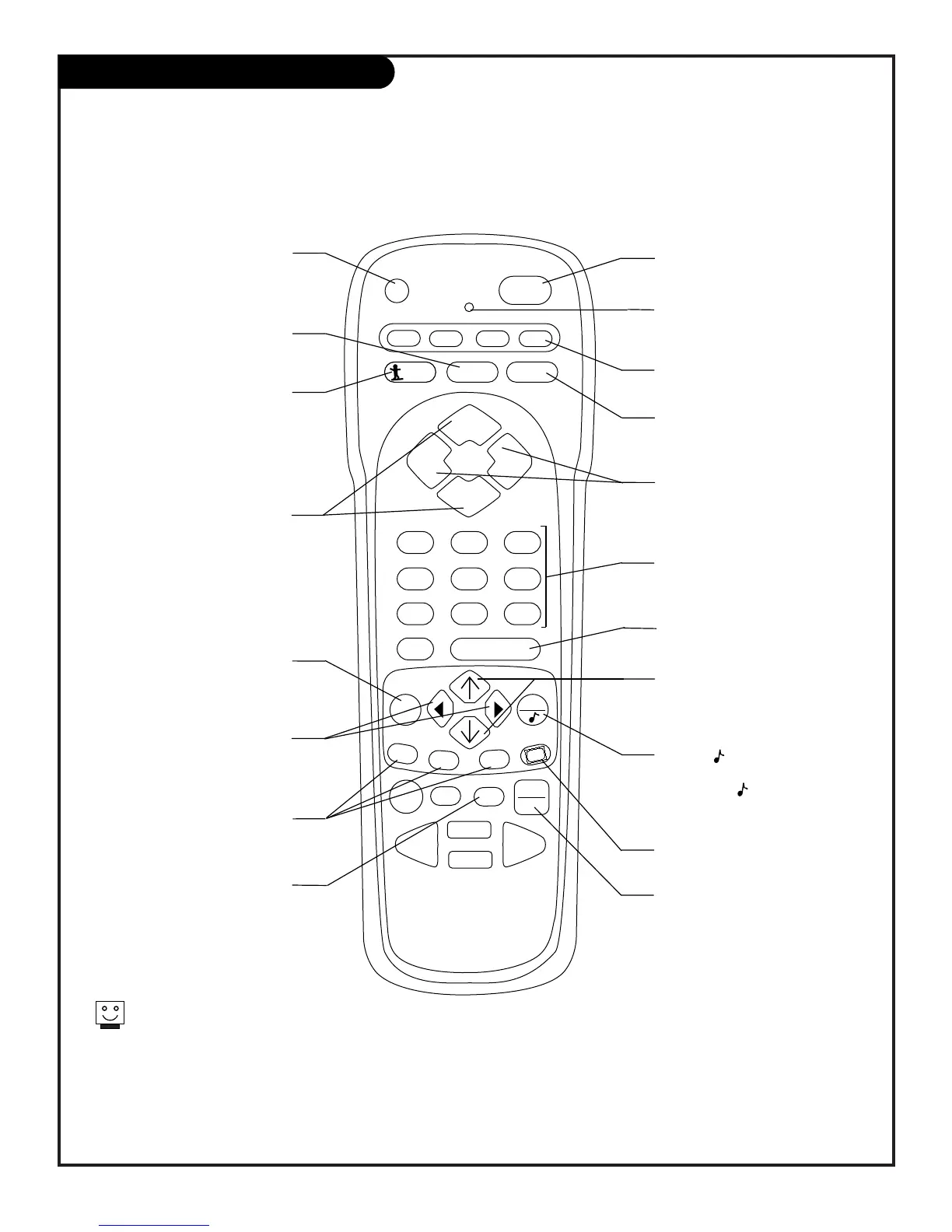
Remote Key Functions for TV Mode
Note: Pressing TV puts remote into TV operating mode
A quick list of the keys on your remote and what they do in TV mode,
see page 44 for remote key functions in the other modes
PRG (PROGRAM)
Programs your remote to operate
other products.
See page 38.
FLASHBK (FLASHBACK)
Return to the last channel
viewed.
POWER
Turns TV On or Off
.
CABLE / VCR / AUX / TV
Selects remote operating mode.
CHANNEL UP / DOWN
Tunes next available channel.
MUTE
Turns sound Off and On
while the picture remains.
ENTER
Shows the Channel/Time display.
NUMBER KEYPAD
Selects channels directly and enters
numeric values for some options
.
MENU
Shows on-screen menus for TV
mode. See page 18.
(MENU) UP / DOWN
DIRECTIONAL ARROWS
The Up/Down directional arrows
select and adjust menu options.
remote control part number
MBR3457CT
(124-233-05)
TIMER
Displays the Sleep Timer Menu.
See page 30.
VOLUME LEFT / RIGHT
Adjusts the sound level.
QUIT/
Removes on-screen menu/display
from view. With no menus shown
on-screen, turns front surround
sound on and off.
TV / VCR SOURCE
Switches between watching TV
through antenna/cable, or one of the
video sources.
Keys dedicated to VCR functions
will still operate your VCR while
the remote is in TV mode.
CLOSED CAPTIONS
Selects Off, On, or EZ Mute.
(MENU) LEFT / RIGHT
DIRECTIONAL ARROWS
The Left/Right directional arrows
select and adjust menu options.
LED INDICATOR LIGHT
Lights when keys are pressed.
PIP FEATURES
For PIP (Picture-in-Picture)
operation. See page 34.
SURF
Press to turn Surf channel scan
on and off for channel scanning
using Channel Up/Down.
On=Only Surf channels appear.
Off=Normal channel scan.



 To Next Page