9.7 Indication menu
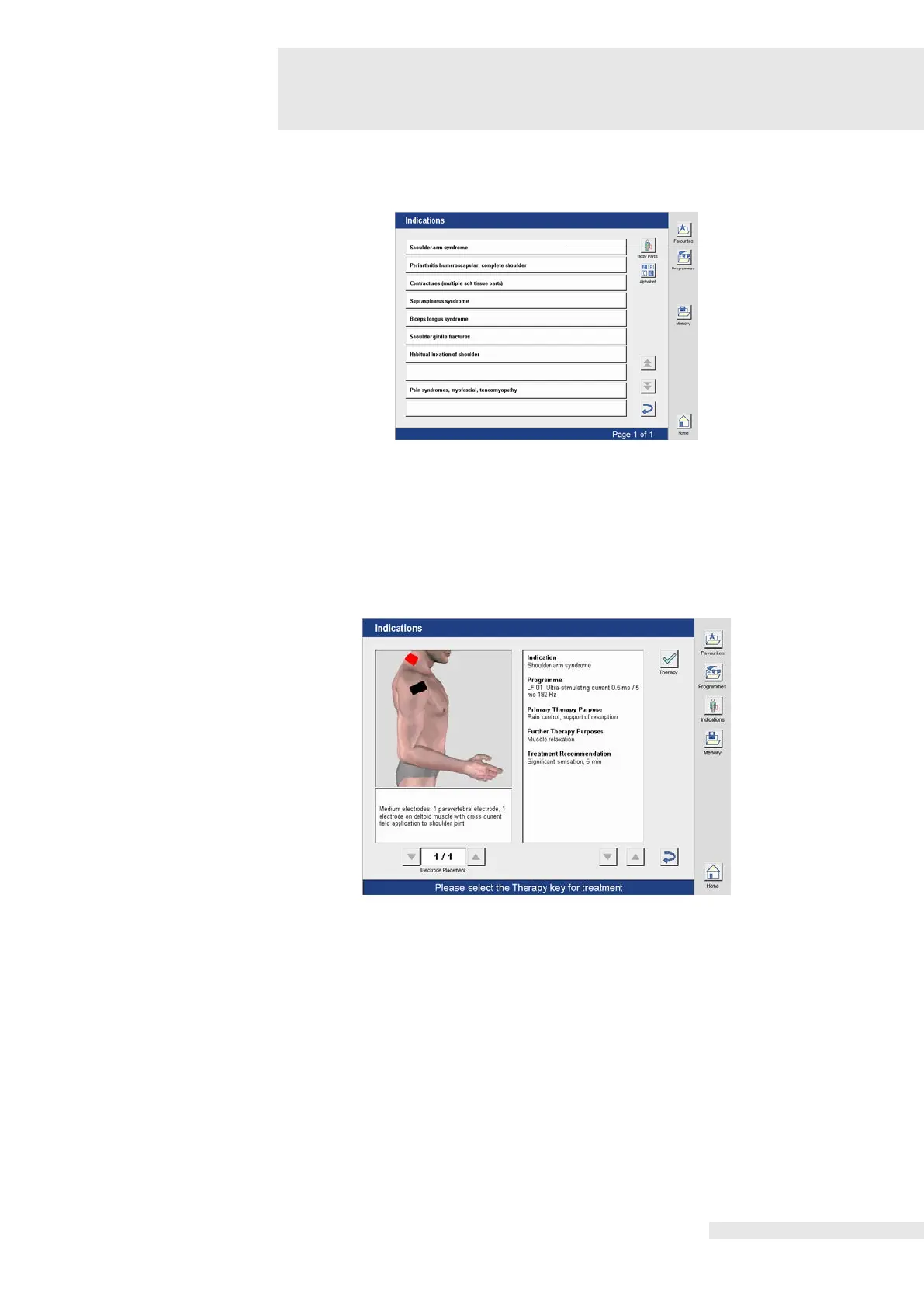
After selecting the desired body region or making a selection via the list (here: “Shoulder”), the
window (5) opens with various indications in the shoulder region.
The desired clinical picture is selected directly in the corresponding line (here: Shoulder-arm
syndrome).
Additional selection options can be made depending on the application. The selection is made
directly in the corresponding line.
If the selection is completed, a window with detailed therapy information and a program
recommendation opens.
Activating the “Therapy” button opens the therapy program.
The parameters of the predefined programs can be individually modified and saved.















 To Next Page