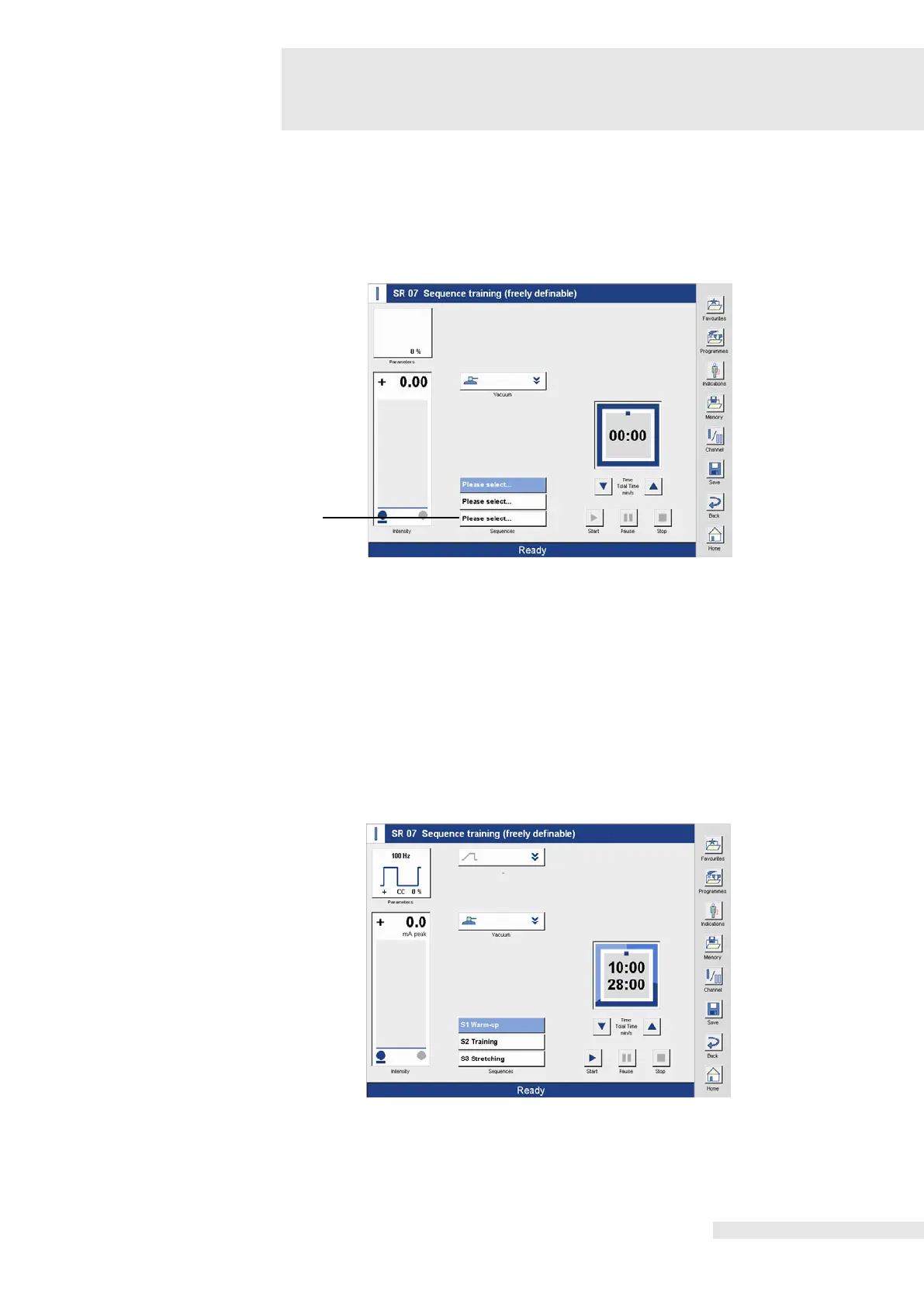
9.11 Program free sequence program
In the “currents for sports rehabilitation” program family, an individual sequence program can
be defined by selecting “SR 07“.
Sequence programs can be performed in monostim as well as in twinstim mode.
The freely definable sequence program is defined in monostim mode as default. For
programming a twinstim program, twinstim must be activated in channel mode.
screen
As a default, the first sequence is active upon selection of the program (1).
The desired sequence is selected directly in the corresponding line and is highlighted in blue
after activation. The “Current form groups” screen opens upon selection of the sequence to be
Select current form
group
Selection of the desired current form group.
Selection of the desired current form.
When the desired current form is selected, it is added to the sequence program and saved on
the activated sequence place.
Sequences 2 and 3 are defined according to the same procedure.
screen freely definable
The specification of the intensities and therapy start are described in detail in the previous
section.















 To Next Page